Lo-fi2:44
 Daskai
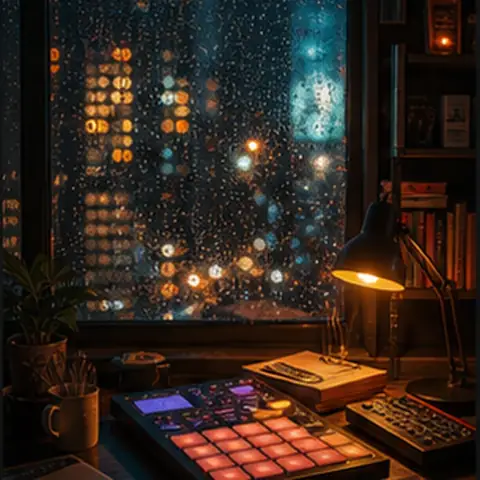
lo-fi hip hop, warm Rhodes piano, vinyl crackle, rain ambience, soft sidechain drums, 82 BPM
1.3K likes18.4K plays
動画の場面、尺、テンポ、声の入り方に合わせて、オリジナルBGMをプロンプトから生成します。
ローファイ、アンビエント、シネマティック、ポップなど、動画の下に敷きやすい音楽例を確認できます。
Daskailo-fi hip hop, warm Rhodes piano, vinyl crackle, rain ambience, soft sidechain drums, 82 BPM
Daskailo-fi, piano loop, tape hiss, mellow beat, soft sub bass, 86 BPM
Daskaiambient lo-fi, granular pads, soft static, minimal drums, warm tape saturation, 70 BPM
 Aura Miles
ambient, soft Rhodes, slow evolving pads, brushed texture, 60 BPM
 Solan Ridge
cinematic folk, acoustic guitar, strings, low drum, mountain air, 92 BPM
Solan Ridgecinematic, folk strings, frame drum, choir pads, 96 BPM
 Prism Shift
ambient techno, deep pulse, foggy pads, distant radio motif, 104 BPM
 Kuma Beat
Afro-fusion, kora-like plucks, electronic bass, hand drums, 100 BPM
Prism Shiftsynthwave, analog arps, gated snare, driving bassline, neon night drive, 112 BPM
Prism Shiftsynthwave, pulsing bass, bright lead, cinematic drums, blooming chorus, 116 BPM
Aura Milesjazz soul, brushed drums, smoky electric piano, upright bass, 68 BPM
Daskaichillhop, muted guitar, soft upright bass, brushed drums, bus window ambience, 78 BPM
Group 1 of 3
MeloLabでは、まず制作フローを試し、必要に応じてクレジットや商用利用に対応したプランへ進めます。公開前には対象出力のライセンス状況を確認してください。
無料プランには一回限りの無料8クレジットが含まれます。これらのクレジットは毎月リセットされません。ダウンロード、品質設定、利用権はプラン条件に従う場合があります。
Plusは月400クレジット、Proは月1200クレジットを含みます。対象の生成音楽では、有料プランに商用利用権が含まれます。
広告、クライアントワーク、YouTube収益化、ブランドコンテンツで使う前にライセンス状況を確認してください。権利のないメロディ、歌詞、声素材は使わないでください。
Before you place a generated background track under a monetized video, client podcast, game build, or ad, check the license status shown at export and keep a project note with the file.
Export checkpoint
Free plan is personal use only.
Paid plans include commercial use rights for eligible generated music.
Save or download a license note for your records.
License status is visible before export.
Common uses
MeloLab does not clear third-party rights in uploaded, referenced, sampled, or prompted material you do not own or have permission to use.
Vlog、レビュー、Shorts、広告、チュートリアルなど、使う動画を具体的に書きます。
主役の声を支えるBGMか、最初に目を引く音か、ループ用かを決めます。
複数案を生成し、カット、声、画面のテンポに一番合うものを選びます。
Start with the content type, mood, length, and instrument direction. A prompt like "soft lo-fi bed for a travel vlog" gives the model a clearer job than a generic music request.
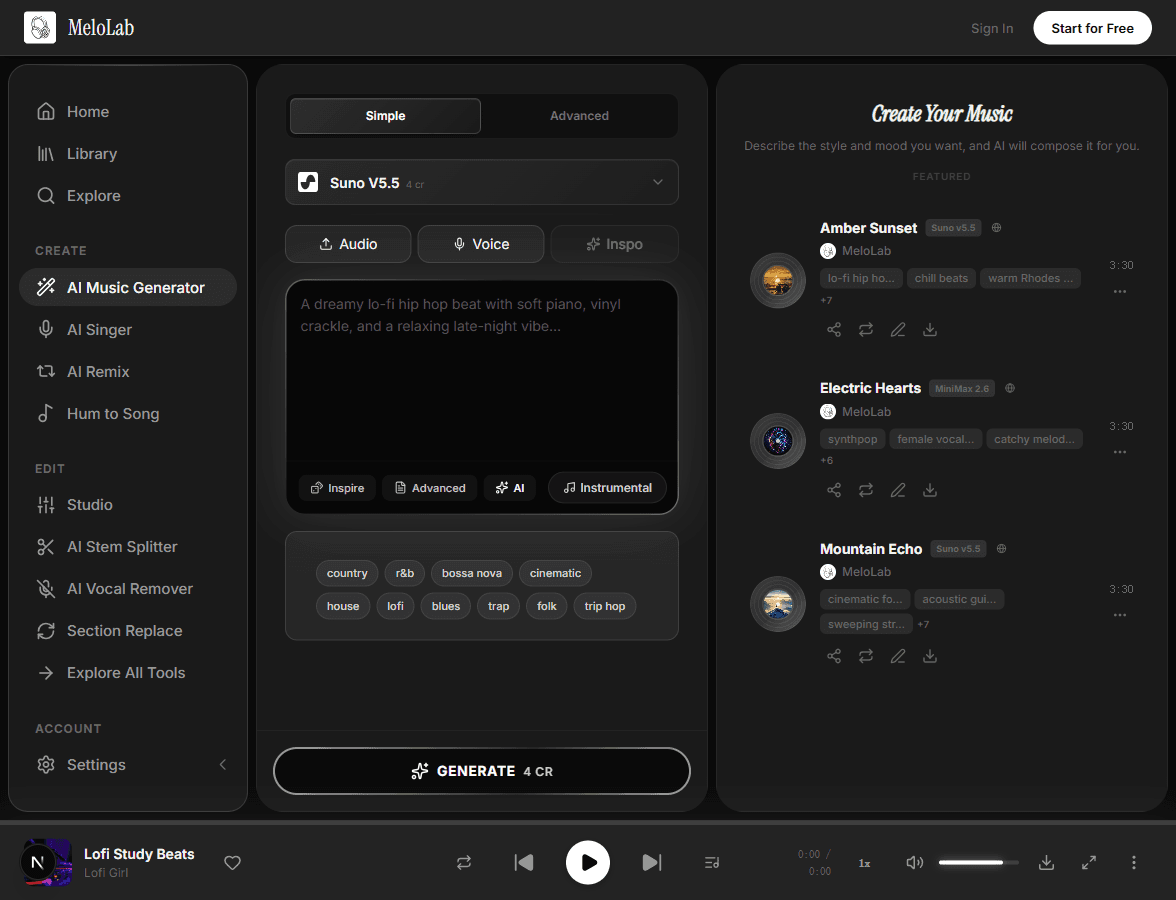
Use instrumental mode or prompt for low melodic density when music needs to sit under voiceover, dialogue, gameplay, or product footage.
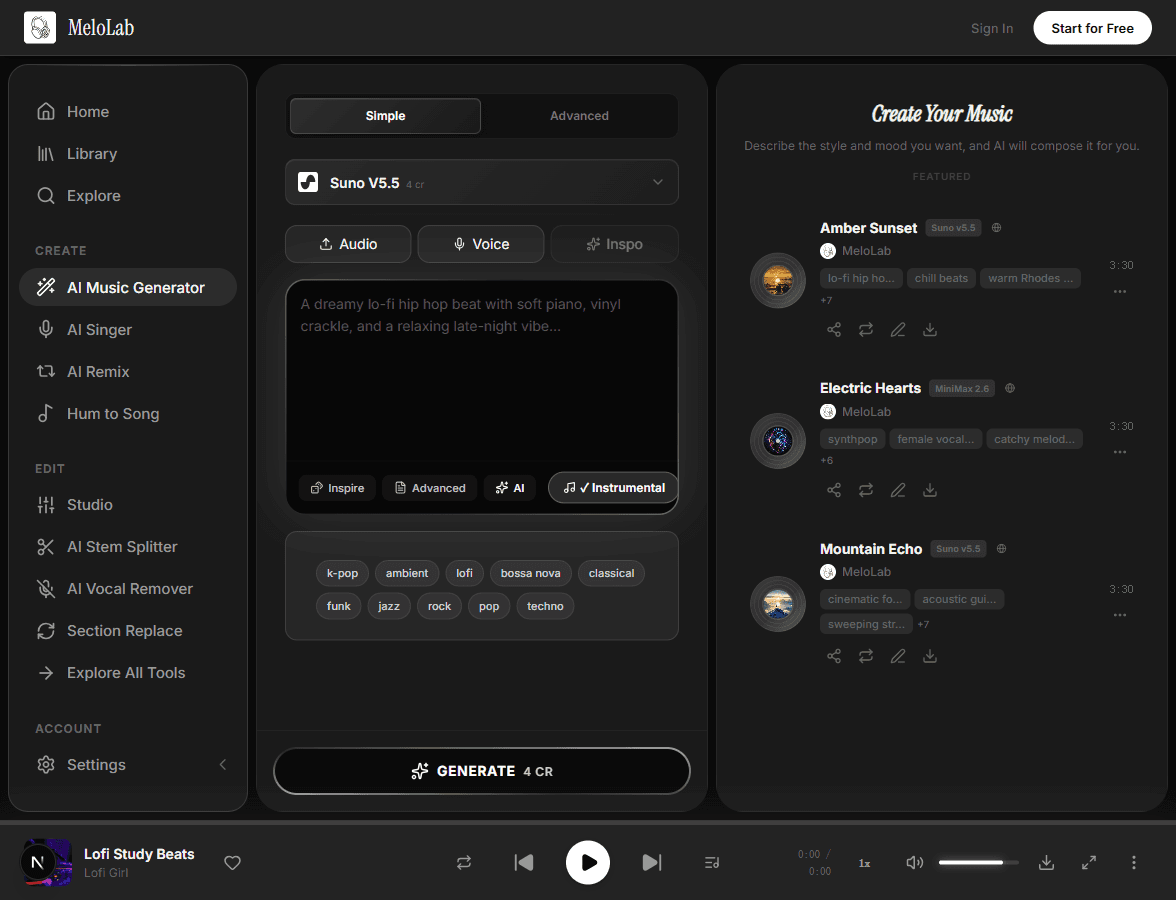
Preview the result, review license status before export, then download the track for your video editor, podcast timeline, stream scene, or game prototype.
Create soft beds for narration, travel montages, tutorials, talking-head intros, or product shots without a distracting vocal hook.
Prompt for short intro cues, transition stings, outros, or subtle ambient beds that leave space for speech.
Generate loopable exploration music, menu ambience, boss buildup ideas, or prototype soundtracks for indie games.

Draft 15-30 second music beds for product reveals, brand videos, launch teasers, and paid social tests.
Plan background music as an audio layer for the timeline you already edit in YouTube Studio, Premiere, CapCut, a podcast DAW, or a game engine. MeloLab generates the track; your editor places it under footage, speech, scenes, and export timing.
60-second creator edit
Music bed sits below footage and narration.
Creator footage
Travel clips, product shots, gameplay, or B-roll
Narration space
Keep drums soft and lead melodies sparse
Generated music bed
60s instrumental, low-vocal, loopable ending
Export
Fade or loop
Ask for a quick intro, immediate groove, and a clean cut so the music supports a fast vertical edit.
Use a compact build and logo-friendly ending for product reveals, app demos, and paid social tests.
Prompt for an intro, steady middle, and soft ending when the music needs to sit under narration or B-roll.
Ask for a seamless loop, low melodic density, and no final crash so the bed can repeat without calling attention.
License status is still checked at export: Free plan music is personal use, while paid plans include commercial use rights for eligible generated music.
Text prompt with platform, mood, duration, instruments, vocal preference, and loop direction
AI generates a background track matched to the scene and creative brief
Usually seconds to minutes depending on model and queuePreviewable audio track for editing, mastering, remixing, or export
A video montage, podcast intro, game level, ad, stream scene, and presentation all need different pacing.
If voiceover matters, ask for sparse arrangement, soft lead instruments, and no aggressive vocal hook.
Mention 15 seconds, 30 seconds, 60 seconds, or loopable ending so the result fits your timeline.
Loopable music works better when the prompt explicitly asks for a seamless or soft ending.
Soft drums, piano loops, and warm texture for study videos, vlogs, and relaxed narration.
Slow evolving pads and Rhodes tones for intros, transitions, and dialogue-friendly beds.
Acoustic guitar, strings, and light percussion for brand films, travel stories, and human moments.
Minimal pulses and atmospheric synths for exploration scenes, menus, and prototypes.
Cinematic synth movement for launches, ads, app demos, and social product videos.
Percussive movement for Reels, Shorts, fitness clips, and creator edits that need momentum.
Vlog、レビュー、チュートリアル、広告、Shortsなど、場面に合わせてBGMを生成できます。
15秒、30秒、60秒、ループなど、編集に使いやすい長さをプロンプトで指定します。
ナレーションや商品説明の余白を指定して、主役を邪魔しない音楽を作れます。
YouTubeや広告に使う前に、プランとライセンス状況を確認できます。
Lofi音楽ジェネレーターを試す. クレジットカード不要。数秒で作成を始められます。
Ambient音楽を試す. クレジットカード不要。数秒で作成を始められます。
Cinematic音楽ジェネレーターを試す. クレジットカード不要。数秒で作成を始められます。
Synthwaveを試す. クレジットカード不要。数秒で作成を始められます。
Jazz音楽ジェネレーターを試す. クレジットカード不要。数秒で作成を始められます。
EDM音楽ジェネレーターを試す. クレジットカード不要。数秒で作成を始められます。
動画用BGM作成AIは、動画に音楽をつける方法を探しているクリエイター向けのページです。YouTube、Shorts、Reels、Vlog、商品レビュー、チュートリアル、ポッドキャスト、広告動画など、公開先と場面を指定してBGMを作れます。フリー素材を探し回る代わりに、尺、テンポ、雰囲気、ループ、ナレーションの余白を指定し、動画編集に合わせやすい音楽案を生成します。
単に明るい曲を作るより、視聴者に何を感じてほしいか、声が入るか、何秒必要かを指定すると、編集で使いやすいBGMになります。
動画の内容、尺、声の有無を入力して、編集に合わせたBGMを生成しましょう。