Suno V5.5 logo
CommercialV5.5

Suno V5.5

Use Suno's Suno V5.5 model for long-form tracks, editing, and export-ready experiments.

Powered by Suno

Try these Suno V5.5 music prompts

Commercial terms before export
Credits and storage visible
Songs, stems, mastering
Model proof

Suno V5.5 compared by the output job

A model page is more useful when Suno V5.5 is judged against exports, voice quality, editing control, and creator use cases.

Fictional podcast host avatar for Riley J.

Riley J.

@rileyrecords · Podcast host

Show concept to intro music

My show needed an intro that sounded like mine, not a template. I wrote the vibe in plain English and got an opener I can reuse.

Audio identity

Intro, outro, and segment bumper directions.

Fictional Shopify ad editor avatar for Maya R.

Maya R.

@northstudio · Shopify ads editor

Product brief to jingle

The product page became a short jingle before my ad edit was finished. That is exactly the speed a small brand needs.

Ad package

Brand hook, CTA ending, and commercial-use export path.

Fictional remix musician avatar for Marcus T.

Marcus T.

@marcusloops · Remix maker

Track to editable stems

The stem workflow is where it clicked for me. I can split, remix, and rebuild ideas without starting from a blank session.

Edit workflow

Vocal, drums, bass, and instrumental paths for remixing.

See It in Action

How to Use Suno V5.5 — Step by Step

1

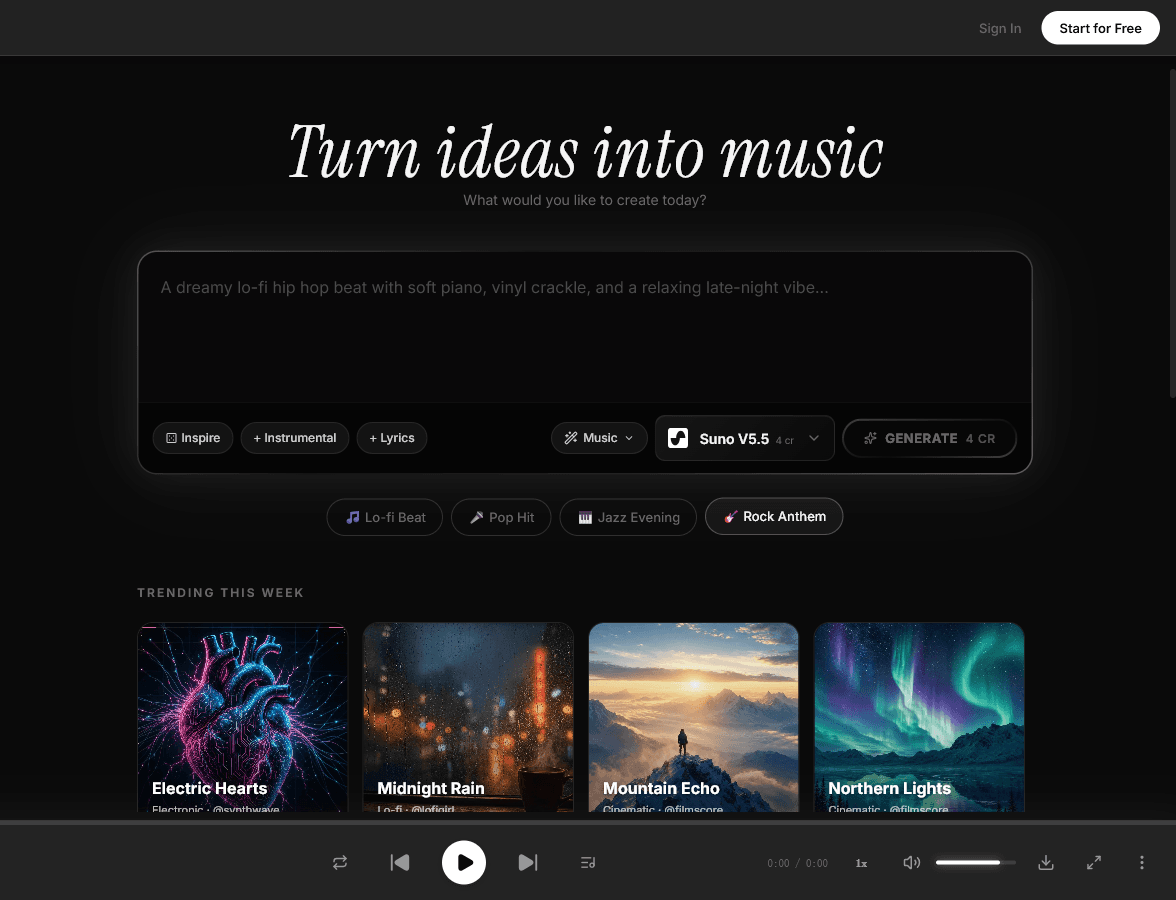
Open MeloLab

Navigate to MeloLab and sign in or create a free account. Access Suno V5.5 alongside other leading models in one unified platform.

melolab.ai/app
MeloLab interface with Suno V5.5 selected
2

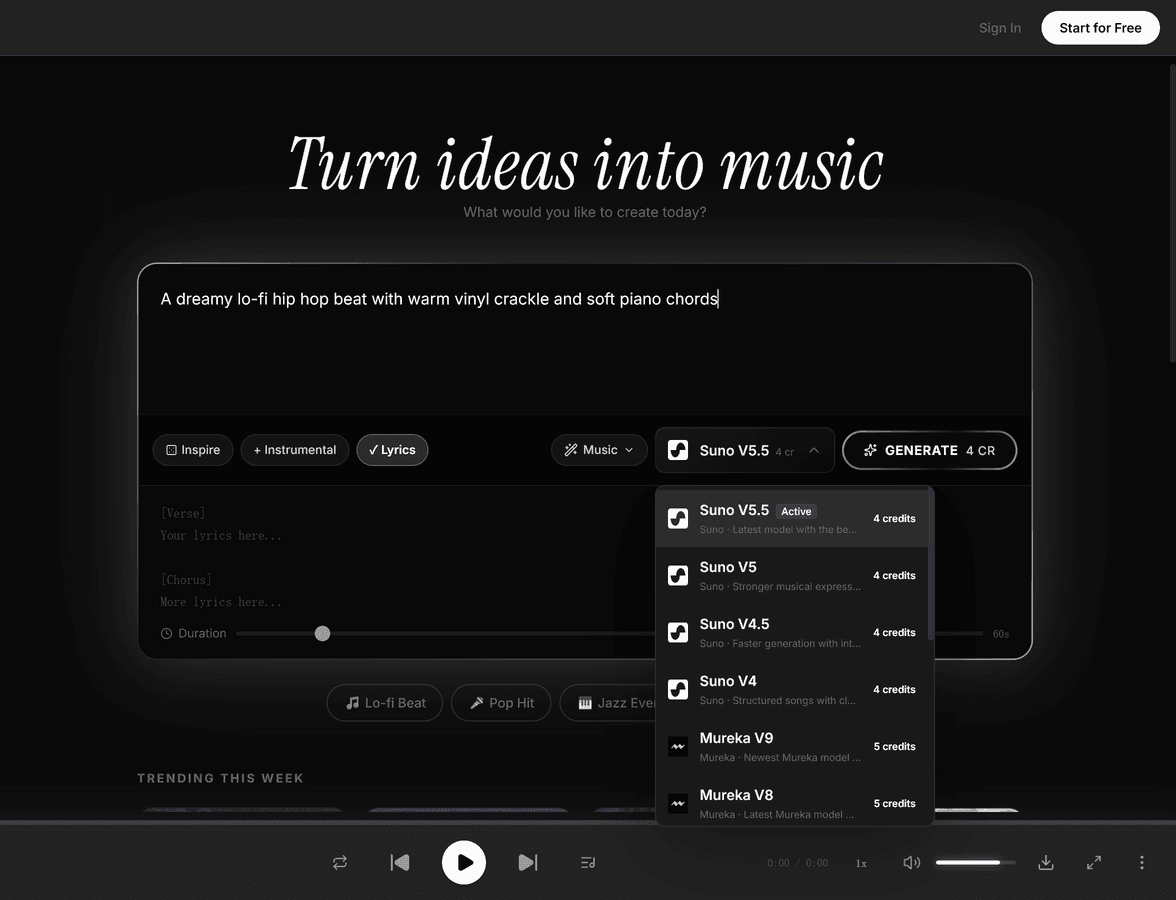
Select Suno

Choose Suno V5.5 from the model selector. The market-leading AI music platform with support for up to 8-minute songs and 44.1kHz studio-grade audio quality.

melolab.ai/app
Suno V5.5 model selector dropdown in MeloLab
3

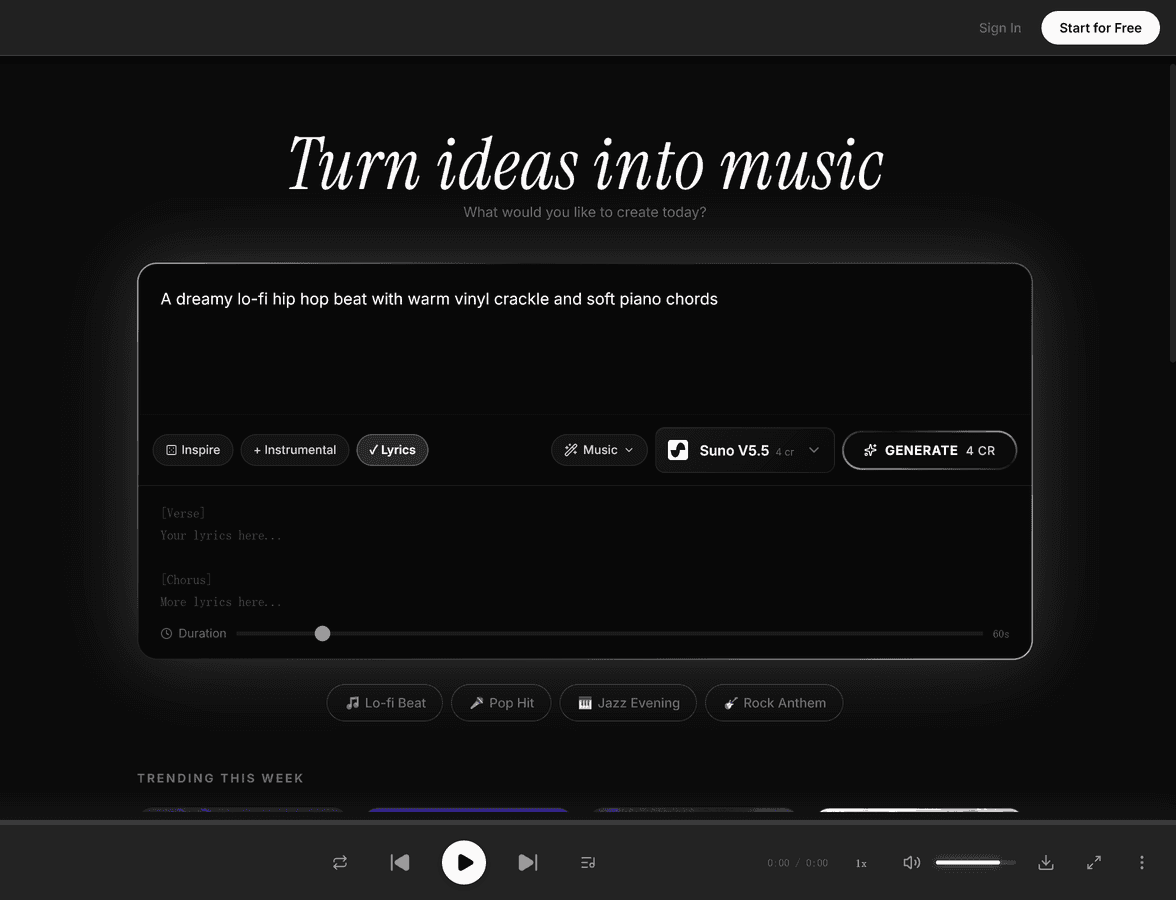
Choose Custom or Auto Mode

Switch between Custom mode for full creative control over lyrics and style, or Auto mode for quick generation from a simple text description.

melolab.ai/app
Suno V5.5 song description prompt in MeloLab
4

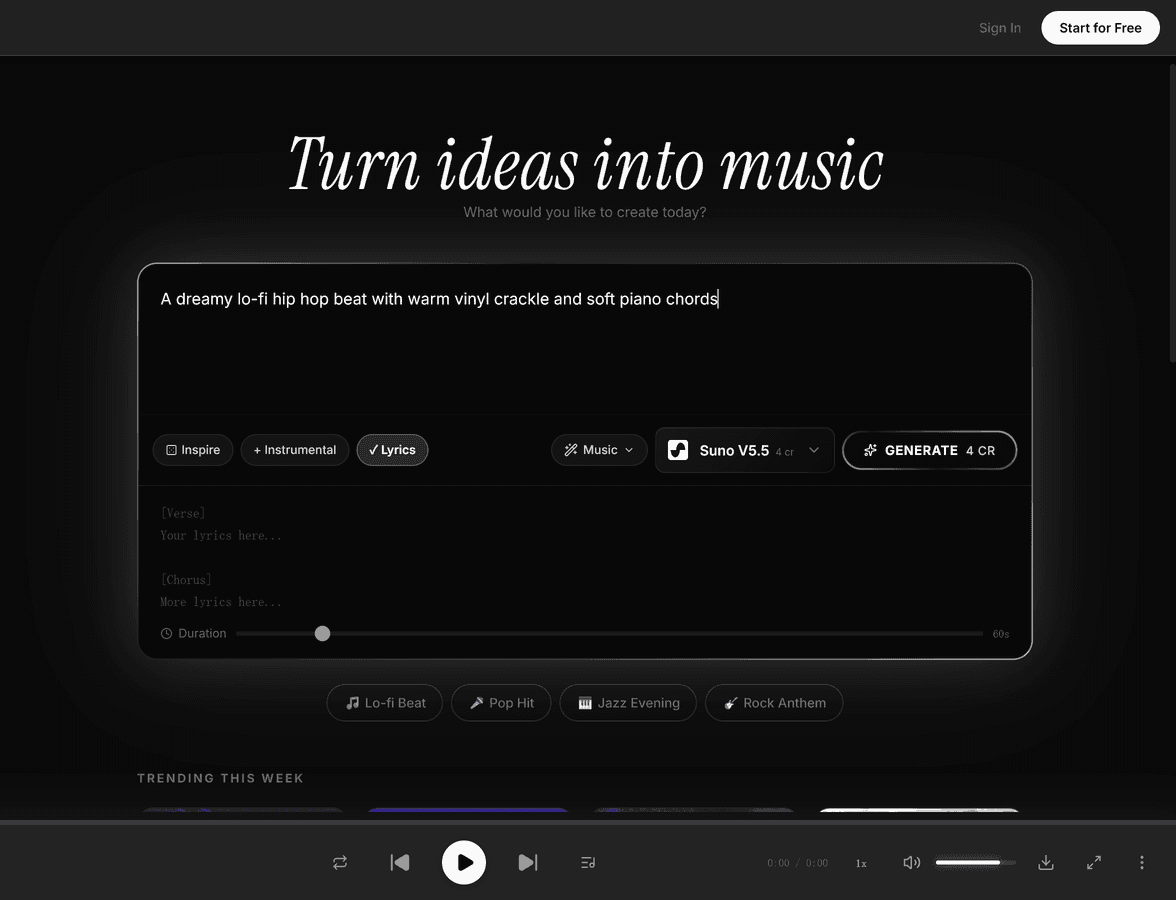
Write Lyrics or Pick Instrumental

Enter custom lyrics in 20+ languages or toggle instrumental mode to generate music without vocals. Suno creates complete songs with proper structure and arrangement.

melolab.ai/app
Suno V5.5 lyrics mode in MeloLab
5

Set Genre & Style Tags

Define genre, mood, and style using tags or free-text descriptions. Fine-tune the creative direction with detailed prompts covering instrumentation, tempo, and vocal character.

6

Configure Duration

Set the song length up to 8 minutes with proper verse-chorus-bridge structure. Suno V5.5 supports longer compositions with high-fidelity audio throughout.

7

Generate & Download

Generate your track in approximately 30 seconds, then download the audio at 44.1kHz studio quality. Use commercially with Pro or Premier plans.

What is Suno V5.5?

Suno is the market leader in AI music generation, founded in 2023 in Cambridge, Massachusetts. The platform lets anyone create complete, studio-quality songs from a text description — no musical training required.

Suno V5.5 introduces three groundbreaking features: Voices (voice cloning — record your own singing voice and use it in generated songs), Custom Models (fine-tune the AI to your personal style by uploading your own tracks), and My Taste (automatic preference learning). It also includes Suno Studio, a full multitrack creative workspace with stem extraction, generation, and timeline editing.

On MeloLab, you can access Suno's generation capabilities alongside other leading models, a full studio editor, stem separation, and more — all in one unified platform.

Suno V5.5 V5.5 should be evaluated by its real output behavior: how it follows structure prompts, handles vocals or instrumental passages, responds to genre tags, and fits into a repeatable creation workflow. On MeloLab, Suno output can be tested beside other models so creators can choose it for songwriting, scoring, and content production when its tone, speed, and control style match the project.

Technical Specifications

Version
V5.5
Max Duration
Up to 8 minutes
Languages
20+ supported
Voice Cloning
Yes (Voices)
Custom Models
Up to 3 (Pro+)
Stem Editing
Up to 12 stems
Studio Editor
Multitrack (Premier)
Audio Quality
44.1 kHz studio-grade
Generation Speed
~30 seconds

Key Features of Suno V5.5

Voice Cloning (Voices)

Record or upload your singing voice and Suno captures your vocal identity to use in generated songs. Your voice profile is private and verified — only you can use it. Requires Pro or Premier plan.

Custom Style Models

Upload tracks you own to fine-tune the V5.5 model to your personal style. Future generations will be stylistically consistent with your sound. Pro and Premier users can create up to 3 custom models.

Suno Studio

A full multitrack creative workspace. Extract up to 12 stems from any song, generate new stems that match existing audio, arrange on a timeline with BPM and pitch control, and export stems as audio or MIDI.

My Taste (Auto Preferences)

Suno automatically learns your recurring preferences — genres, moods, arrangement patterns — and weaves them into future generations. Available for all users including the free tier.

20+ Language Support

Create songs with lyrics and vocals in over 20 languages including English, Spanish, Japanese, Korean, Portuguese, French, German, and Chinese.

Stem Separation & Editing

Extract up to 12 individual stems (vocals, drums, bass, synths) from any generated song. Replace individual stems while keeping the rest, or generate new stems that flow with existing audio.

Suno V5.5 Pricing

Official Suno V5.5 pricing plans. You can try Suno V5.5 free on MeloLab without a separate subscription.

Free

$0/mo

  • 50 credits/day (~10 songs)
  • V4.5 model only
  • Basic generation
  • No commercial use
Most Popular

Pro

$8/mo

  • 2,500 credits/mo (~500 songs)
  • V5.5 model access
  • Voice cloning (Voices)
  • Custom Models (up to 3)
  • Commercial license

Premier

$24/mo

  • 10,000 credits/mo (~2,000 songs)
  • Suno Studio multitrack editor
  • Stem extraction + export
  • Commercial use depends on current plan terms
  • Priority queue

Explore Other AI Models & Tools

Frequently Asked Questions

Try Suno V5.5 Free

No credit card required. Start creating in seconds.

Your next song starts here.

No credit card required. Generate your first track in under 60 seconds.

View Pricing