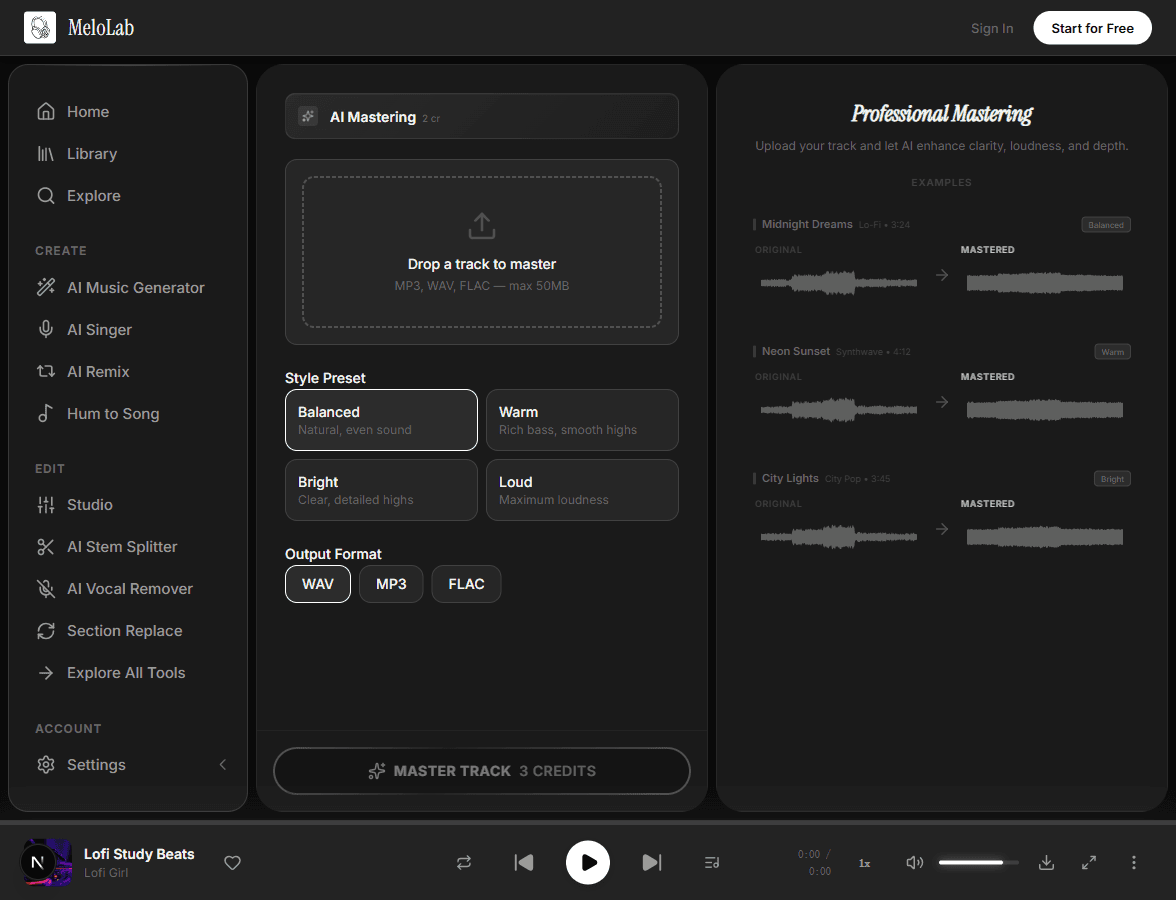
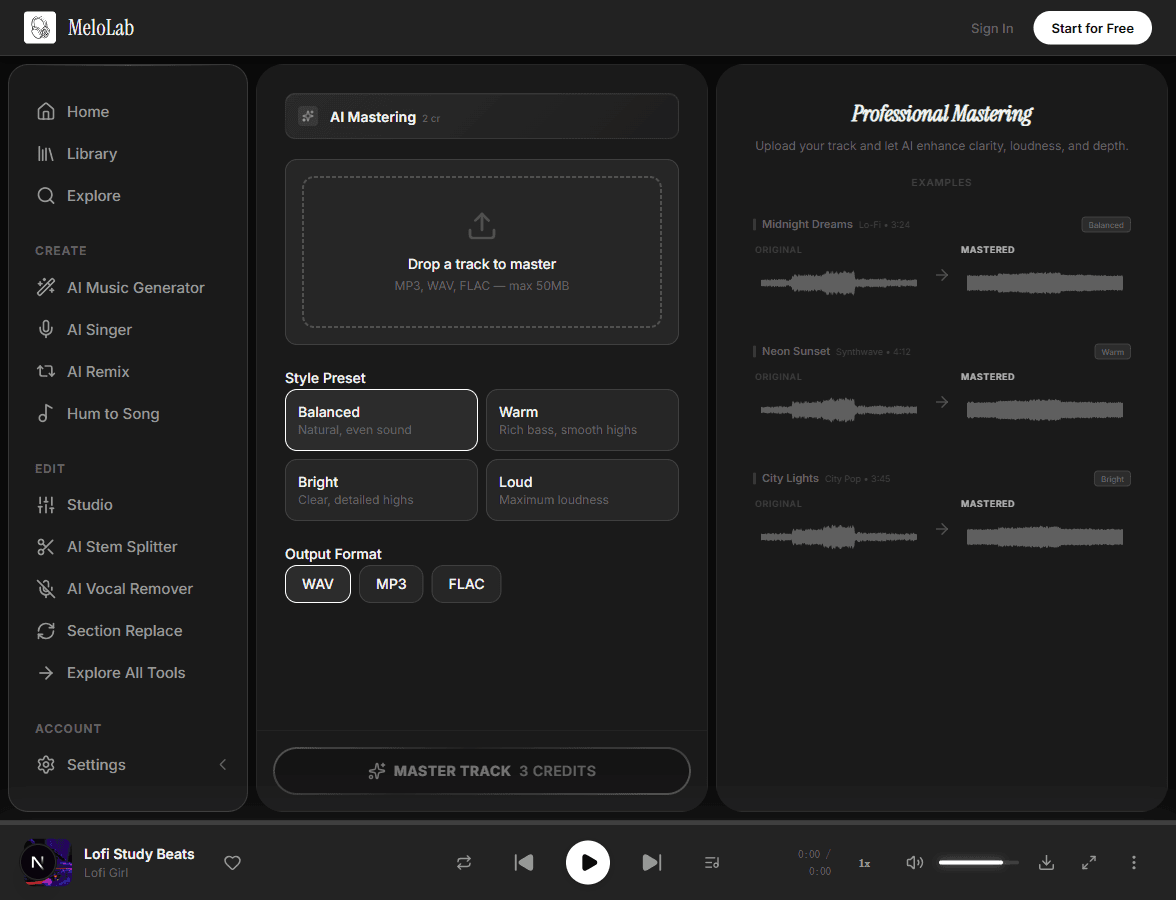
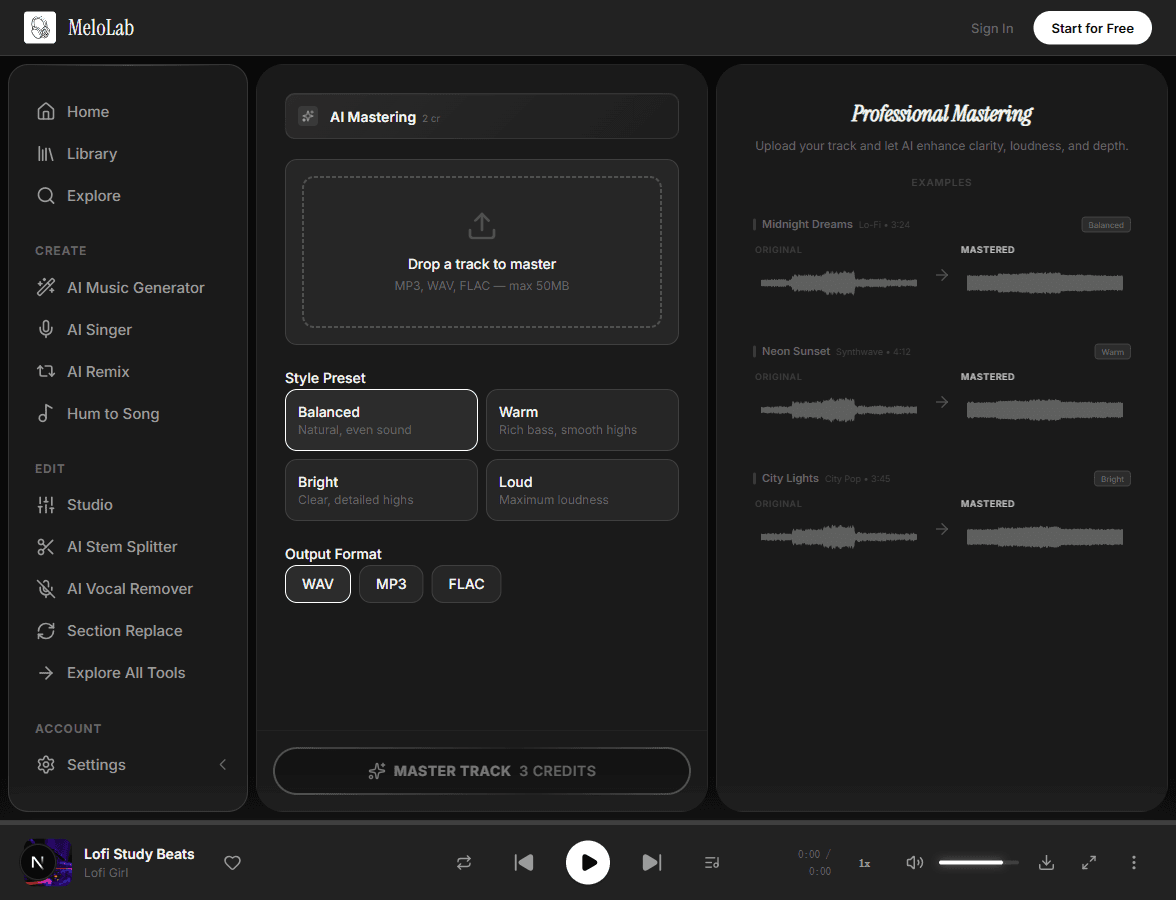


AI Mastering Tool

Master songs online with AI analysis for EQ balance, LUFS loudness, dynamics, stereo width, and release-ready WAV or MP3 exports.

AI Mastering

Professional mastering in seconds

Commercial terms before export
Credits and storage visible
Songs, stems, mastering

How to Use AI Mastering

1

Upload Your Track

Upload your mixed audio file in WAV, FLAC, or MP3 format

2

AI Analyzes & Masters

AI applies loudness optimization, EQ enhancement, and stereo widening

3

Download Master

Get your release-ready mastered track in multiple formats

How to Master Your Track for Release — Step by Step

1

Upload Your Mix

Upload your finished mix in WAV, FLAC, or high-quality MP3 format. For best results, provide an unmastered mix without limiters or heavy bus compression — the AI needs the full dynamic range to make optimal mastering decisions.

melolab.ai/app
Upload audio mix for AI mastering in MeloLab AI Mastering tool
2

AI Analyzes & Optimizes

The AI scans your track for loudness, frequency balance, stereo width, and dynamic range. It then applies a custom mastering chain with loudness optimization targeting streaming platform standards, EQ enhancement, and stereo widening — all tailored to the detected genre.

melolab.ai/app
AI analyzing and optimizing audio for mastering in MeloLab AI Mastering
3

Download Release-Ready Master

Preview the mastered result side-by-side with the original to hear the improvement. Download the final master in WAV format, ready for distribution to Spotify, Apple Music, and other streaming platforms without additional processing.

melolab.ai/app
Download release-ready mastered audio in MeloLab AI Mastering

AI Mastering Before and After

FeatureBeforeAfter
LoudnessQuiet mix at -14 LUFS, gets lost on streaming platformsOptimized at -14 LUFS with perceptual loudness matching major releases
Frequency balanceMuddy low-mids, harsh highs, uneven tonal balanceClean frequency spectrum with balanced EQ curve
Stereo widthNarrow or inconsistent stereo imageWide, immersive stereo field with centered low-end

What You Can Do with AI Mastering

Prepare Tracks for Streaming

Master your mixes to meet Spotify, Apple Music, and YouTube loudness standards. Get your tracks sounding competitive alongside professionally mastered releases.

Polish Demo Recordings

Turn rough mixes and bedroom recordings into polished, release-ready tracks. AI mastering adds the final professional sheen without needing an expensive mastering engineer.

Master Full Albums Consistently

Ensure tonal consistency across all tracks in an EP or album. AI mastering applies a cohesive sound while respecting each track's unique character.

Mastering Formats and Loudness Targets

Input Formats

WAV16/24-bit recommended
Max 50 MB
MP3320kbps recommended
Max 50 MB
FLACLossless preferred
Max 50 MB

Output Formats

WAVProduction master
Lossless 24-bit
MP3Streaming-ready
320kbps

How to Get a Better AI Master

Upload a finished stereo mix

AI mastering works on the full mix, not individual stems. Finish your balance, vocal level, effects, and arrangement before uploading.

Master this finished stereo mix for streaming with balanced EQ and natural dynamics.

Leave headroom before mastering

Avoid clipping and remove heavy master-bus limiters. A mix with a few dB of headroom gives the AI more room for loudness, EQ, and stereo processing.

Use this unmastered WAV mix and create a streaming-ready master without crushing the dynamics.

Name the destination

Tell the tool whether the master is for Spotify, YouTube, SoundCloud, a podcast, a demo submission, or a club reference so the loudness and polish match the use case.

Master my song online for YouTube and Spotify with clear vocals and controlled low end.

Compare before exporting

Preview the original and mastered versions at matched volume. Listen for harsh highs, muddy lows, stereo width, and whether the master still feels musical.

Create an AI mastering preview and let me compare the original with the mastered WAV before download.

Why Choose Our AI Mastering

One-Click Master

Upload your track, run an AI mastering online pass, and preview the result before export. The AI analyzes your audio and applies loudness, EQ, dynamics, and stereo processing for the detected style.

0:000:28

Loudness Optimization

Automatically target the ideal loudness for Spotify, Apple Music, YouTube, and other streaming platforms. Hit LUFS targets without clipping or losing dynamic range.

Stereo Enhancement

Intelligent stereo widening creates a bigger, more immersive soundstage. The AI enhances spatial depth while maintaining mono compatibility for playback on any device.

Format Export

Export your mastered track in practical formats for distribution and review. Get WAV for lossless release prep, MP3 for quick sharing, and notes that explain the intended loudness target.

Commercial UseLicense Status Visible

Built for Every Creator

Independent Artists

Master your releases to professional standards without a mastering engineer

Master your singles, EPs, and albums to professional loudness and tonal balance without hiring an expensive mastering engineer. Get release-ready sound quality that competes with major label releases — proper EQ, compression, stereo widening, and loudness optimization, all applied intelligently by AI in seconds.

$0vs $200+/track
<30sPer Master
HDAudio Quality
Works with

Related AI Music Tools

Related Music Styles

About AI Mastering

AI Mastering Online helps independent artists, producers, podcasters, and video editors master songs online before streaming, demos, YouTube uploads, or client review. Upload a finished stereo mix, preview the AI mastering result, and check loudness, EQ balance, dynamics, stereo width, and export format before downloading. The page is tuned for searches such as AI mastering, AI audio mastering online, AI mastering free online tests, master song online, master my song online, and mastering online for Spotify or YouTube. MeloLab is not a replacement for a senior mastering engineer on high-budget releases, but it gives creators a fast, consistent mastering workflow when they need a release-prep master, a louder demo, or a polished reference without manual limiter chains.

AI Mastering Online Free Test Workflow

Use MeloLab when you want to test AI mastering online before committing a release. Upload a short mix, compare the original and mastered versions, listen for low-end control and vocal clarity, then export WAV or MP3 when the master translates well.

Master Song Online for Spotify, YouTube, and Demos

Most master song online searches are about practical release prep: louder playback, balanced EQ, controlled peaks, and exports that work on Spotify, Apple Music, YouTube, SoundCloud, social videos, and private client demos.

AIMastering.com, BandLab, and MeloLab Comparison Checklist

When comparing AIMastering.com, BandLab mastering, LANDR, or MeloLab, check the same details: upload formats, free trial limits, before-and-after preview, LUFS target, WAV export, MP3 export, album consistency, and whether the tool explains when human mastering is still a better fit.

Mix Readiness Before AI Mastering

For cleaner AI audio mastering online, upload a finished stereo mix with no clipping, no hard limiter on the master bus, a few dB of headroom, and clear song structure. Use Music Analysis first if you need to inspect BPM, key, energy, or mix balance.

Finish proof

Make the draft easier to share, approve, and compare

Mastering proof is about the last mile: louder previews, cleaner client checks, and exports that do not feel unfinished.

Fictional remix musician avatar for Marcus T.

Marcus T.

@marcusloops · Remix maker

Track to editable stems

The stem workflow is where it clicked for me. I can split, remix, and rebuild ideas without starting from a blank session.

Edit workflow

Vocal, drums, bass, and instrumental paths for remixing.

Fictional podcast host avatar for Riley J.

Riley J.

@rileyrecords · Podcast host

Show concept to intro music

My show needed an intro that sounded like mine, not a template. I wrote the vibe in plain English and got an opener I can reuse.

Audio identity

Intro, outro, and segment bumper directions.

Fictional Shopify ad editor avatar for Maya R.

Maya R.

@northstudio · Shopify ads editor

Product brief to jingle

The product page became a short jingle before my ad edit was finished. That is exactly the speed a small brand needs.

Ad package

Brand hook, CTA ending, and commercial-use export path.

Frequently Asked Questions

Start Creating AI Mastering for Free

No credit card required. Start creating in seconds.

Your next song starts here.

No credit card required. Generate your first track in under 60 seconds.

View Pricing