
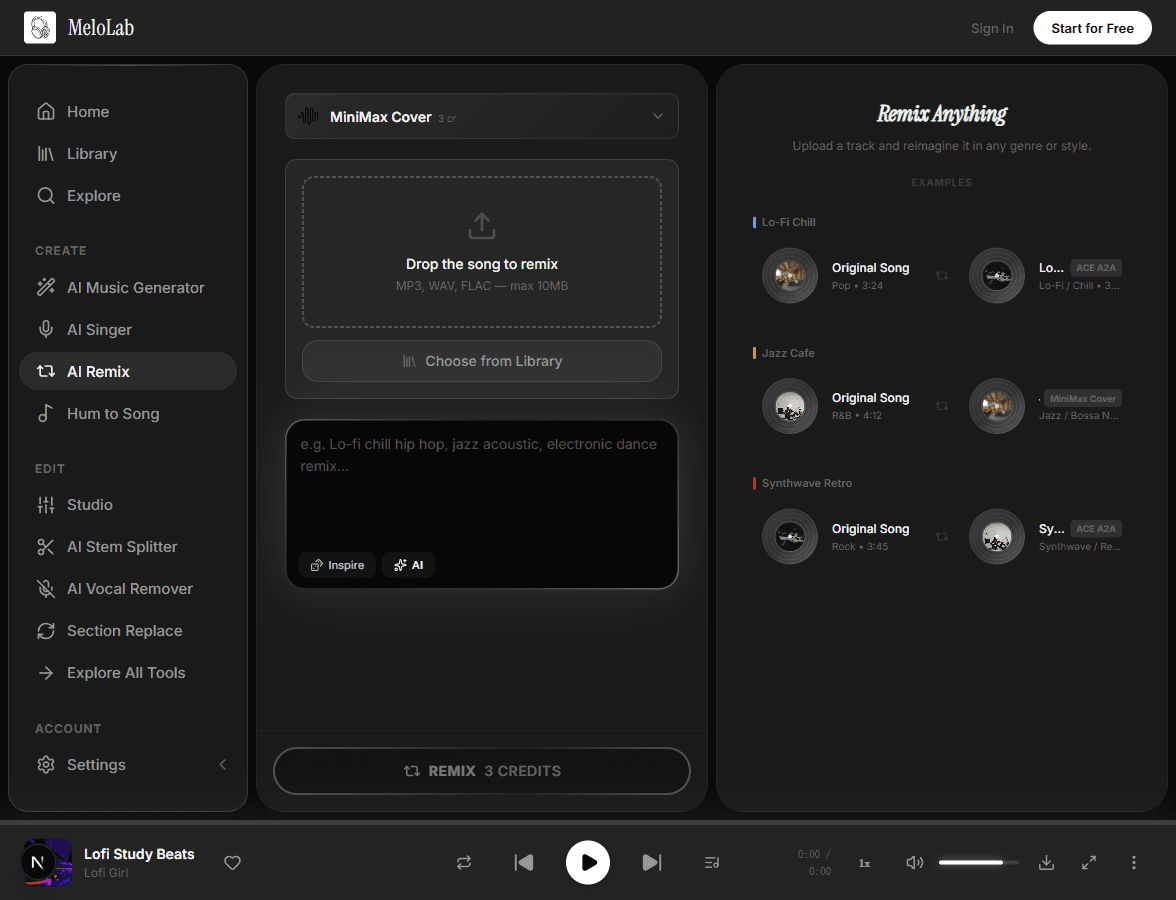




AI Remix Studio

Remix any song into a completely new version. Change genres, mashup tracks, and create unique remixes with AI.

AI Remix

Remix rights-cleared audio with AI

Commercial terms before export
Credits and storage visible
Songs, stems, mastering

AI Models

ACE Studio

ACE Step Remix

MiniMax

MiniMax Cover

How to Use AI Remix

1

Upload Your Track

Upload any song you want to remix — MP3, WAV, or from your library

2

Set Your Remix Style

Describe the target genre, mood, or style tags for the remix

3

Generate Remix

AI separates stems and creates a polished remix in seconds

How to Remix Any Song with AI — Step by Step

1

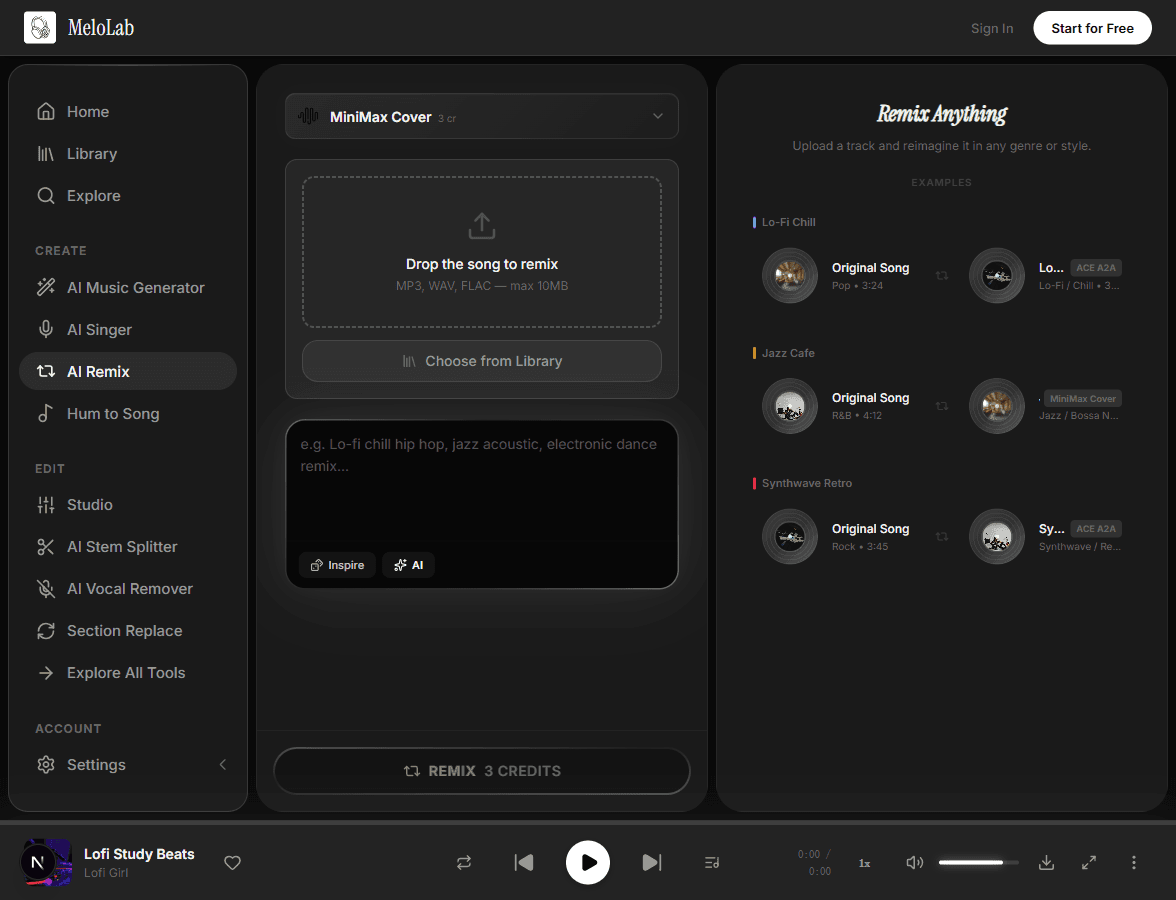
Upload Your Track

Select the song you want to remix from your MeloLab library or upload an audio file directly. Supported formats include MP3 and WAV. The upload is processed quickly so you can move straight to the creative part of reimagining the track.

melolab.ai/app
Upload a track to remix with AI in MeloLab AI Remix tool
2

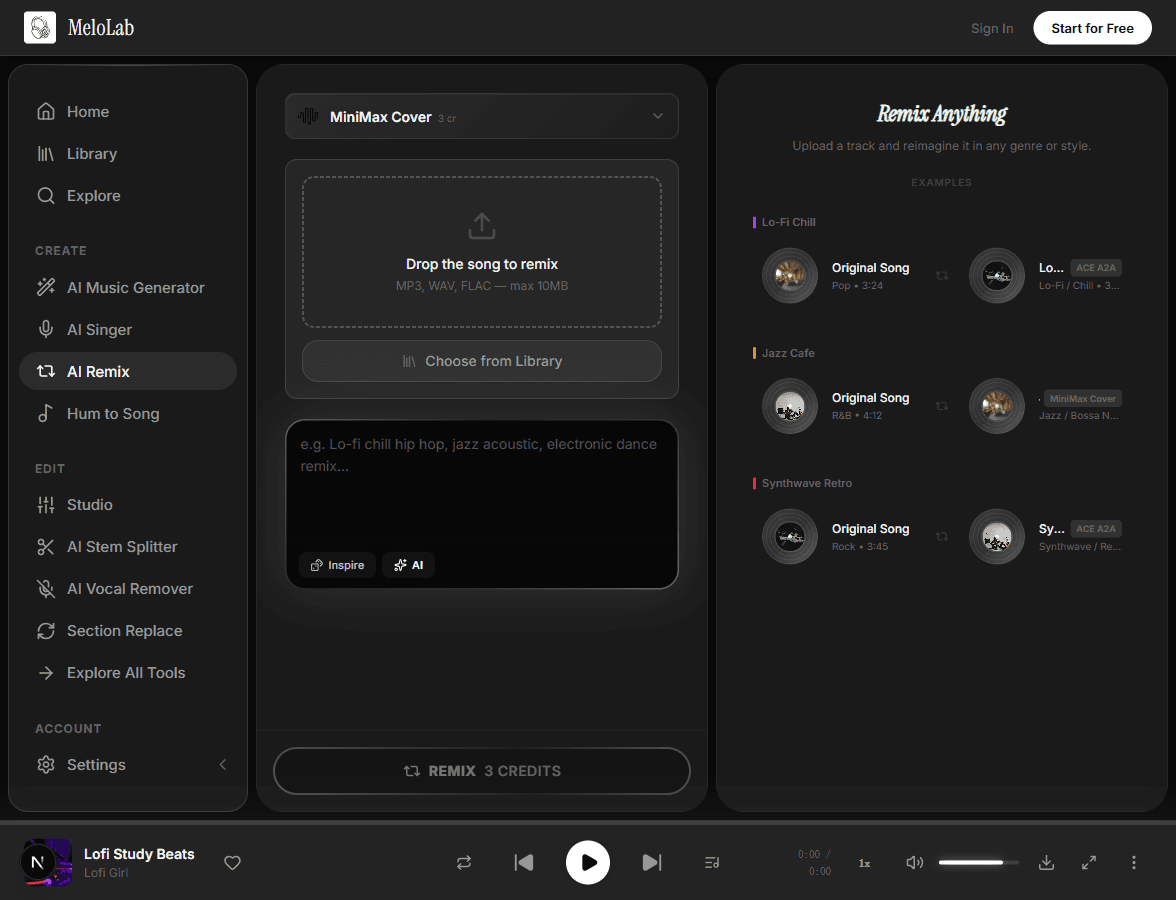
Describe the Remix Style

Type a description of the remix you envision — change the genre, mood, tempo, or instrumentation. For example, turn a pop ballad into an upbeat electronic dance track or reimagine a rock song as a chilled lo-fi beat.

melolab.ai/app
Describe remix style and genre for AI remix in MeloLab AI Remix
3

Configure Mashup Settings

Fine-tune the remix parameters by selecting specific stems to emphasize or replace. You can keep the original vocals while swapping the instrumental, or blend elements from multiple styles to create a unique mashup.

melolab.ai/app
Configure mashup and stem settings for AI remix in MeloLab AI Remix
4

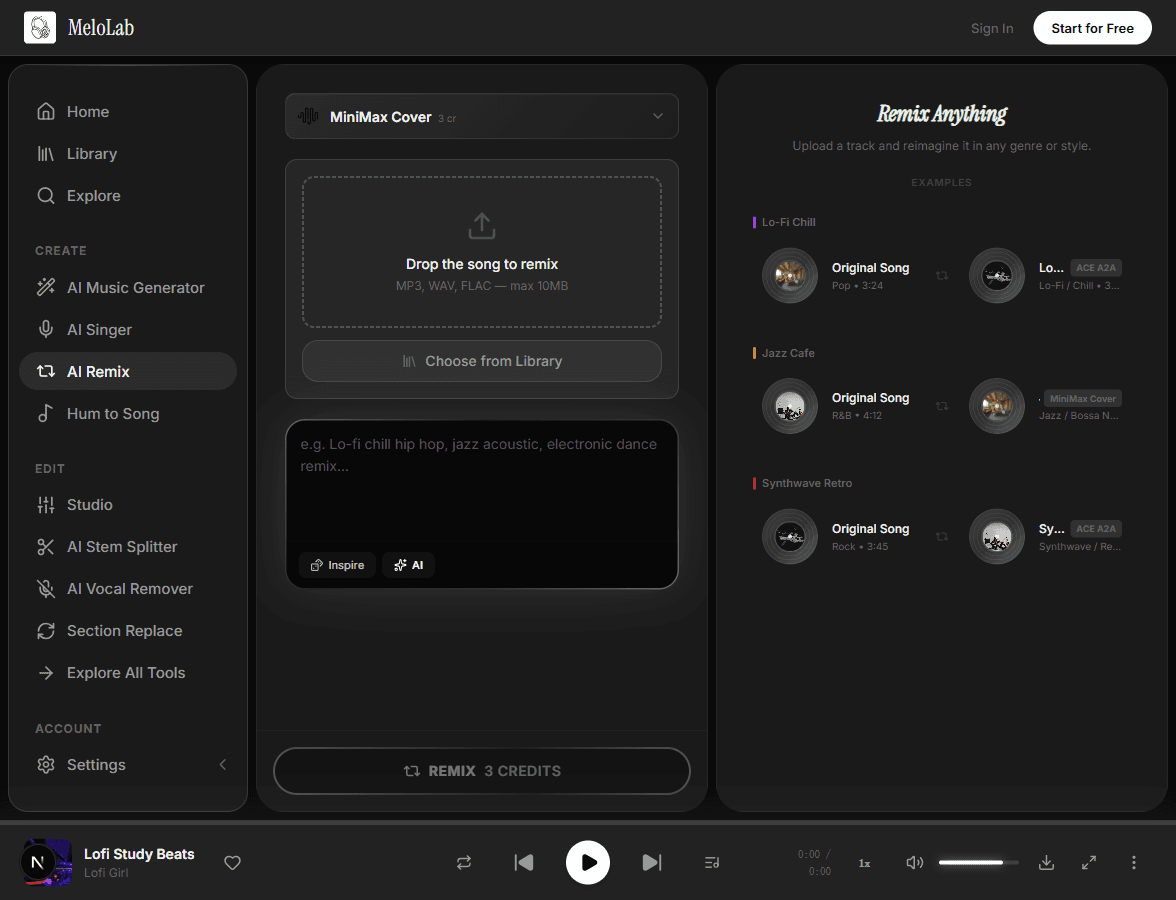
Generate Your Remix

Hit generate and the AI restructures the song according to your vision, producing a polished remix in under a minute. Preview the result, make adjustments to the prompt, and regenerate until the remix sounds exactly right.

melolab.ai/app
Generate AI remix from original track in MeloLab AI Remix

AI Remix Transformation

FeatureBeforeAfter
ArrangementOriginal song structure: intro → verse → chorus → bridgeRemixed arrangement with new sections, drops, and builds
Tempo & grooveOriginal BPM and rhythmic feelNew tempo and groove matching the target style
Sound designOriginal instrument sounds and texturesReimagined with new synth patches, drum sounds, and effects

What You Can Do with AI Remix

Create DJ-Friendly Edits

Transform any song into a club-ready remix with extended intros, builds, and drops. Perfect for DJs who want unique versions for their sets.

Genre Transformation

Turn a ballad into an uptempo dance track, or convert an electronic song into an acoustic version. AI handles the complex rearrangement automatically.

Social Media Remixes

Create trending remix versions for TikTok, Instagram Reels, and YouTube Shorts. Stand out with AI-generated remixes that put a fresh spin on familiar tracks.

Why Choose Our AI Remix

Genre Transformation

Flip any song into a different genre entirely. Turn a pop ballad into a deep house track, convert a rock anthem into a reggaeton banger, or transform a jazz standard into a trap beat.

chill beats, soft drums
chill lo-fi beats, warm Rhodes, vinyl crackle, 80 BPM

Stem Separation

The AI automatically separates vocals, drums, bass, and instruments so each element can be independently remixed, rearranged, or replaced.

ACE StepACE Step
MiniMaxMiniMax
Google LyriaGoogle Lyria

Tempo Control

Speed up or slow down the remix without losing audio quality. Match the tempo to your desired BPM for DJ sets, workouts, or specific moods.

Mashup Mode

Blend elements from multiple songs into a seamless mashup. Combine vocals from one track with the instrumental of another for creative combinations.

0:000:28

Built for Every Creator

DJs

Create custom remixes and mashups for your sets

Generate fresh versions of popular tracks without spending hours in a DAW. Our AI remix tool lets you experiment with tempo changes, genre flips, and creative mashups in seconds. Produce unique remixes that will surprise and energize the dance floor, then download them ready to drop in your next set.

<30sPer Remix
Creative Versions
WAVLossless Export
Works with

Related AI Music Tools

Related Music Styles

About AI Remix

The AI Remix Generator takes any song and reimagines it as a fresh remix. Upload a track and tell the AI how you want it transformed — switch genres, change the tempo, add new instruments, or blend it with another style. The AI separates the original stems, rearranges the elements, and produces a polished remix that sounds like it came from a professional DJ booth. Whether you are a DJ preparing a set, a content creator looking for unique audio, or a music producer seeking creative inspiration, this tool gives you studio-quality remixes in minutes.

Remix proof

Explore remix directions without losing the edit plan

A remix workflow needs timing, stem control, and a reason for the new version. These stories focus on how creators choose a usable direction.

Fictional remix musician avatar for Marcus T.

Marcus T.

@marcusloops · Remix maker

Track to editable stems

The stem workflow is where it clicked for me. I can split, remix, and rebuild ideas without starting from a blank session.

Edit workflow

Vocal, drums, bass, and instrumental paths for remixing.

Fictional TikTok editor avatar for Jules R.

Jules R.

@julesedits · TikTok editor

Hook idea to original sound

I can ask for a timed drop, pick the best version, and cut the edit around it. It feels closer to a publishing workflow than a random generator.

Edit timing

Intro hit, mid-video drop, and CTA ending direction.

Fictional indie game developer avatar for Nova P.

Nova P.

@novadev · Indie game developer

Game scene to loop

I needed a menu loop and boss cue that did not sound like free asset-pack music. The prototype finally had one audio identity.

Prototype audio

Menu loop, battle cue direction, and export checklist.

Frequently Asked Questions

Start Creating AI Remix for Free

No credit card required. Start creating in seconds.

Your next song starts here.

No credit card required. Generate your first track in under 60 seconds.

View Pricing