

Vocal Remover Online

Remove vocals from song uploads with an AI vocal remover, then preview instrumental and acapella outputs for karaoke, covers, practice, and remixes.

Vocal Remover

Remove or isolate vocals from any song

Commercial terms before export
Credits and storage visible
Songs, stems, mastering

How to Use Vocal Remover

1

Upload Your Song

Upload any audio file — MP3, WAV, or FLAC up to 20MB

2

AI Removes Vocals

AI separates the vocal track from the instrumental

3

Download Results

Get both the instrumental and a cappella versions

How to Remove Vocals from Any Song — Step by Step

1

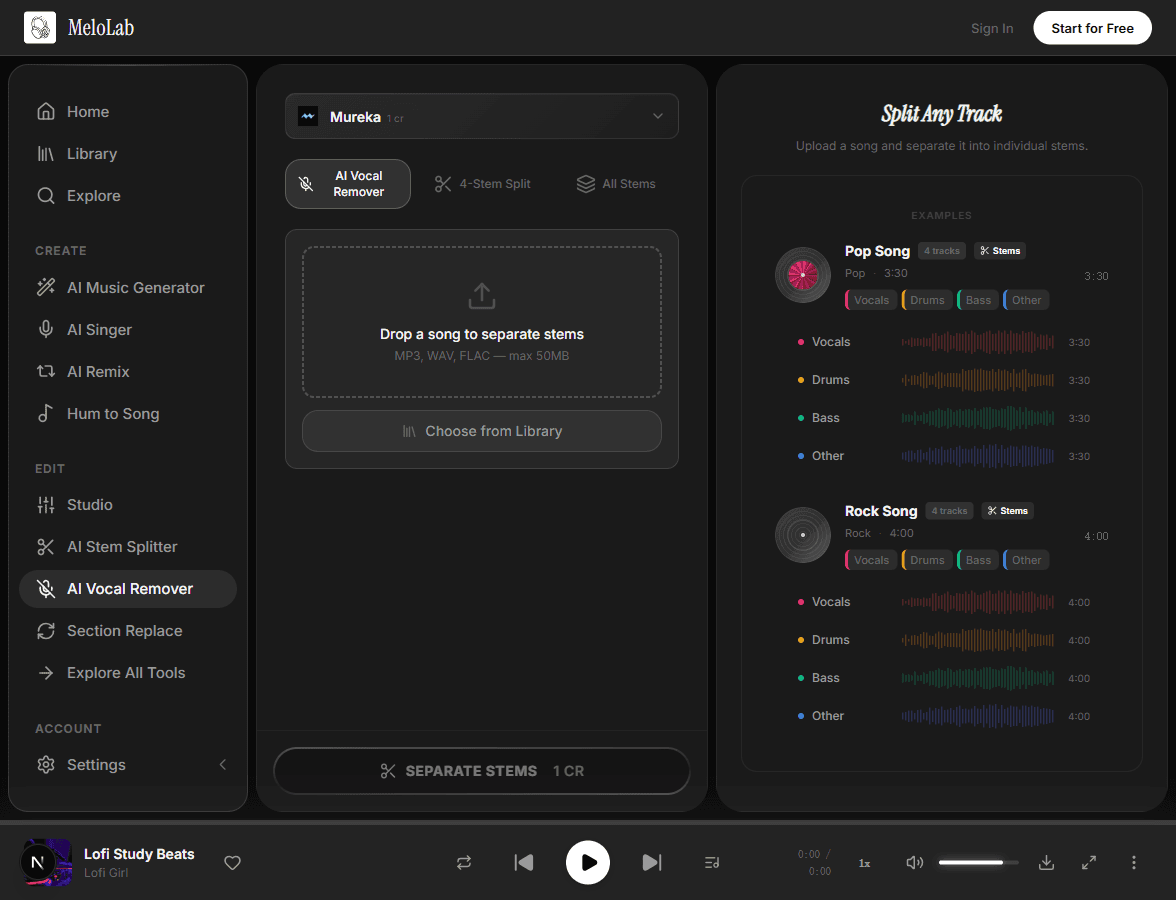
Upload Your Song

Select the song you want to process from your MeloLab library or upload a file from your device. The vocal remover supports MP3, WAV, and FLAC formats up to 20 MB, making it easy to work with tracks from any source.

melolab.ai/app
Upload song for vocal removal in MeloLab Vocal Remover tool
2

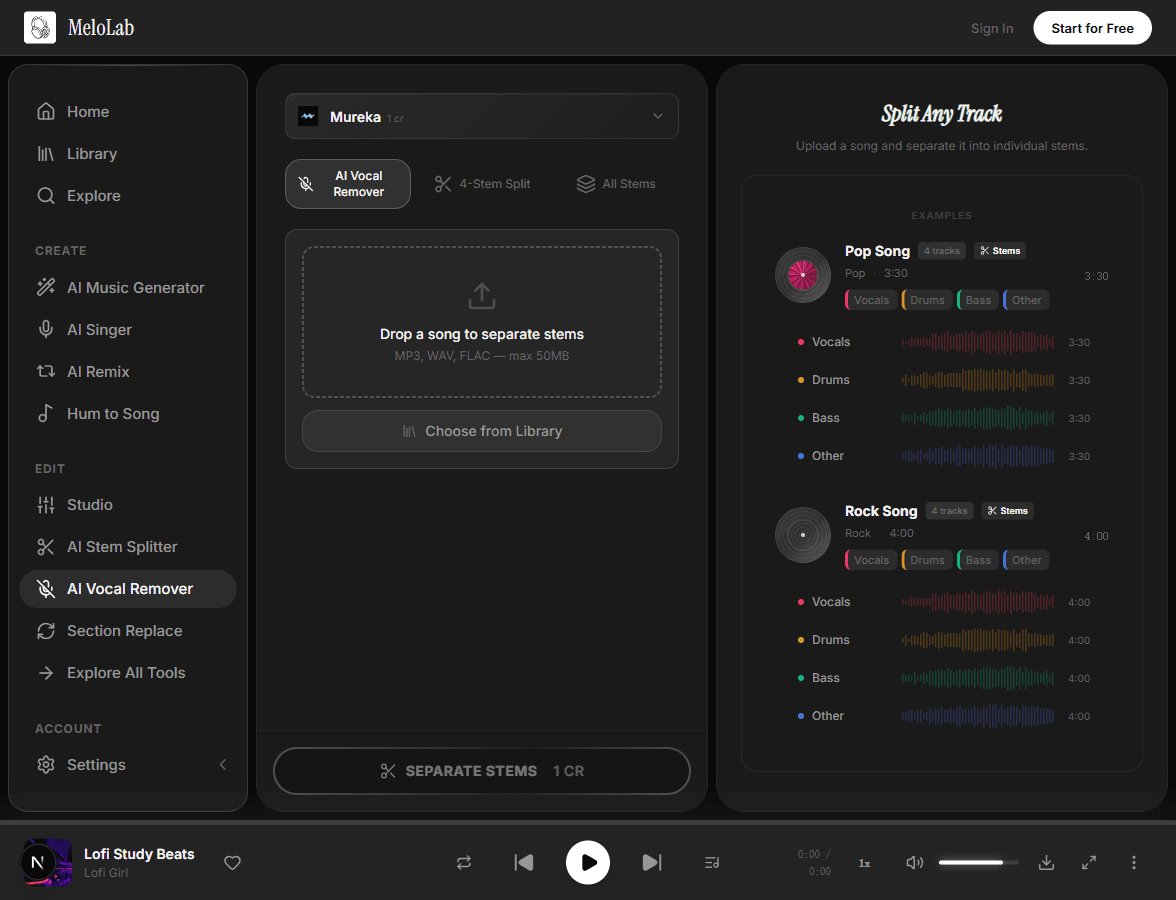
AI Separates Vocals

The AI engine analyzes the stereo field and frequency spectrum to isolate the vocal frequencies from the instrumental. This deep learning model handles a wide range of genres and production styles, producing clean separations in under 15 seconds for most tracks.

melolab.ai/app
AI separating vocals from instrumental in MeloLab Vocal Remover
3

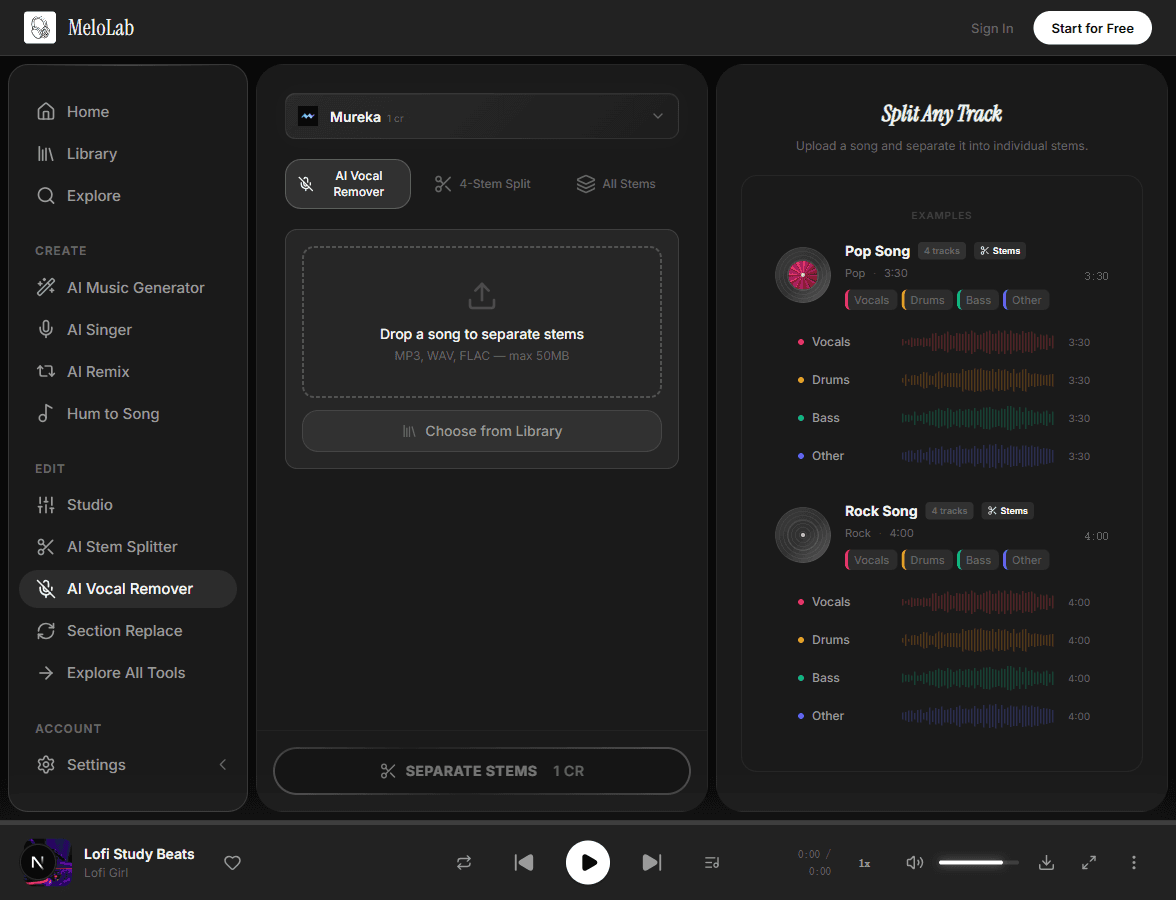
Download Instrumental & Acapella

Once processing completes, you get two files: a clean instrumental version with vocals removed and an isolated acapella track. Preview both directly in the browser, then download the files for use in karaoke, remixes, or practice sessions.

melolab.ai/app
Download instrumental and acapella results in MeloLab Vocal Remover

Vocal Remover Before and After

FeatureBeforeAfter
Vocal presenceLead and backing vocals clearly audible in the mixVocals removed, clean instrumental track remains
Instrumental preservationAll instruments mixed together with vocals on topInstrumental parts intact with original EQ and dynamics
Background vocal removalHarmonies and ad-libs layered throughoutBoth lead and background vocals stripped cleanly

What You Can Do with Vocal Remover

Create Karaoke Versions

Turn any song into a karaoke track by removing the lead vocals while keeping the full instrumental arrangement. Perfect for parties, events, and practice sessions.

Sample Instrumentals

Extract clean instrumental sections from vocal-heavy tracks for sampling, DJ sets, or as a foundation for new productions.

Practice Along to Any Song

Remove vocals to sing along with the original instrumental track. Great for vocal training, auditions, and learning arrangements.

Vocal Remover Formats and Exports

Input Formats

MP3Any bitrate
Max 20 MB
WAV16/24-bit
Max 20 MB
FLACLossless
Max 20 MB

Output Formats

WAVSame sample rate as input
Lossless
MP3For quick sharing
320kbps

Choose the Right Vocal Separation Path

Use Vocal Remover when you need a fast instrumental and acapella pair. If your next step needs more control, move to the related workflow before exporting final files.

Upload audio you own, created, licensed, or have permission to edit. Vocal removal and acapella extraction do not clear rights in the original song.

How to Get a Better Vocal Remover Result

Start with rights-cleared audio

Use music you own, licensed files, or recordings you have permission to edit. Vocal removal does not change copyright ownership.

Remove vocals from this rights-cleared song and prepare instrumental plus acapella stems.

Use higher-quality files when possible

WAV and FLAC uploads usually give the AI vocal remover cleaner information than low-bitrate MP3 files, especially when vocals overlap guitars or synths.

Use the uploaded WAV file to remove vocals online and preserve drums, bass, and stereo width.

Preview both stems before publishing

Check the instrumental for vocal remnants and check the acapella for bleed before using the output in karaoke, covers, remixes, or YouTube videos.

Create a karaoke instrumental and an acapella, then let me compare both outputs before export.

Use Stem Splitter for full production stems

If the goal is drums, bass, vocals, and other instruments as separate files, use Stem Splitter instead of a two-output vocal remover workflow.

Split this song into vocals, drums, bass, and instruments for a remix session.

Why Choose Our Vocal Remover

Vocal Removal

Remove the lead and backing vocals from any song to create a clean instrumental version. The remaining instruments sound natural and full.

Vocal Isolation

Extract the vocal performance as a standalone a cappella track. Perfect for remixes, mashups, vocal sampling, and creating vocal-based content.

chill beats, soft drums
chill lo-fi beats, warm Rhodes, vinyl crackle, 80 BPM

High Fidelity

Advanced AI preserves the full frequency spectrum of both the vocal and instrumental. No muddy mid-range, no hollow instruments, and no audible artifacts.

Fast Processing

Process a full song quickly. Upload your audio, preview the separated tracks, and download instrumental or acapella files without setting up a DAW.

0:000:28

Built for Every Creator

Karaoke Enthusiasts

Turn any song into a karaoke backing track instantly

Remove vocals from any song to create a clean instrumental that sounds like the original. Sing along to your favorite hits with a professional-sounding backing track, not a cheap MIDI knockoff. Perfect for karaoke nights, vocal practice, and sing-along parties.

<30sProcessing Time
HDAudio Quality
MP3Instant Download
Works with

Related AI Music Tools

Related Music Styles

About Vocal Remover

Vocal Remover Online uses AI to separate the vocal layer from a mixed song and return two practical outputs: an instrumental version and an isolated acapella. Upload a rights-cleared MP3, WAV, or FLAC file, preview the separation before export, and download stems for karaoke practice, cover rehearsal, remix drafts, vocal analysis, or sample preparation. The page is tuned for people searching for vocal remover, AI vocal remover, remove vocals from song, remove vocals online, free vocal remover trials, and acapella extractor workflows. If you need drums, bass, and other instruments as separate files, move to Stem Splitter; if you only need a backing track or vocal stem, Vocal Remover is the faster workflow. Final rights still depend on the source audio you upload.

Remove Vocals from Song Online

Use MeloLab as a vocal remover online workflow: upload a rights-cleared song file, let AI separate vocals and instrumental, preview both outputs, and export the version that fits karaoke, cover recording, remix drafts, or vocal practice.

VocalRemover.org and LALAL.AI Comparison Checklist

When comparing MeloLab with VocalRemover.org, LALAL.AI, or another AI vocal remover, check the same practical details: supported file formats, max upload size, before-and-after preview, acapella export, instrumental export, account or credit limits, and whether the workflow explains rights boundaries clearly.

AI Vocal Remover for YouTube Cover Drafts

Searches like AI vocal remover YouTube and free vocal remover for YouTube usually mean creators want a backing track for covers or analysis. MeloLab does not need a YouTube link; upload audio you own or are allowed to edit, then review composition, master, sync, and platform rules before publishing.

Upload, Privacy, and Format Checks

For the cleanest result, upload a high-quality MP3, WAV, or FLAC file under the current 20 MB limit. Avoid sensitive or unlicensed recordings, preview both stems before export, and use Stem Splitter instead when you need drums, bass, and other instruments separated beyond vocal removal.

Utility proof

Separate vocals when the edit needs control

Use vocal removal when you need a cleaner backing track, a karaoke draft, a remix bed, or a reference-safe edit path.

Fictional remix musician avatar for Marcus T.

Marcus T.

@marcusloops · Remix maker

Track to editable stems

The stem workflow is where it clicked for me. I can split, remix, and rebuild ideas without starting from a blank session.

Edit workflow

Vocal, drums, bass, and instrumental paths for remixing.

Fictional podcast host avatar for Riley J.

Riley J.

@rileyrecords · Podcast host

Show concept to intro music

My show needed an intro that sounded like mine, not a template. I wrote the vibe in plain English and got an opener I can reuse.

Audio identity

Intro, outro, and segment bumper directions.

Fictional indie game developer avatar for Nova P.

Nova P.

@novadev · Indie game developer

Game scene to loop

I needed a menu loop and boss cue that did not sound like free asset-pack music. The prototype finally had one audio identity.

Prototype audio

Menu loop, battle cue direction, and export checklist.

Frequently Asked Questions

Start Creating Vocal Remover for Free

No credit card required. Start creating in seconds.

Your next song starts here.

No credit card required. Generate your first track in under 60 seconds.

View Pricing