Speed1.00×
0.5×
2×
The real renderer uses pitch compensation. Extreme speed changes may produce artifacts.
Slow down or speed up audio from 0.5× to 2× while pitch compensation targets the original pitch.
Audio Effects
Speed Changer
0.5×–2× · pitch compensation
Output
WAV · changed duration
Illustrative workflow preview
The real renderer uses pitch compensation. Extreme speed changes may produce artifacts.
Example waveform—not user audio. The workspace creates the real WAV.
Slower results become longer; faster results become shorter. Pitch compensation targets the source pitch rather than intentionally creating a pitch effect.
0.75×
Longer duration
1.00×
Unchanged duration
1.25×
Shorter duration
1.50×
Shorter duration
2.00×
Half length duration

Hear a difficult passage at a calmer pace while the renderer targets the original pitch.
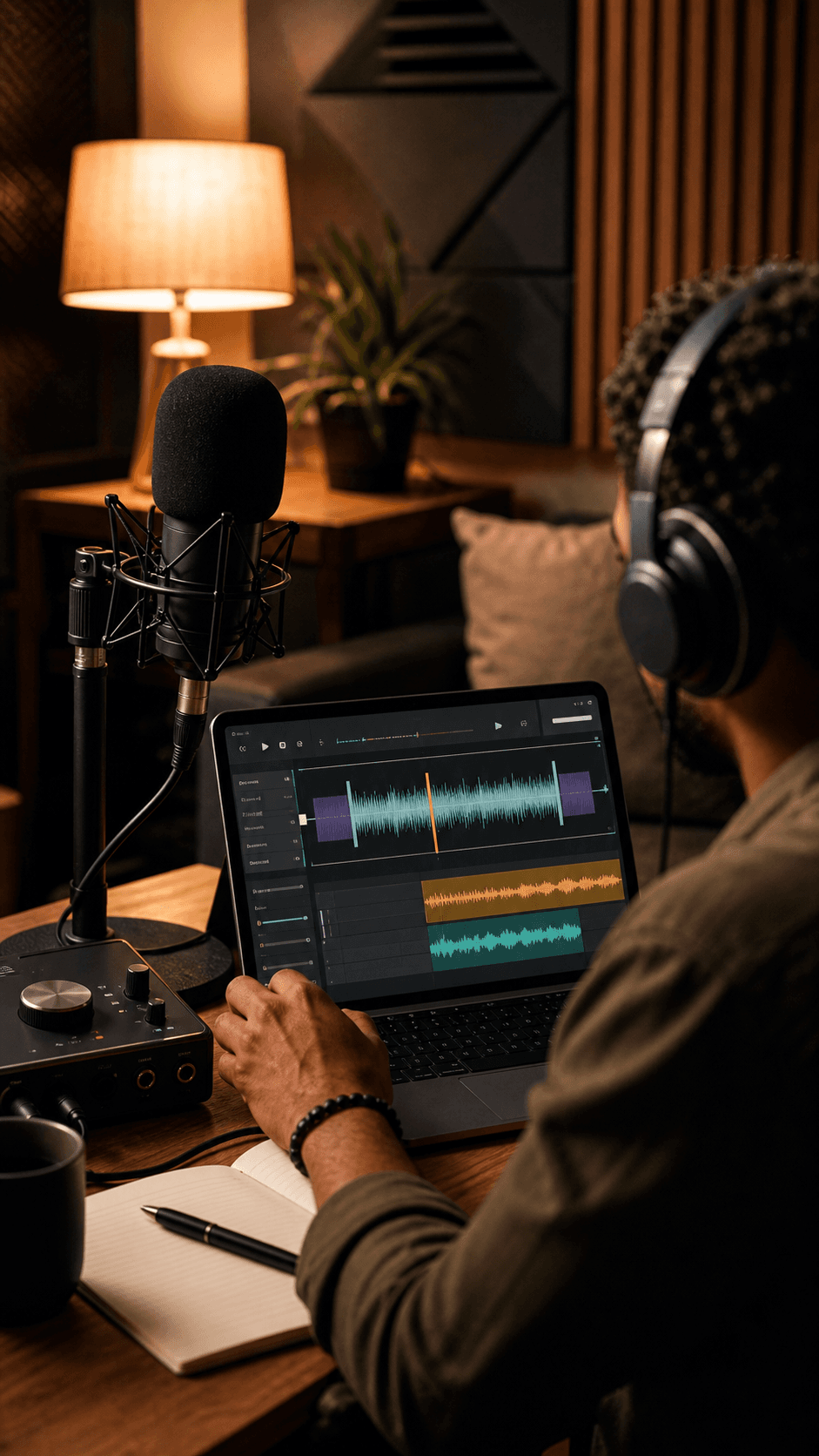
Move through a rights-cleared podcast, interview, or spoken recording in less time.
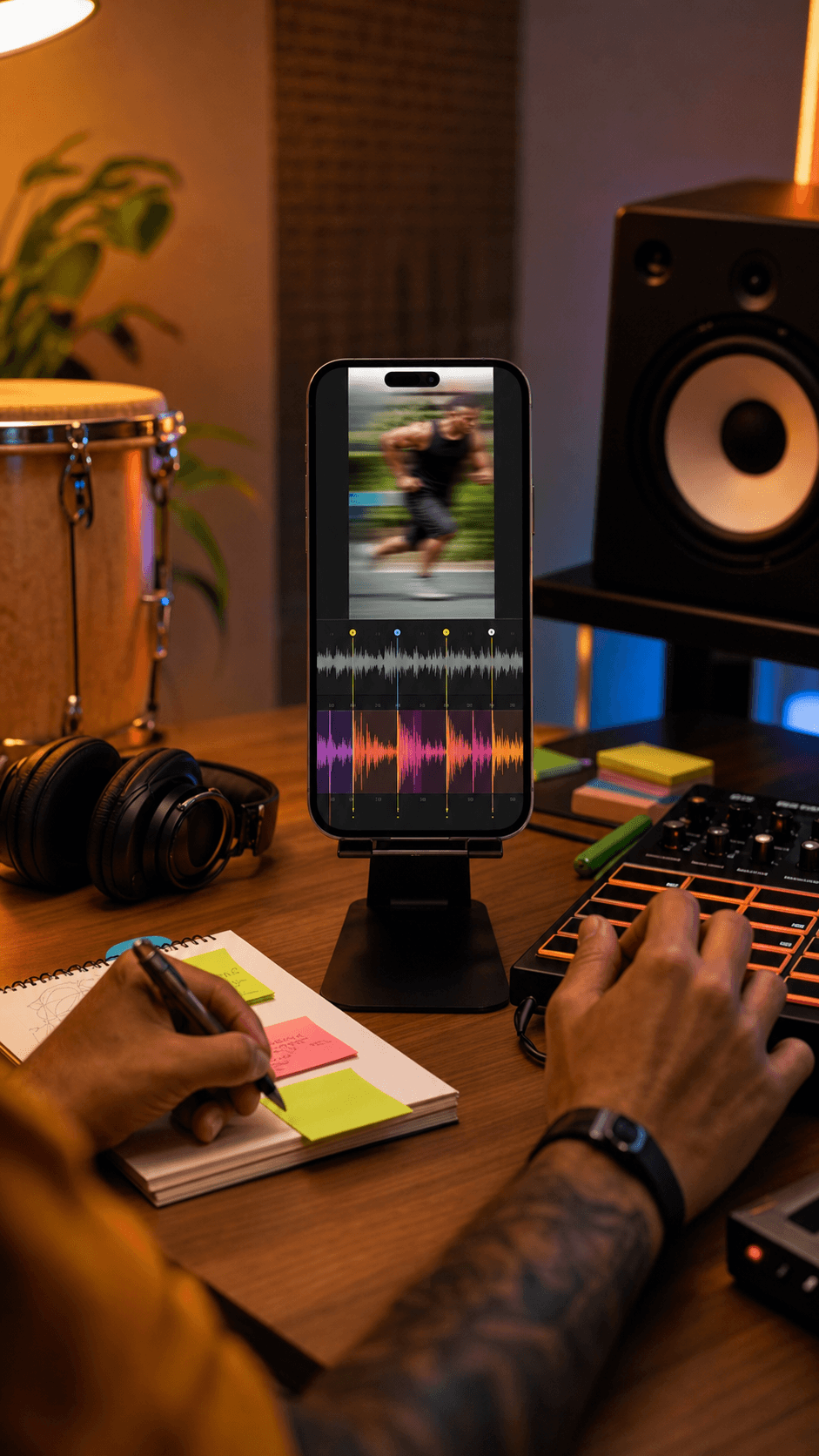
Preview how a voiceover or music draft feels at a different length before making the final edit.
Continue to the focused Speed Changer mode and choose a supported audio file from your device.
Set a value from 0.5× to 2×. The renderer targets the original pitch with compensation while it changes duration.
Create the local result, compare original and processed playback, and download the real WAV if it fits your use.
Yes. Choose a song or other supported local audio file, set a speed from 0.5× to 2×, compare the original and changed result, and export the processed audio as WAV.
Yes. Use the dedicated workspace to slow down a song online for practice or speed up a song online for faster review, while pitch compensation targets the original pitch.
Yes. Speed Changer targets the original pitch by applying pitch compensation while changing duration. Extreme speed changes or difficult source material can still produce audible artifacts.
The current workspace supports speeds from 0.5× to 2× in 0.05× steps. A slower setting makes the result longer; a faster setting makes it shorter.
The current workspace accepts MP3, WAV, FLAC, M4A, AAC, and OGG files up to 50 MB and exports the processed result as WAV.
No. This Speed Changer workflow decodes and renders the selected file locally in your browser. Keep the tab open while it works.
Yes. After a successful render, the workspace lets you play the original and processed result separately before downloading the WAV.
No. Refreshing clears the current source and result because this browser-local workflow does not store them in cloud history.
Choose the source inside the local workspace, set the speed, and review the real WAV before you export.
No credit card required. Generate your first track in under 60 seconds.
 MeloLab
AI-powered music generation platform. Create songs with vocals, custom lyrics, and stem separation. Paid plans include commercial use rights for eligible music.
© 2026 MeloLab. All rights reserved.
