Original
Play originalExample waveform—not user audio
Shift audio from -12 to +12 whole semitones while keeping the intended duration.
Audio Effects
Pitch Changer
Output
WAV · original duration
Illustrative workflow preview
-12 to +12 whole semitones · 1 semitone steps
Example waveform—not user audio
The real workspace creates a WAV result after rendering.
Pitch moves in whole semitone steps. The source duration is intended to stay the same because speed remains at 1×.
−5 semitones
Deeper and lower
0 semitones
As recorded
+5 semitones
Brighter and higher

Move a rehearsal track into a more comfortable whole-semitone key while keeping the intended timing.

Try a guitar, piano, or instrumental idea higher or lower before you re-record or rearrange it.
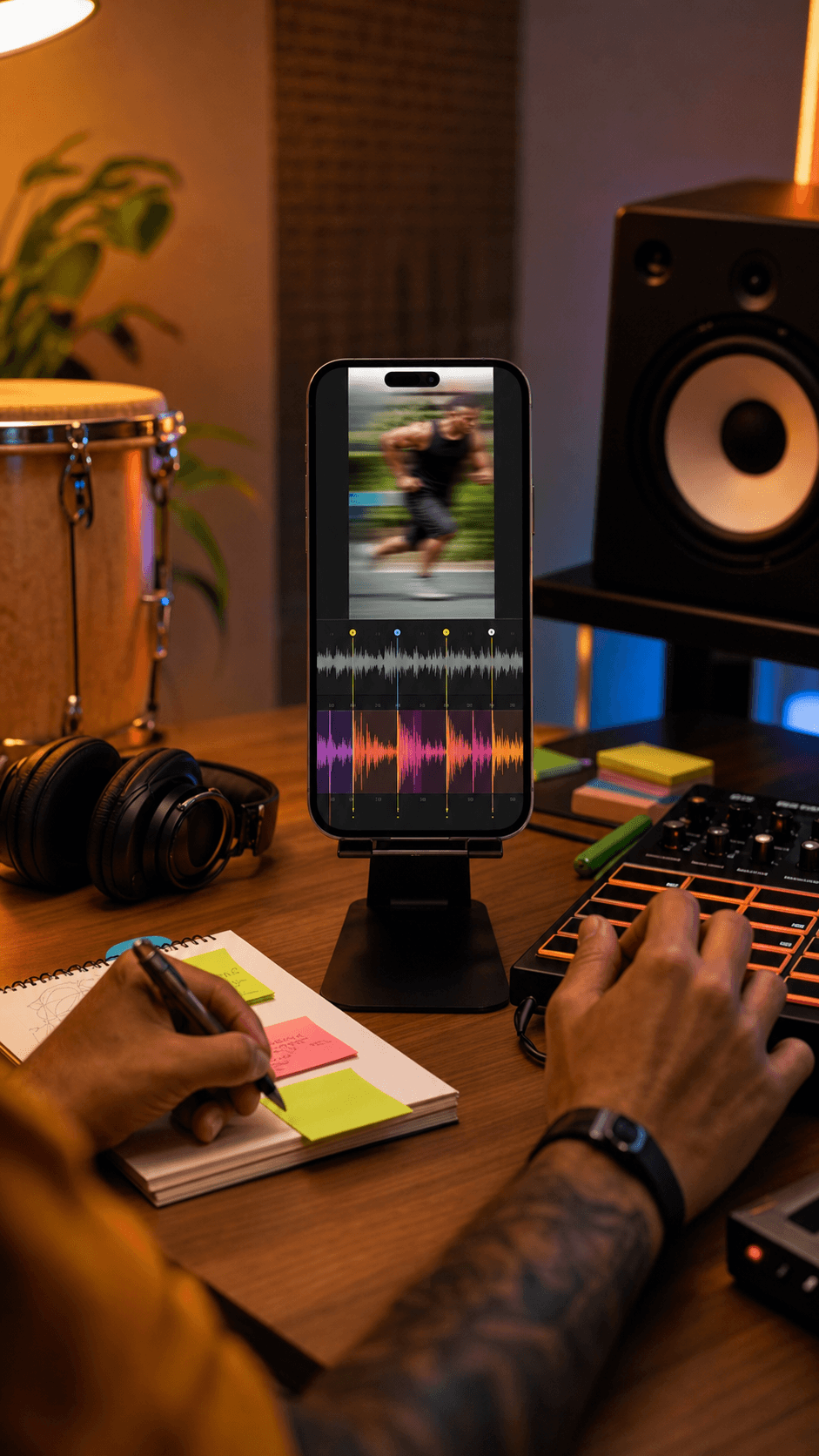
Create a lower or higher variation for an edit, sample study, or rights-cleared production draft.
Continue to the focused Pitch Changer mode and choose a supported audio file from your device.
Choose a whole-semitone shift from -12 to +12 while the speed remains at 1×.
Create the local result, compare original and processed playback, and download the real WAV if it fits your use.
Yes. This music key changer online workflow moves a permitted song or audio file by whole semitones while keeping speed at 1×, then lets you compare and export the rendered WAV.
A semitone is the smallest step in the common twelve-tone musical scale. Moving by 12 semitones shifts the audio by one octave.
Pitch Changer keeps speed at 1× while shifting pitch, so the intended duration stays the same. Browser and source limitations can still affect the rendered result.
The current workspace accepts MP3, WAV, FLAC, M4A, AAC, and OGG files up to 50 MB and exports the processed result as WAV.
No. This Pitch Changer workflow decodes and renders the selected file locally in your browser. Keep the tab open while it works.
Not in the current workflow. Pitch changes use whole semitone steps from -12 to +12.
No. Refreshing clears the current source and result because this browser-local workflow does not store them in cloud history.
Choose the source inside the local workspace, set a whole-semitone shift, and review the real WAV before you export.
No credit card required. Generate your first track in under 60 seconds.
 MeloLab
AI-powered music generation platform. Create songs with vocals, custom lyrics, and stem separation. Paid plans include commercial use rights for eligible music.
© 2026 MeloLab. All rights reserved.
