Continuous denoise
The server tracks steady background noise underneath wanted sound, not only in gaps.
Reduce steady fan noise, room tone, and microphone hiss with three reduction strengths—then compare the original, cleaned WAV, and removed-noise monitor.
Sign-in is required. Opening the workspace does not upload, process, or charge anything until you choose a source and start the task.
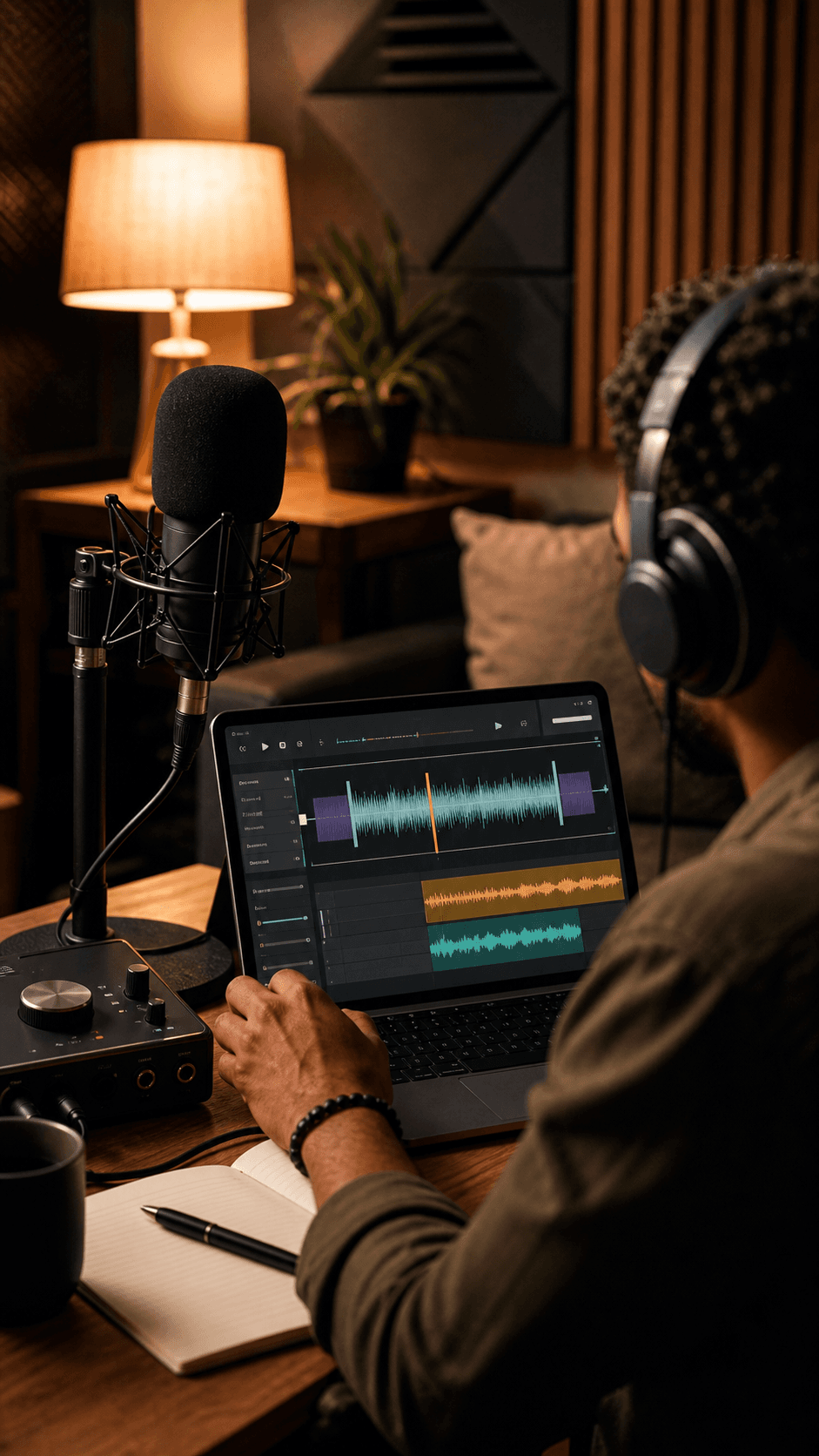
Keep the wanted sound
Reduce the noise bed without presenting a fake result.
Real private workflow
Illustrative — these shapes are decorative, not processed or playable audio.
The server tracks steady background noise underneath wanted sound, not only in gaps.
Preview the original, cleaned result, and removed-noise monitor returned by the task.
Download the cleaned WAV produced by the processor for 0 credits.

The intended task is steady mechanical noise that continues underneath a spoken or musical recording.

A gentle setting should reduce self-noise without treating every high-frequency detail as unwanted sound.

The goal is a more usable source for the next edit, with the original always available for honest comparison.
A gate only closes or attenuates audio below a threshold. Continuous denoise must also reduce the noise bed while speech or music is active.
Echo and reverb are a different task: they come from reflected copies of the wanted signal and need a dedicated dereverberation owner.
Audio Enhancer owns the broader enhancement chain for rumble control, dynamics, loudness, and peak protection; dedicated denoise should stay a distinct result contract.
Open the private workspace, sign in, choose audio you are allowed to process, select Gentle, Balanced, or Strong reduction, and start the task. You can compare the original, cleaned result, and removed-noise monitor before downloading the cleaned WAV.
Continuous denoise aims to reduce an additive noise bed throughout a recording, including when the wanted voice or music is present. Its real quality depends on the source and processor.
No. A threshold gate mainly turns down quieter passages; it does not separate a steady noise bed from wanted sound that is playing at the same time.
No. Sudden impacts, overlapping background speakers, clipping, and dense music can be difficult, and aggressive reduction can make wanted sound thin or robotic.
Room reflections require a dedicated dereverberation workflow. They are not the same additive-noise problem as hum, hiss, or steady environmental texture.
The current private workflow uses 0 credits. Processing runs on MeloLab's server and returns a cleaned WAV plus a removed-noise monitor. A hard refresh can require you to choose the source again.
Use the authenticated workspace to process a common audio file up to 100 MB. A hard refresh can require you to choose the source again.
No credit card required. Generate your first track in under 60 seconds.
 MeloLab
AI-powered music generation platform. Create songs with vocals, custom lyrics, and stem separation. Paid plans include commercial use rights for eligible music.
© 2026 MeloLab. All rights reserved.
