OriginalSource playback
Zero-credit audio processing
Audio Enhancer
Balance dynamics and loudness, control low rumble, and protect peaks—then compare the real enhanced WAV with your original.
- 0 credits
- Original and result playback
- WAV output

Current private workflow
Gentle · Balanced · Strong
Authenticated upload → server processing → private WAV result
Illustrative preview
Listen before you keep the result.
EnhancedReturned WAV
Example waveforms only—not user audio and not a generated result. Process your own source in the authenticated workspace.
What the processor actually does
This is a disclosed loudness-and-dynamics chain. It is not a denoiser, source separator, clipping repair system, or promise of studio-quality restoration.
Rumble control
A high-pass stage reduces very low-frequency rumble without claiming full noise removal.
Dynamics balance
Compression gently narrows large level jumps according to the chosen strength.
Loudness target
Normalization moves the result toward a documented LUFS target.
Peak protection
A limiter controls the final peak before the real WAV is written.
Three truthful strengths
Gentle−16 LUFS targetNatural dynamics
Balanced−14 LUFS targetClear and even
Strong−14 LUFS targetTighter dynamics
Know the quality boundary
Good candidates
- Uneven music-demo levels
- Spoken recordings with level variation
- Drafts that need a predictable loudness target
Not recoverable here
- Clipped or missing frequencies
- Heavy steady background noise
- Room echo, reverb, or separated voices
Audio Enhancer does not remove steady background noise. Dense, distorted, or already heavily limited sources may gain little or expose artifacts.
A focused finishing step for creator audio

Even out a music demo
Make a rights-cleared draft easier to review when its sections jump noticeably in level.
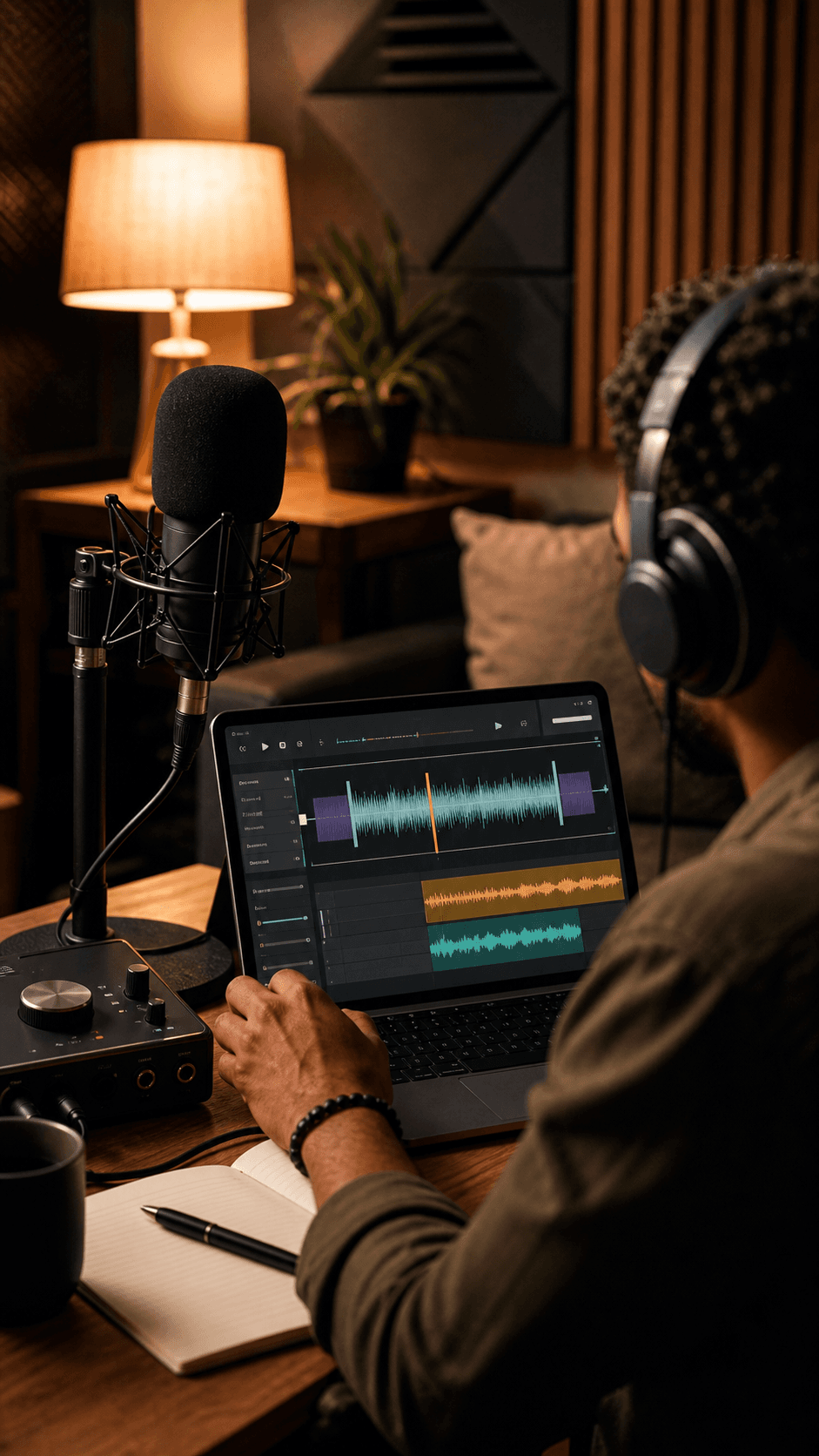
Balance spoken recordings
Control level variation in a podcast or voice take without pretending to isolate speech or remove room noise.
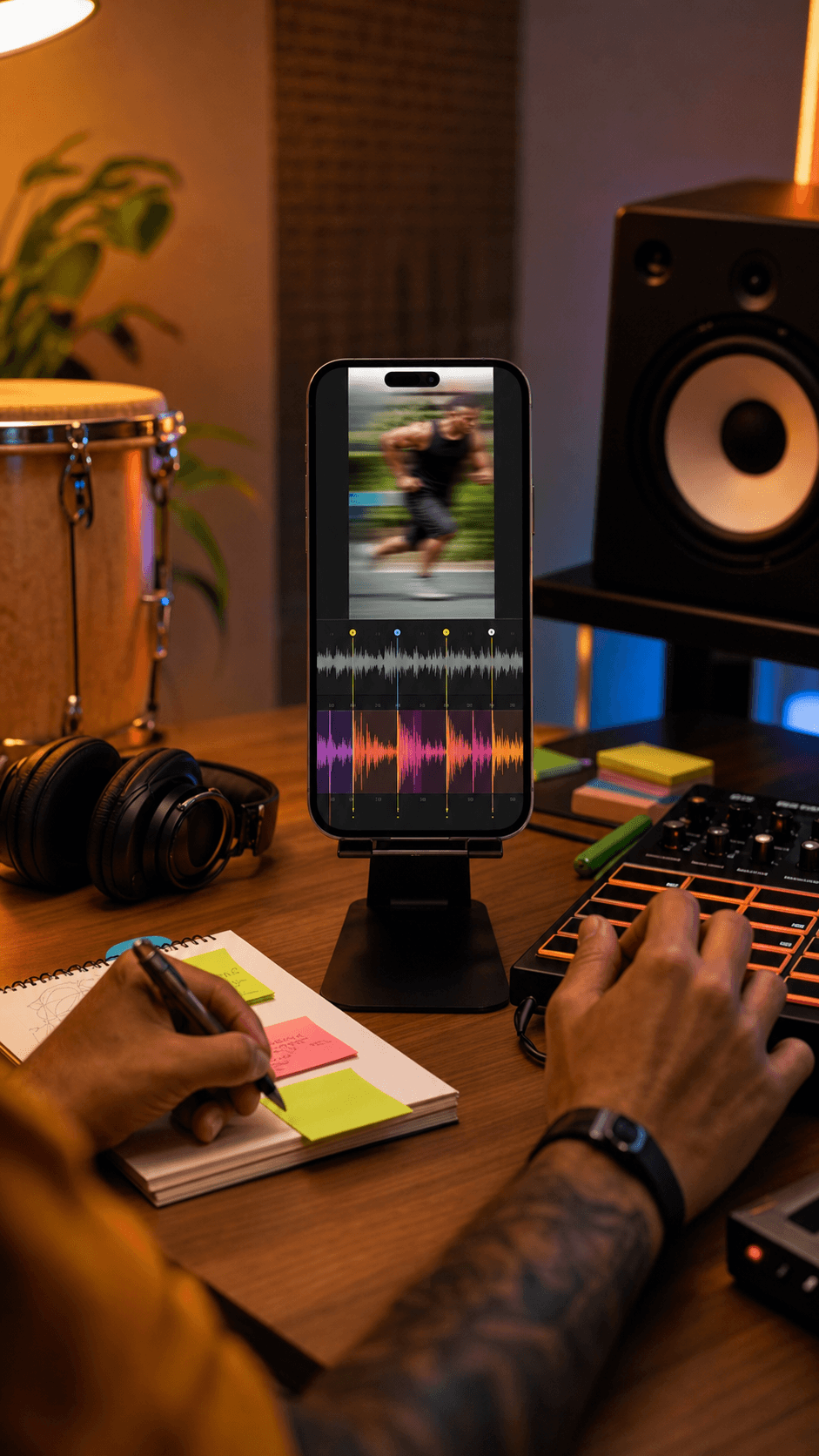
Prepare audio for an edit
Create a predictable WAV draft before moving the result into a larger video or audio project.
How it works
- 1
Open the private workspace
Continue to Audio Enhancer, choose a supported rights-cleared file, and confirm permission to process it.
- 2
Choose the strength
Select Gentle, Balanced, or Strong. Each setting maps to a documented dynamics and loudness preset.
- 3
Process, compare, and export
Run the zero-credit server process, compare the original with the returned result, and download the real WAV.
Privacy and recovery
- The source is uploaded through the authenticated private audio path.
- Server processing returns a private WAV result and charges 0 credits.
- Do not rely on an active source or task surviving refresh; Library saving is attempted after success.
Current output contract
- Common verified audio formats; account upload limit and 100 MB processor cap apply.
- Original and returned result can be played separately after success.
- The current downloadable output is a real PCM WAV.
Frequently asked questions
What does this Audio Enhancer change?
It applies a high-pass filter for low rumble, dynamic compression, loudness normalization, and peak limiting. The exact targets vary between Gentle, Balanced, and Strong.
Does Audio Enhancer remove steady background noise?
No. This workflow does not remove steady background noise, isolate speech, repair clipping, or restore frequencies that are missing from the source. Use a dedicated noise-removal workflow when that capability is available.
Can I compare the original and enhanced audio?
Yes. After processing succeeds, the private workspace lets you play the uploaded source and the returned enhanced WAV separately before downloading.
How much does enhancement cost?
The current Audio Enhancer process costs 0 credits. You must sign in because the source is uploaded to an authenticated private workflow.
Which files can I use?
The verified upload path supports common audio types such as MP3, WAV, FLAC, M4A, AAC, OGG, and WebM. Your account upload limit applies, and the enhancer has a 100 MB hard processing cap.
Is processing local in my browser?
No. The file is uploaded through the authenticated audio upload path and processed on the server. The result is a WAV and the workspace attempts to save it privately to your Library.
Will the active task survive a refresh?
Do not rely on the selected local file or active workspace state surviving a refresh. If Library saving succeeds, the completed private result can be opened later from your Library.
Ready to compare the real result?
Choose your source in the private workspace, select a strength, and review the returned WAV before you keep it.

