
Independent workflow comparison Verified August 9, 2026

Suno vs Udio — choose by the job

Compare the workflow, editing, credits, commercial-use position, and today's download limits. There is no universal winner—choose the fit for the work you need to finish.

What are you trying to do?

Today's practical fit

Today's practical fit: Suno

Udio's official transition notice currently says audio, video, and stem downloads are disabled.

Check the live plan page for Suno's current output and stem availability before subscribing.

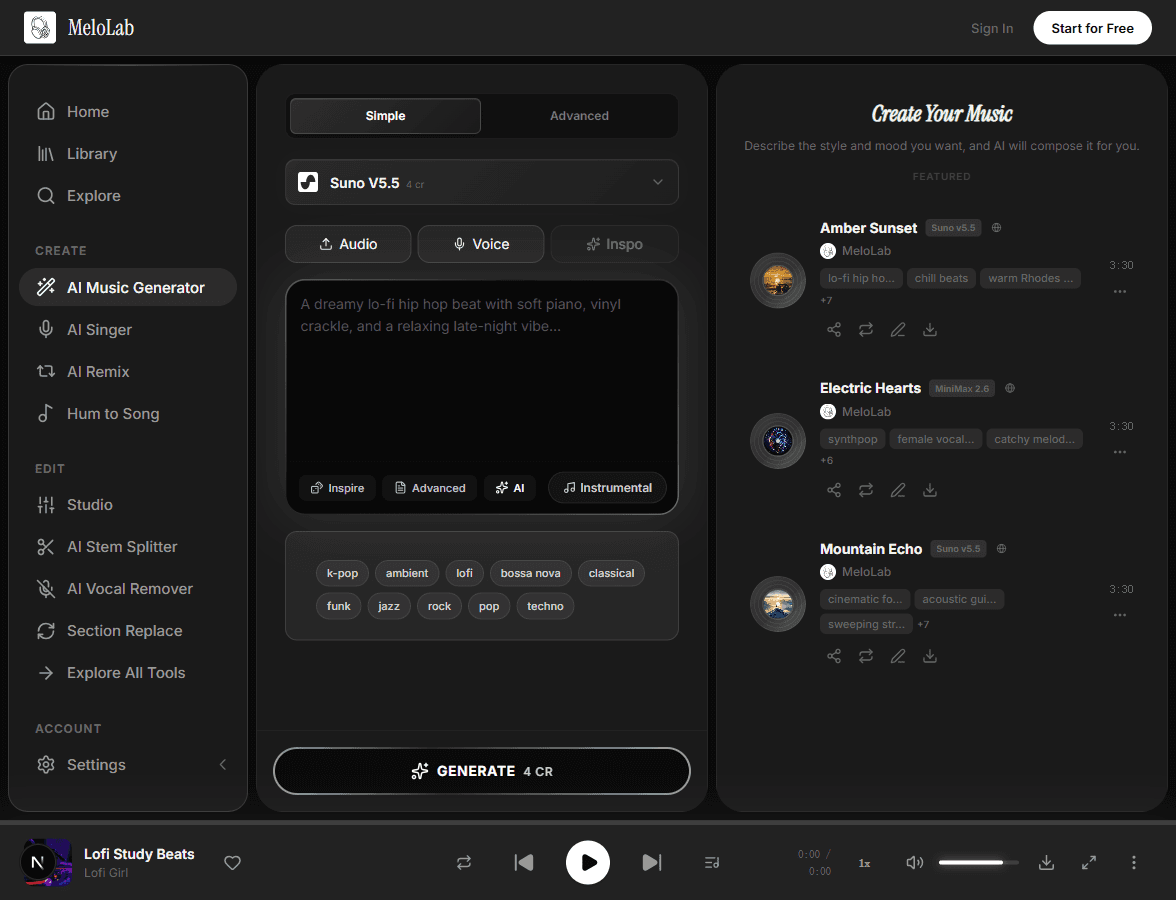
A music creation workspace showing generated tracks
1Idea2Arrange3Export

Your answer changes with the task

Finish a complete song

Move from a prompt to a structured song with vocals and sections.

Suno

Its current workflow is oriented around complete songs, then editing, stems, and export on eligible plans.

Your result still depends on the prompt, model version, and the kind of section-level control you need.

Edit and iterate on sections

Try versions, replace parts, and shape the arrangement.

Udio

Sessions is designed for extending and replacing waveform regions, editing lyrics, and comparing takes.

Audio, video, and stem downloads are currently disabled during Udio's transition.

Export files today

Download audio or stems for the next production step.

Suno

Udio's official transition notice currently says audio, video, and stem downloads are disabled.

Check the live plan page for Suno's current output and stem availability before subscribing.

Publish commercially

Release client, channel, or monetized work with a clear rights path.

Check the terms

Suno currently ties commercial rights for newly created songs to paid-plan creation. Udio is in a licensed-platform transition.

Read the current plan and terms at the moment you create and again before publishing. This guide is not legal advice.

Suno and Udio at a glance

Dated facts, not permanent promises. Verify live before purchasing or publishing.

Snapshot: August 9, 2026
Free access

Suno: 50 daily credits; songs made on the free plan are for non-commercial use.

Udio: 10 daily credits plus a 100 monthly allotment in the current help-center snapshot.

Paid credit snapshot

Suno: Pro: 2,500 monthly. Premier: 10,000 monthly.

Udio: Standard: 2,400 monthly. Pro: 6,000 monthly.

Price snapshot

Suno: Pro $8 and Premier $24 monthly equivalents when billed annually. Verify live.

Udio: Official subscription help uses $10 Standard and $30 Pro monthly examples. Verify live.

Editing workflow

Suno: Complete-song creation plus paid editing and stem features listed on the current plan page.

Udio: Sessions supports section-level extension, replacement, lyrics editing, takes, and undo.

Downloads

Suno: Available within the current creation workflow; formats and stems vary by plan.

Udio: Audio, video, and stem downloads are currently disabled during the transition.

Commercial-use position

Suno: Paid subscribers are considered owners of songs created while subscribed; free-plan songs are non-commercial.

Udio: Check Udio's current terms and transition notices before publishing; this guide does not infer rights.

Two different creation flows

Suno flow

  1. 1Write a prompt
  2. 2Create a complete song
  3. 3Edit or separate stems
  4. 4Export for the next step

Udio flow

  1. 1Write a prompt
  2. 2Compare versions
  3. 3Refine in Sessions
  4. 4Share a Udio link during transition

Pricing and credits — dated snapshot

Suno

  • Free: 50 daily credits, non-commercial
  • Pro: 2,500 monthly credits
  • Premier: 10,000 monthly credits
  • $8 / $24 monthly equivalents when billed annually

Udio

  • Free: 10 daily credits + 100 monthly allotment
  • Standard: 2,400 monthly credits
  • Pro: 6,000 monthly credits
  • $10 / $30 monthly examples in official help

Verify live pricing, credit rules, taxes, and regional availability at checkout.

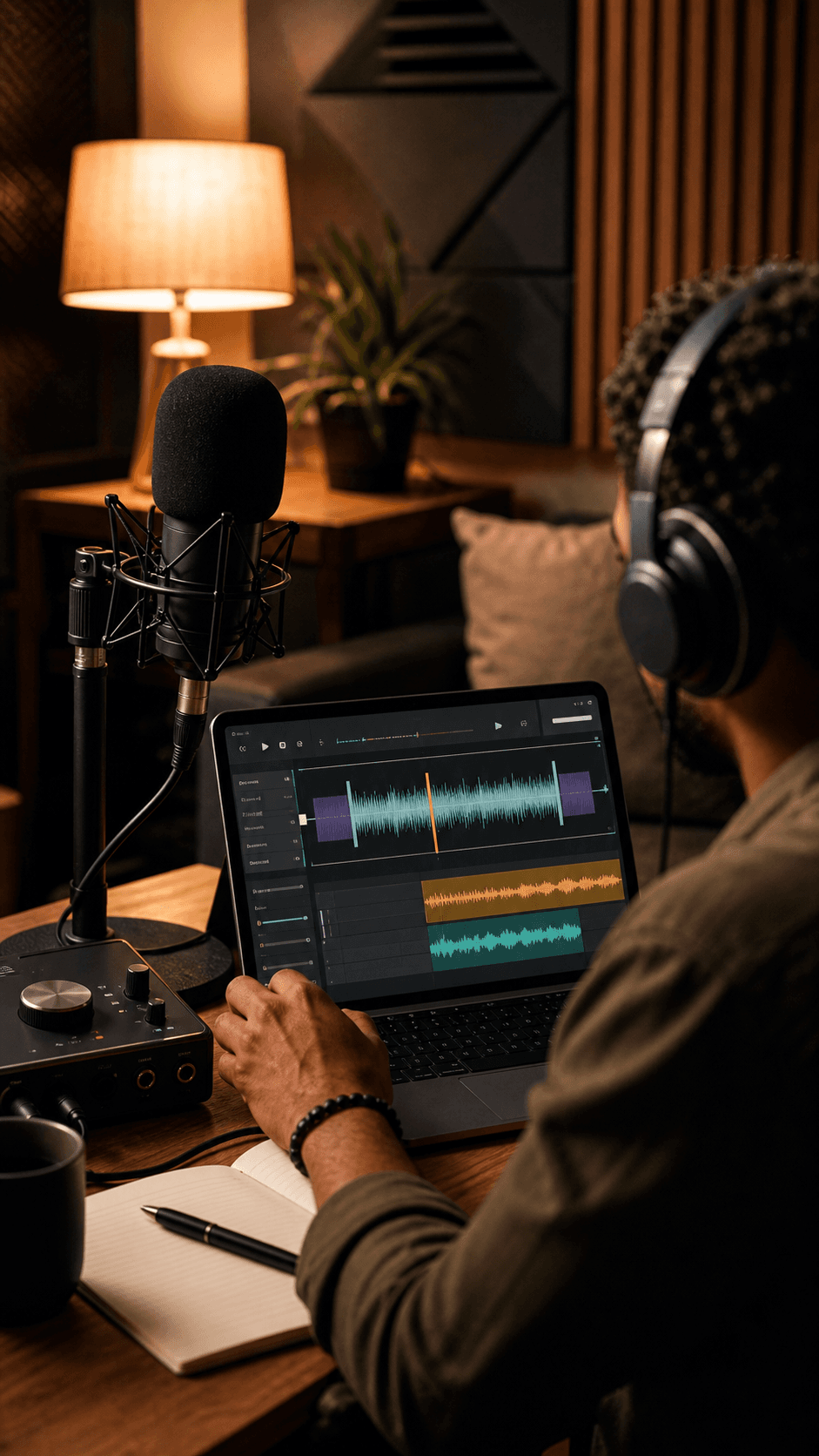
A creator working on music in a studio

Where MeloLab fits in the workflow

MeloLab is a separate workspace: start from supported creation models, continue into audio tools, and keep projects together. It is not presented here as an automatic quality winner.

Generate with supported models

Continue into audio tools

Keep work in one private workspace

Frequently asked questions

Which is better overall: Suno or Udio?

There is no universal winner. Suno is the more practical fit in this dated snapshot when you need a complete-song workflow and downloadable files. Udio is compelling for iterative Sessions editing, but its current download restriction changes the decision.

Can I download songs from Udio right now?

Udio's official transition notice says audio, video, and stem downloads are currently disabled. You can still create, edit in Sessions, and share Udio links. Check the official notice because this may change.

Can I use Suno songs commercially?

Suno says paid subscribers are considered owners of songs created while subscribed and retain commercial rights to those songs. Songs made on the free plan are limited to non-commercial use. Always verify the live plan and terms.

Are the prices on this page permanent?

No. Every price and credit number is a snapshot verified on August 9, 2026. Follow the official source links and check the live checkout before making a purchase.

Where does MeloLab fit?

MeloLab is a separate creation workspace that lets you start with supported music models and continue into audio tools. The CTA opens the existing private music generator; this comparison does not claim MeloLab is an objective audio-quality winner.

Your next song starts here.

No credit card required. Generate your first track in under 60 seconds.

View Pricing
MeloLabMeloLab

AI-powered music generation platform. Create songs with vocals, custom lyrics, and stem separation. Paid plans include commercial use rights for eligible music.

© 2026 MeloLab. All rights reserved.

