
Karaoke & backing tracks
Keep the arrangement and remove the lead vocal for rehearsals, sing-alongs, and rights-cleared performances.
Instrumental creation
Remove vocals. Keep the music.
Continue first, then upload an MP3, WAV, M4A, AAC, or FLAC without exposing the source on this public page.
The private Mureka workflow currently costs 4 credits per separation job. You see the exact cost before processing and are not charged on this page.
Example output
Your real waveforms appear only after the private task succeeds.
Vocals are available as the secondary separation output when the task succeeds.
Private workspace
The source is selected after handoff.
Real downloadable audio
No renamed or fake result files.
Use content you own
Permission remains your responsibility.
Keep the arrangement and remove the lead vocal for rehearsals, sing-alongs, and rights-cleared performances.
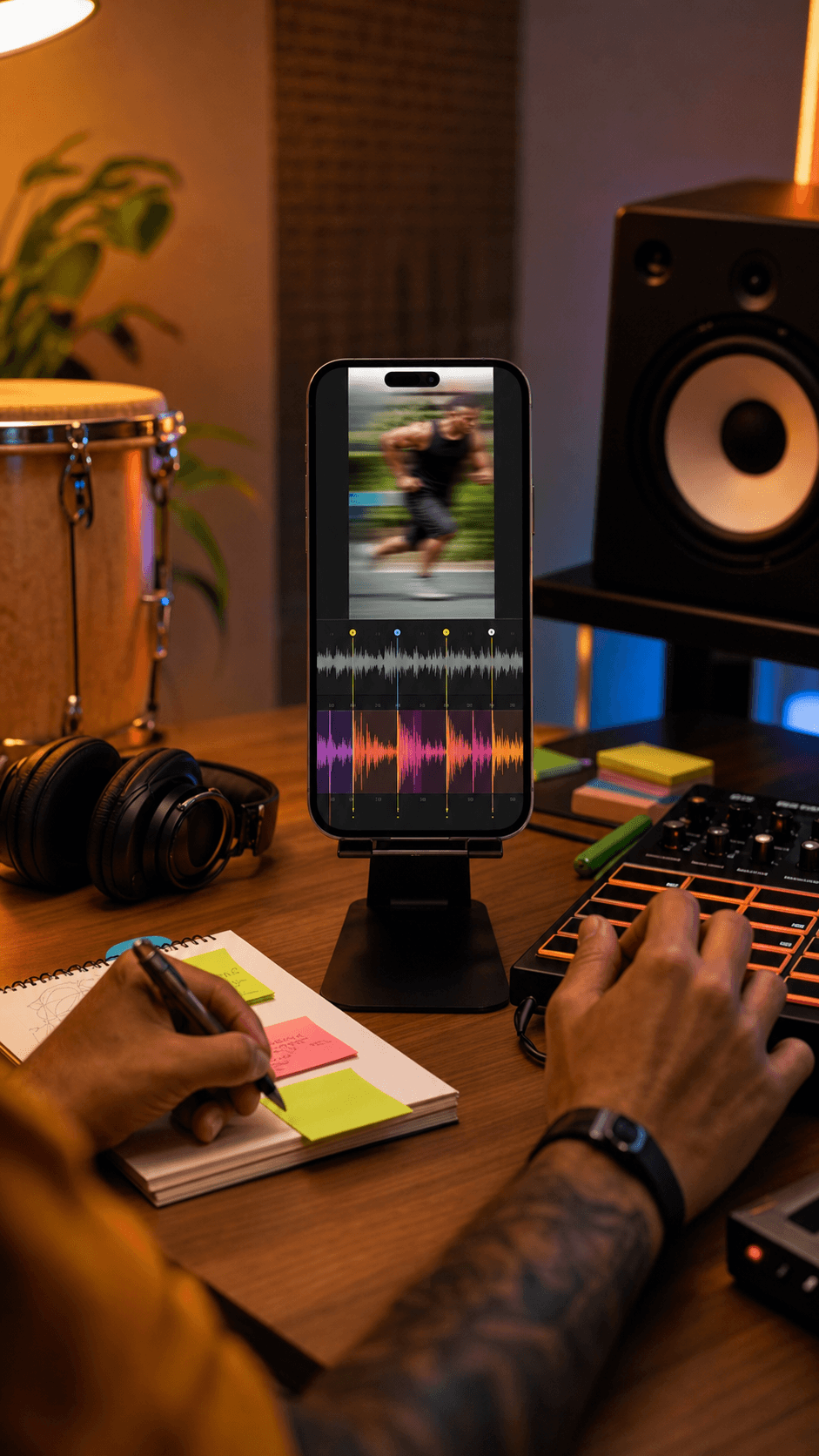
Start from the instrumental side of a permitted mix, then rebuild, edit, or arrange it in your own session.
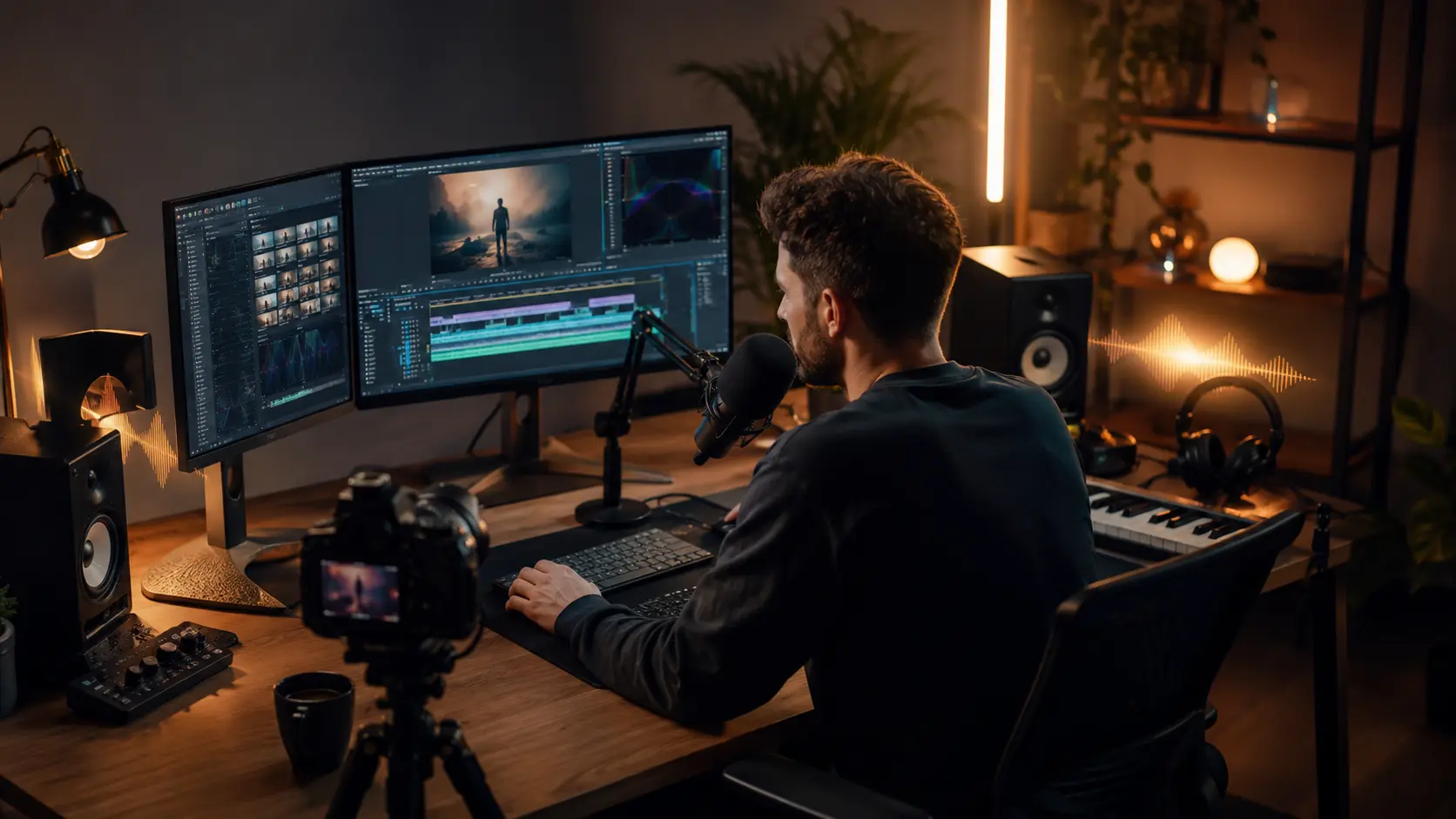
Study the arrangement, rehearse your part, and prepare a backing draft before a session or performance.
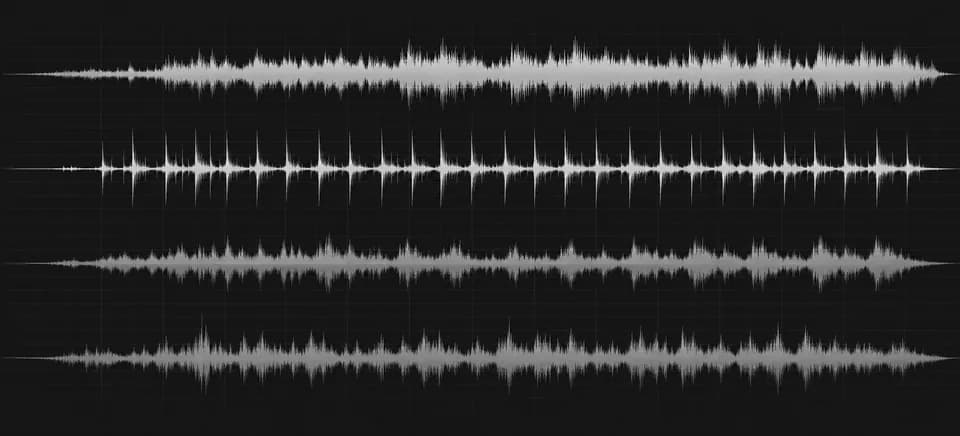
Instrumental Maker keeps the backing side of a vocal separation front and center. Use it when your destination is a karaoke, rehearsal, or production draft—not a newly generated arrangement.
Compare with Vocal RemoverChoose a rights-cleared song in the private instrumental workspace.
MeloLab separates the vocal from the backing track using the real vocal-removal task.
Preview the returned track, check for artifacts, then download the real file.
It sends a rights-cleared song into MeloLab’s vocal-removal workflow and makes the returned instrumental the primary result. The vocal output remains secondary.
Yes. Instrumental Maker removes vocals from a finished mix. Instrumental from Vocals creates new accompaniment around a vocal or topline, so the two pages serve different jobs.
The private workspace currently accepts common audio formats including MP3, WAV, M4A, AAC, and FLAC, subject to the upload limit shown for your plan.
The private Mureka workflow currently costs 4 credits per separation job. The exact cost is shown before processing; this public page does not charge or upload a file.
No. Reverb, layered vocals, dense mixes, and instruments that overlap the vocal range can leave bleed or artifacts. Review the real result before using it.
Only if you have the necessary rights to the source recording and composition. Removing a vocal does not transfer copyright or create new usage rights.
No credit card required. Generate your first track in under 60 seconds.
 MeloLab
AI-powered music generation platform. Create songs with vocals, custom lyrics, and stem separation. Paid plans include commercial use rights for eligible music.
© 2026 MeloLab. All rights reserved.
