Source A
First audio source
Bring two audio sources. Tell an eligible Suno mashup model how they should meet. Results vary.

Focused handoff
Source A + Source B + creative brief → real AI Mashup job
Illustrative workflow preview
First audio source
Second audio source
“Blend the warmth of Source A with the rhythm and energy of Source B. Keep it uplifting.”
Example only. The model interprets your sources and brief; results vary.
Workflow example — not an actual result
A vocal, groove, or instrumental idea.
A second rights-cleared source to interpret.
The relationship, mood, or energy you want.
A newly generated model interpretation in the app.
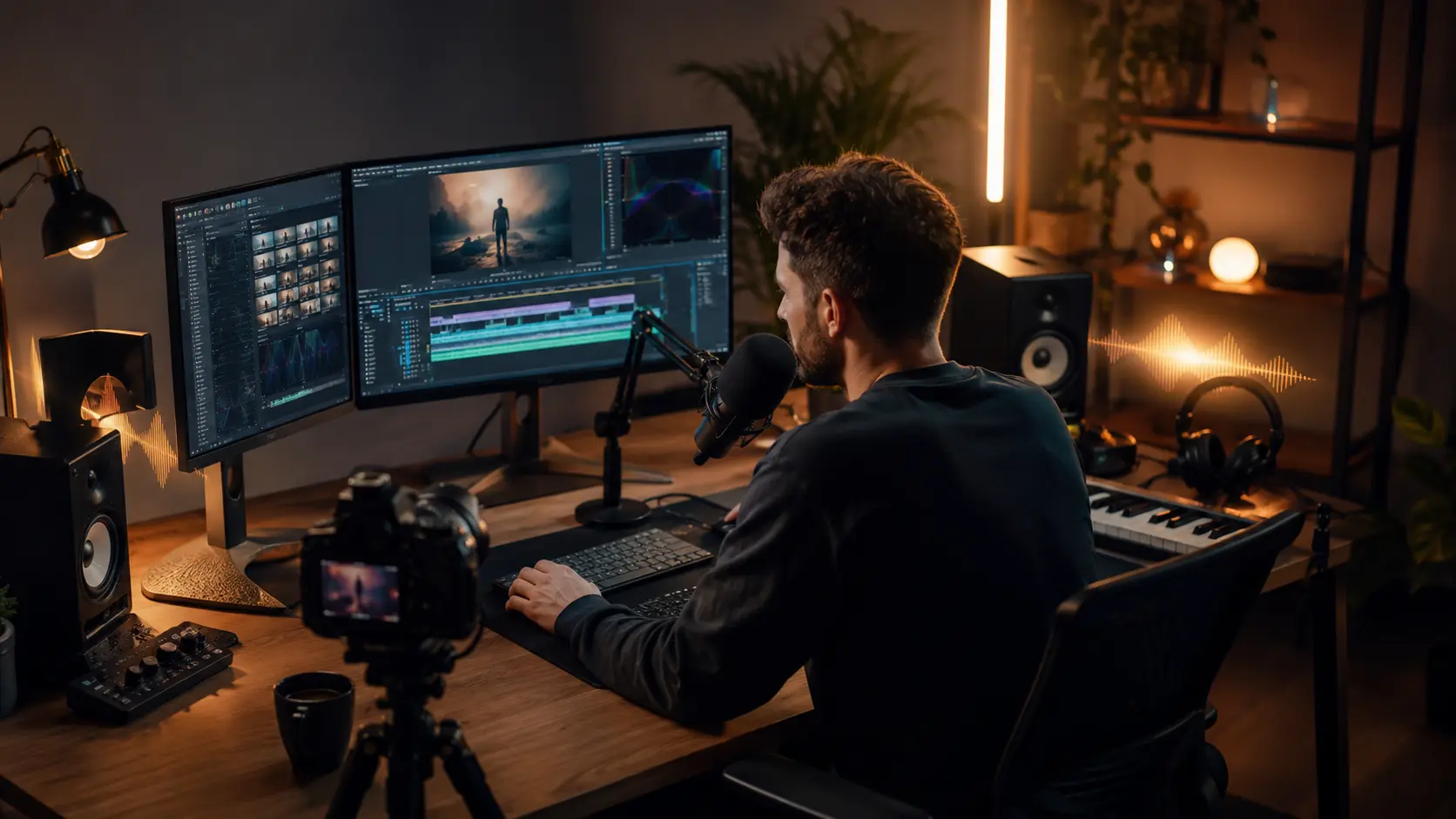
Give the model two complementary ideas and describe which qualities should lead.
Describe how the mood, energy, or instrumentation of two rights-cleared sources should meet.

Use a short creative direction to ask for a fresh model interpretation rather than manual editing.
Choose two audio sources inside the private workspace.
Describe how the musical ideas should meet.
The focused mode selects a real two-source Mashup workflow.
Preview the returned generation and use the available app actions.
Continue to the private AI Remix workspace. No generation starts and no credits are charged from the external page.
Add Source A and Source B in the private workspace and confirm you have rights to use both sources.
Describe the style, energy, vocal balance, or contrast you want the model to interpret.
Check the current Suno V6 model and 10-credit cost, start the real job, then review the returned result in the app.
It sends two audio sources and your creative brief to an eligible Suno mashup model. The model generates a new interpretation; results vary with the sources, brief, and selected model.
Yes. The private Mashup workspace provides two source slots. You must own or have permission to use both sources.
No. The current workflow does not provide manual or guaranteed BPM/key alignment, stem balancing, transition placement, or timeline editing.
The current Suno V6 Mashup task costs 10 credits. The external page does not charge; the private app shows the price again before you start generation.
Your selected sources and brief can remain in the mounted workspace while you complete the same-tab sign-in flow. Refreshing before submission clears local selections.
After a successful generation, the returned result appears in the MeloLab app for preview and the available result actions.
Continue to the focused private workspace, add both sources, and review the current Suno V6 · 10-credit task before generating.
No credit card required. Generate your first track in under 60 seconds.
 MeloLab
AI-powered music generation platform. Create songs with vocals, custom lyrics, and stem separation. Paid plans include commercial use rights for eligible music.
© 2026 MeloLab. All rights reserved.
