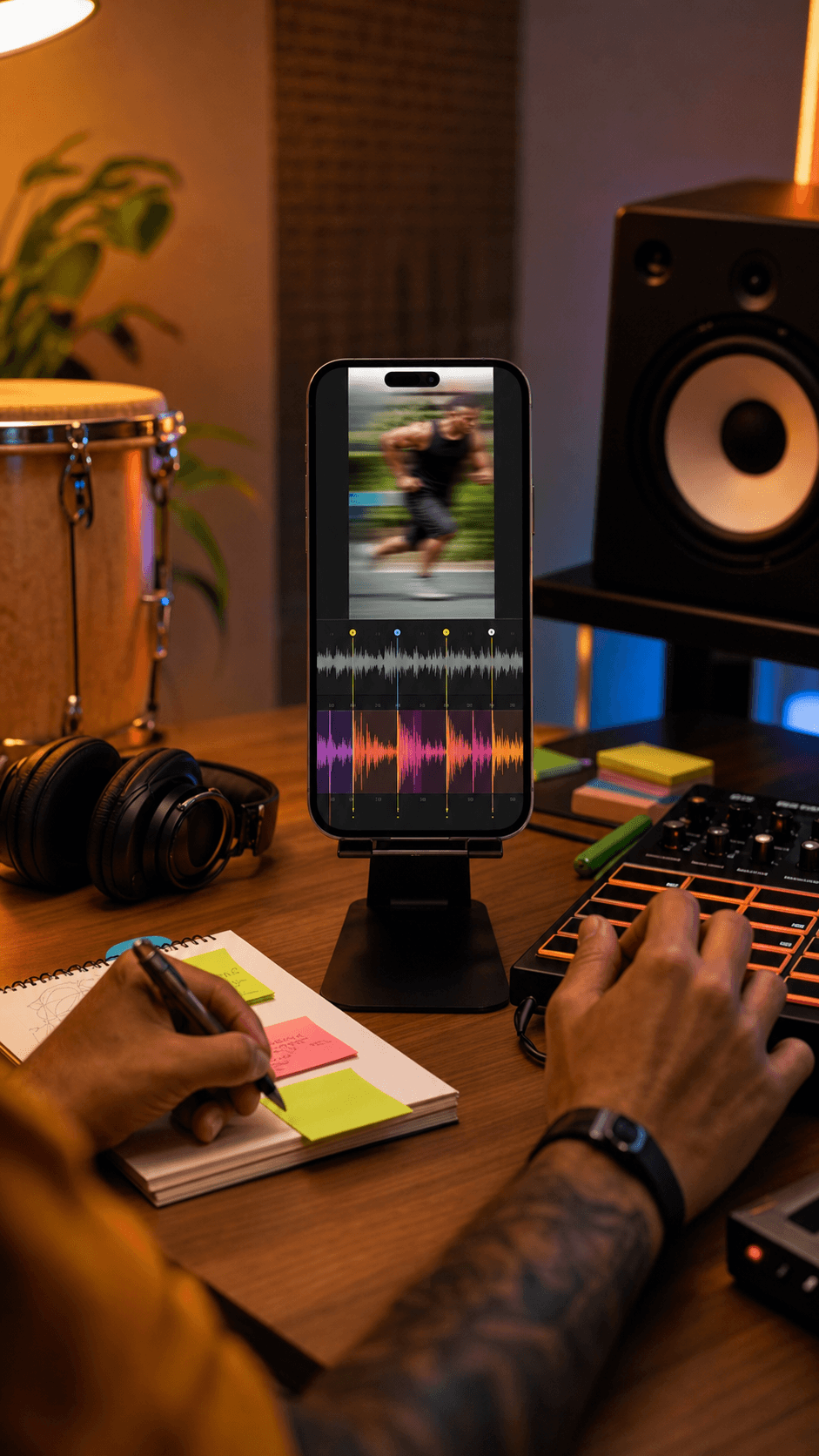
DJ beatmatching
Estimate the tempo before you line up a permitted track for a mix or transition.
Find the estimated BPM and musical key of a YouTube track you are allowed to analyze.
Open the private workspace before adding an authorized YouTube source or running BPM and key analysis.
No file, link, prompt, or result is collected on this public page.
YouTube BPM & Key Finder
MeloLab workspace
Expected output
BPM, key, confidence, and range
The estimates appear only after analysis in the app.
Estimate the tempo before you line up a permitted track for a mix or transition.
Use the estimated key to plan a compatible vocal range, harmony, or remix idea.

Set a metronome, rehearse at the right pace, and prepare a key that suits your performance.
Estimated beats per minute—the overall speed of the track.
The estimated tonal center and major or minor scale.
Confidence only for the key estimate—not BPM or overall accuracy.
Yes. Only import and analyze content you own or have permission to process. A YouTube link does not grant rights to the recording.
They are estimates. Clean recordings with a steady tempo and clear tonal center are usually easier to analyze than dense, live, heavily edited, or changing arrangements.
No. Private, age-restricted, region-restricted, live, or unavailable videos may not be accessible.
It is the analyzer’s confidence in the estimated musical key, not a guarantee and not a confidence score for BPM.
The page analyzes the full imported track and returns one overall estimate. Songs with changes may need closer listening or section-by-section analysis elsewhere.
Importing the permitted source and running BPM/key analysis do not charge generation credits, but sign-in is required for the YouTube import.
 MeloLab
AI-powered music generation platform. Create songs with vocals, custom lyrics, and stem separation. Paid plans include commercial use rights for eligible music.
© 2026 MeloLab. All rights reserved.
