
 YouTube workflow
Practice & perform
Turn a video into a cleaner practice track.
Start with the YouTube link, separate the vocal, and keep the instrumental moving into rehearsal or karaoke practice.
YouTube workflowsPaste one link, choose one music task, and keep the source moving through conversion, separation, analysis, practice, or creation.

Midnight Dreams
Example source preview · MeloLab demo
Selected task
Separate vocals from an authorized YouTube source. Your checked source and chosen task will carry into the focused tool page.
Your link stays private
We do not publish your source or results.
No credits charged yet
You only use credits when a task runs.
Use content you own
You must have permission to process it.
One link, several useful paths
YouTube workflowPractice & perform
Start with the YouTube link, separate the vocal, and keep the instrumental moving into rehearsal or karaoke practice.
 YouTube workflow
Remix & produce
Split the audio into useful parts, inspect the arrangement, and continue with the same source instead of restarting in another tool.
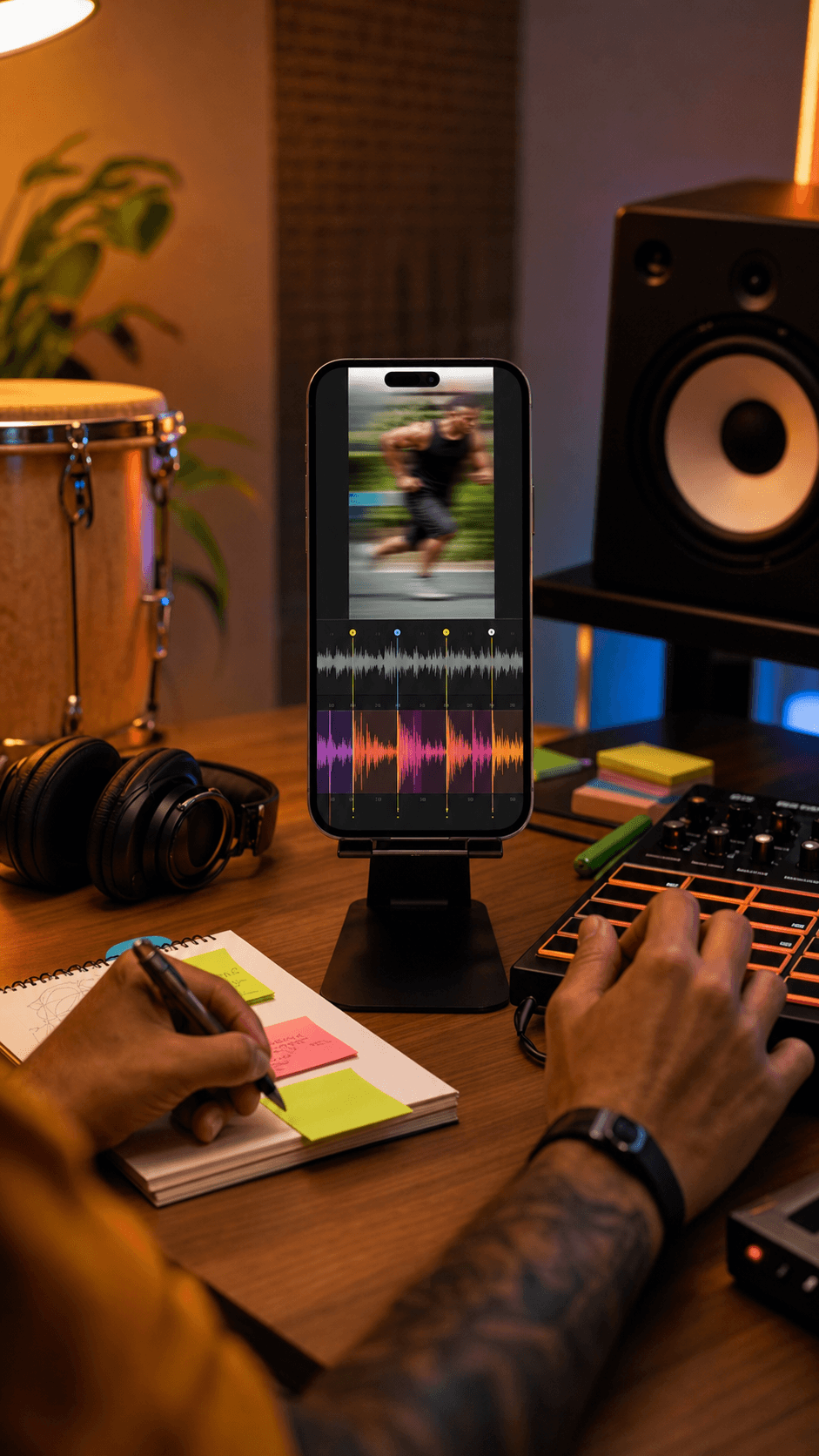 YouTube workflow
Analyze & learn
Detect tempo and key first, then use that context for practice, arrangement decisions, or a new rights-cleared track.
Paste your YouTube link
We check whether it is a supported public YouTube reference.
Choose one music task
Pick the output you actually want before any processing starts.
Continue in the focused tool
The chosen source and task move into a dedicated workflow.
Only process content you have the right to use. MeloLab cannot grant rights to a third-party recording or video.
Private, age-restricted, region-blocked, unavailable, and protected sources may not be accessible.
Results depend on the source quality and task. Converting a compressed source does not restore lost audio detail.
Use a supported public link only when you own the content or have permission to process it. Some unavailable or protected videos cannot be checked.
No. The hub validates the reference and helps you choose a task. Processing starts only inside the focused tool workflow.
No. MeloLab does not publish your source URL or generated results.
You continue to the dedicated tool page for that output, where the source, rights check, processing state, result, and next actions can be handled clearly.
Keep the source moving
 MeloLab
AI-powered music generation platform. Create songs with vocals, custom lyrics, and stem separation. Paid plans include commercial use rights for eligible music.
© 2026 MeloLab. All rights reserved.
