Lo-fi2:44
 Daskai
lo-fi hip hop, warm Rhodes piano, vinyl crackle, rain ambience, soft sidechain drums, 82 BPM
1.3K likes18.4K plays
Create original background tracks for videos, podcasts, games, ads, streams, and social clips without starting in a DAW.
Preview instrumental and low-vocal tracks for videos, podcasts, games, product stories, and calm creator edits. These previews come from MeloLab's 40-track launch catalog and use persistent storage audio.
Daskailo-fi hip hop, warm Rhodes piano, vinyl crackle, rain ambience, soft sidechain drums, 82 BPM
Daskailo-fi, piano loop, tape hiss, mellow beat, soft sub bass, 86 BPM
Daskaiambient lo-fi, granular pads, soft static, minimal drums, warm tape saturation, 70 BPM
 Aura Miles
ambient, soft Rhodes, slow evolving pads, brushed texture, 60 BPM
 Solan Ridge
cinematic folk, acoustic guitar, strings, low drum, mountain air, 92 BPM
Solan Ridgecinematic, folk strings, frame drum, choir pads, 96 BPM
 Prism Shift
ambient techno, deep pulse, foggy pads, distant radio motif, 104 BPM
 Kuma Beat
Afro-fusion, kora-like plucks, electronic bass, hand drums, 100 BPM
Prism Shiftsynthwave, analog arps, gated snare, driving bassline, neon night drive, 112 BPM
Prism Shiftsynthwave, pulsing bass, bright lead, cinematic drums, blooming chorus, 116 BPM
Aura Milesjazz soul, brushed drums, smoky electric piano, upright bass, 68 BPM
Daskaichillhop, muted guitar, soft upright bass, brushed drums, bus window ambience, 78 BPM
Group 1 of 3
MeloLab keeps rights and subscriptions concrete: test the workflow first, upgrade when you need more credits or commercial use, and check license status before publishing.
The free plan includes 8 one-time free credits to test the workflow. These credits do not reset monthly. Downloads, quality settings, and usage rights may follow plan rules.
Plus includes 400 monthly credits and Pro includes 1200 monthly credits. Paid plans include commercial use rights for eligible generated music.
Check license status before using music in ads, client work, YouTube monetization, or branded content. Do not use melody, lyrics, or voice material you do not have rights to.
Before you place a generated background track under a monetized video, client podcast, game build, or ad, check the license status shown at export and keep a project note with the file.
Export checkpoint
Free plan is personal use only.
Paid plans include commercial use rights for eligible generated music.
Save or download a license note for your records.
License status is visible before export.
Common uses
MeloLab does not clear third-party rights in uploaded, referenced, sampled, or prompted material you do not own or have permission to use.
Tell MeloLab where the background music will be used: YouTube montage, podcast intro, game loop, ad, stream, short-form edit, or presentation.
Add mood, duration, instruments, tempo, and whether the track should be instrumental, speech-friendly, or loopable.
Preview the result, check license status before export, then download the audio for your editor or send it to mastering.
Start with the content type, mood, length, and instrument direction. A prompt like "soft lo-fi bed for a travel vlog" gives the model a clearer job than a generic music request.
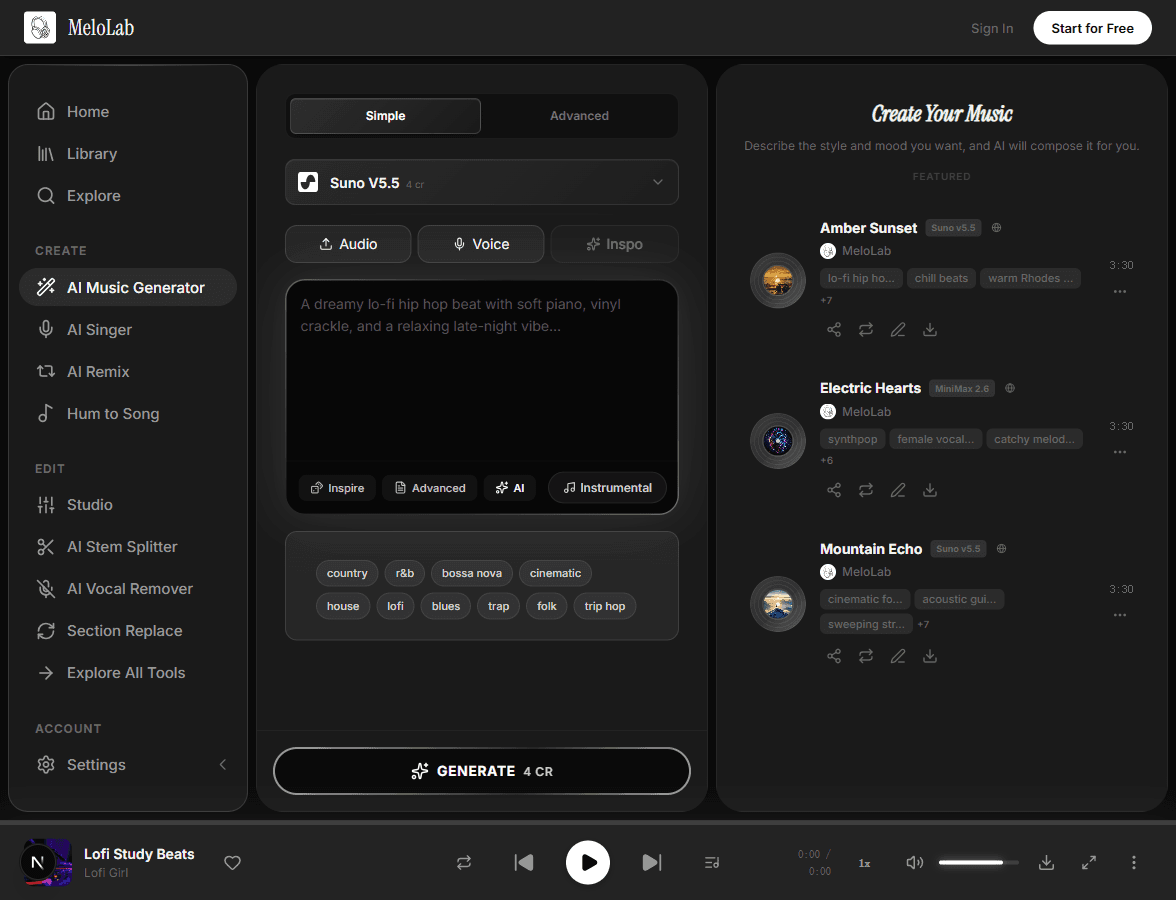
Use instrumental mode or prompt for low melodic density when music needs to sit under voiceover, dialogue, gameplay, or product footage.
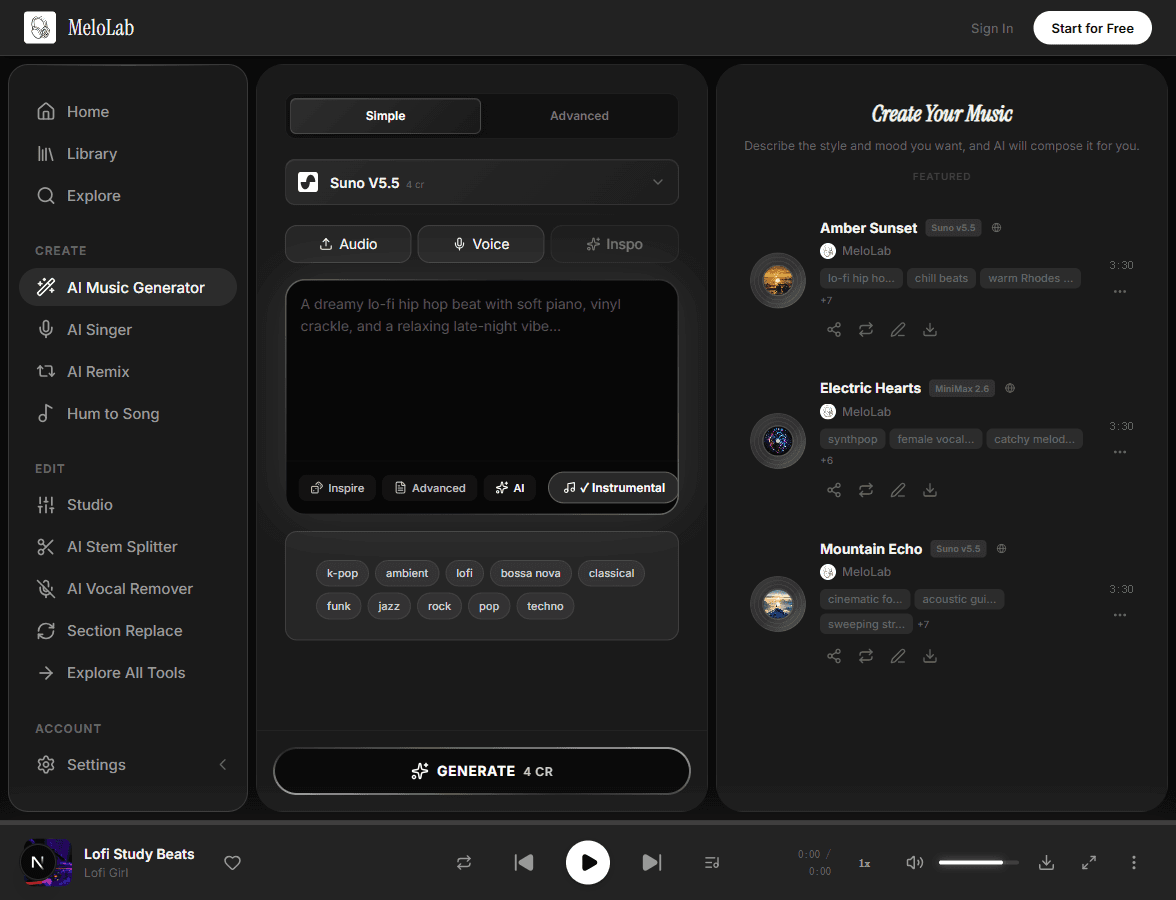
Preview the result, review license status before export, then download the track for your video editor, podcast timeline, stream scene, or game prototype.
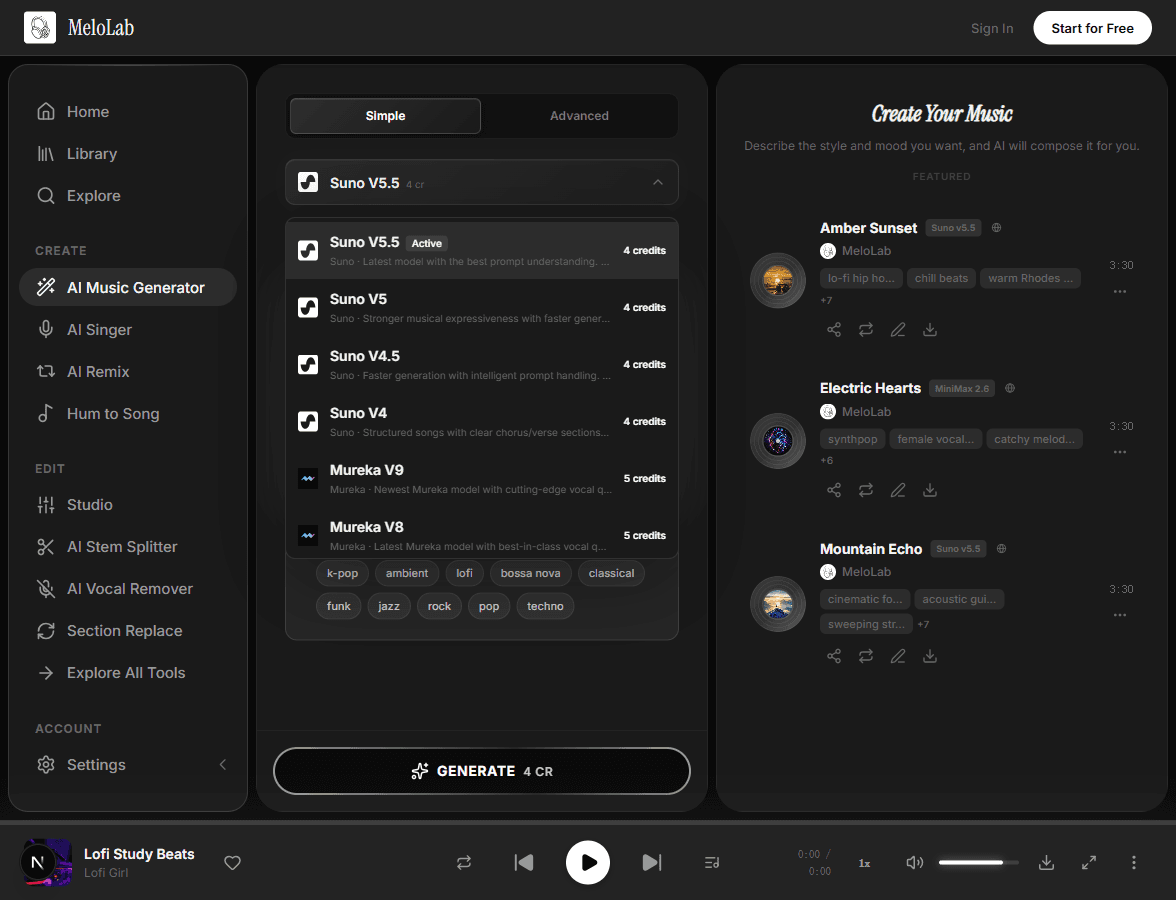
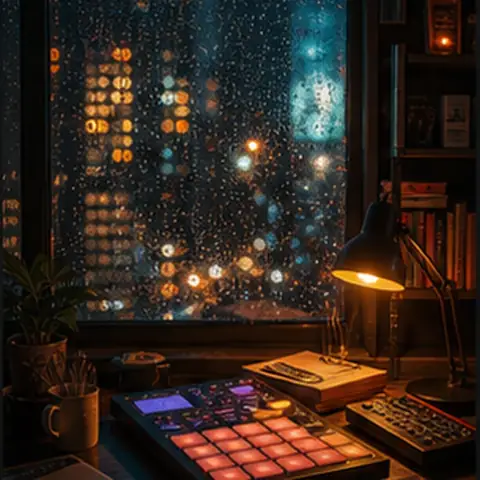
Create soft beds for narration, travel montages, tutorials, talking-head intros, or product shots without a distracting vocal hook.

Prompt for short intro cues, transition stings, outros, or subtle ambient beds that leave space for speech.
Generate loopable exploration music, menu ambience, boss buildup ideas, or prototype soundtracks for indie games.

Draft 15-30 second music beds for product reveals, brand videos, launch teasers, and paid social tests.
Plan background music as an audio layer for the timeline you already edit in YouTube Studio, Premiere, CapCut, a podcast DAW, or a game engine. MeloLab generates the track; your editor places it under footage, speech, scenes, and export timing.
60-second creator edit
Music bed sits below footage and narration.
Creator footage
Travel clips, product shots, gameplay, or B-roll
Narration space
Keep drums soft and lead melodies sparse
Generated music bed
60s instrumental, low-vocal, loopable ending
Export
Fade or loop
Ask for a quick intro, immediate groove, and a clean cut so the music supports a fast vertical edit.
Use a compact build and logo-friendly ending for product reveals, app demos, and paid social tests.
Prompt for an intro, steady middle, and soft ending when the music needs to sit under narration or B-roll.
Ask for a seamless loop, low melodic density, and no final crash so the bed can repeat without calling attention.
License status is still checked at export: Free plan music is personal use, while paid plans include commercial use rights for eligible generated music.
Text prompt with platform, mood, duration, instruments, vocal preference, and loop direction
AI generates a background track matched to the scene and creative brief
Usually seconds to minutes depending on model and queuePreviewable audio track for editing, mastering, remixing, or export
A video montage, podcast intro, game level, ad, stream scene, and presentation all need different pacing.
If voiceover matters, ask for sparse arrangement, soft lead instruments, and no aggressive vocal hook.
Mention 15 seconds, 30 seconds, 60 seconds, or loopable ending so the result fits your timeline.
Loopable music works better when the prompt explicitly asks for a seamless or soft ending.

Soft drums, piano loops, and warm texture for study videos, vlogs, and relaxed narration.
Slow evolving pads and Rhodes tones for intros, transitions, and dialogue-friendly beds.
Acoustic guitar, strings, and light percussion for brand films, travel stories, and human moments.
Minimal pulses and atmospheric synths for exploration scenes, menus, and prototypes.
Cinematic synth movement for launches, ads, app demos, and social product videos.

Percussive movement for Reels, Shorts, fitness clips, and creator edits that need momentum.
Describe YouTube videos, podcasts, games, ads, streams, explainers, or Reels instead of guessing music theory terms.
Prompt for 15-second hooks, 30-second ad beds, 60-second social edits, or loopable game music with clean endings.
Ask for sparse drums, soft instruments, and lower melodic density when the music needs to sit under voiceover.
Check the license status before export. Paid plans include commercial use rights for eligible generated music.
Generate multiple directions from the same brief, then send the best result into remixing, extension, or mastering.
Download the generated audio and place it under video, narration, gameplay, presentations, or podcast timelines.
Turn prompts, use cases, lyrics, and style notes into complete AI songs you can refine and export.
Create full AI songs, vocals, instrumental tracks, and background music from prompts, lyrics, and style tags.
Add a generated intro or outro to a rights-cleared MP3, then compare the transition before you export.
Master songs online with AI analysis for EQ balance, LUFS loudness, dynamics, stereo width, and release-ready WAV or MP3 exports.
Turn text prompts into custom sound effects, ambience loops, risers, impacts, and UI audio for videos, games, podcasts, and apps.
Remix any song into a completely new version. Change genres, mashup tracks, and create unique remixes with AI.
Start from piano and Lofi Hip Hop references, then shape lofi music tracks for course modules.
Turn Dark Ambient ideas into ambient music tracks that leave room for meditation apps.
Control orchestral strings, dynamics, and loop length so cinematic music fits artist sketches.
Control analog synths, dynamics, and loop length so synthwave fits narrative scenes.
Balance piano, tempo, and arrangement before exporting jazz music for podcasters.
Create EDM tracks with build-ups, risers, drops, synth hooks, and edit-ready endings.
The Background Music Generator is for creators who know the scene, platform, mood, and length they need, but do not want to search through a stock library or build a track from scratch. Describe the content format, pacing, mood, instruments, duration, and whether the track should stay instrumental or leave space for narration. MeloLab can generate music beds for YouTube videos, podcast intros, game loops, product demos, social clips, streams, and brand edits. Use this page when the main job is creating a custom background track; use the royalty-free background music page when the main job is understanding license status, commercial-use limits, and project records.
Use this page to create the background track. If you need the detailed license explanation, open the royalty-free background music page. MeloLab keeps license status visible before export: Free plan music is personal use, while paid plans include commercial use rights for eligible generated music.
This workflow creates the music layer for your edit. It does not upload, cut, render, or export video. Export the audio from MeloLab, then place it under footage, narration, gameplay, ads, or podcast segments in your editor.
Use the generator when the edit needs a loop, a quiet podcast bed, a product demo cue, or a game scene with a clear beginning and end.

@rileyrecords · Podcast host
Illustrative creator scenarioShow concept to intro music
“My show needed an intro that sounded like mine, not a template. I wrote the vibe in plain English and got an opener I can reuse.”
Audio identity
Intro, outro, and segment bumper directions.

@novadev · Indie game developer
Illustrative creator scenarioGame scene to loop
“I needed a menu loop and boss cue that did not sound like free asset-pack music. The prototype finally had one audio identity.”
Prototype audio
Menu loop, battle cue direction, and export checklist.

@northstudio · Shopify ads editor
Illustrative creator scenarioProduct brief to jingle
“The product page became a short jingle before my ad edit was finished. That is exactly the speed a small brand needs.”
Ad package
Brand hook, CTA ending, and commercial-use export path.
Start with a creator brief, then export audio for your video, podcast, game, stream, or ad workflow.
No credit card required. Generate your first track in under 60 seconds.
 MeloLab
AI-powered music generation platform. Create songs with vocals, custom lyrics, and stem separation. Paid plans include commercial use rights for eligible music.
© 2026 MeloLab. All rights reserved.