



WAV Converter for Music Exports

Transform your AI-generated songs into studio-quality, lossless WAV files.

WAV Converter

Convert any audio to high-quality WAV format

Commercial terms before export
Credits and storage visible
Songs, stems, mastering

How to Convert Any Song to WAV Format — Step by Step

1

Select Your Song

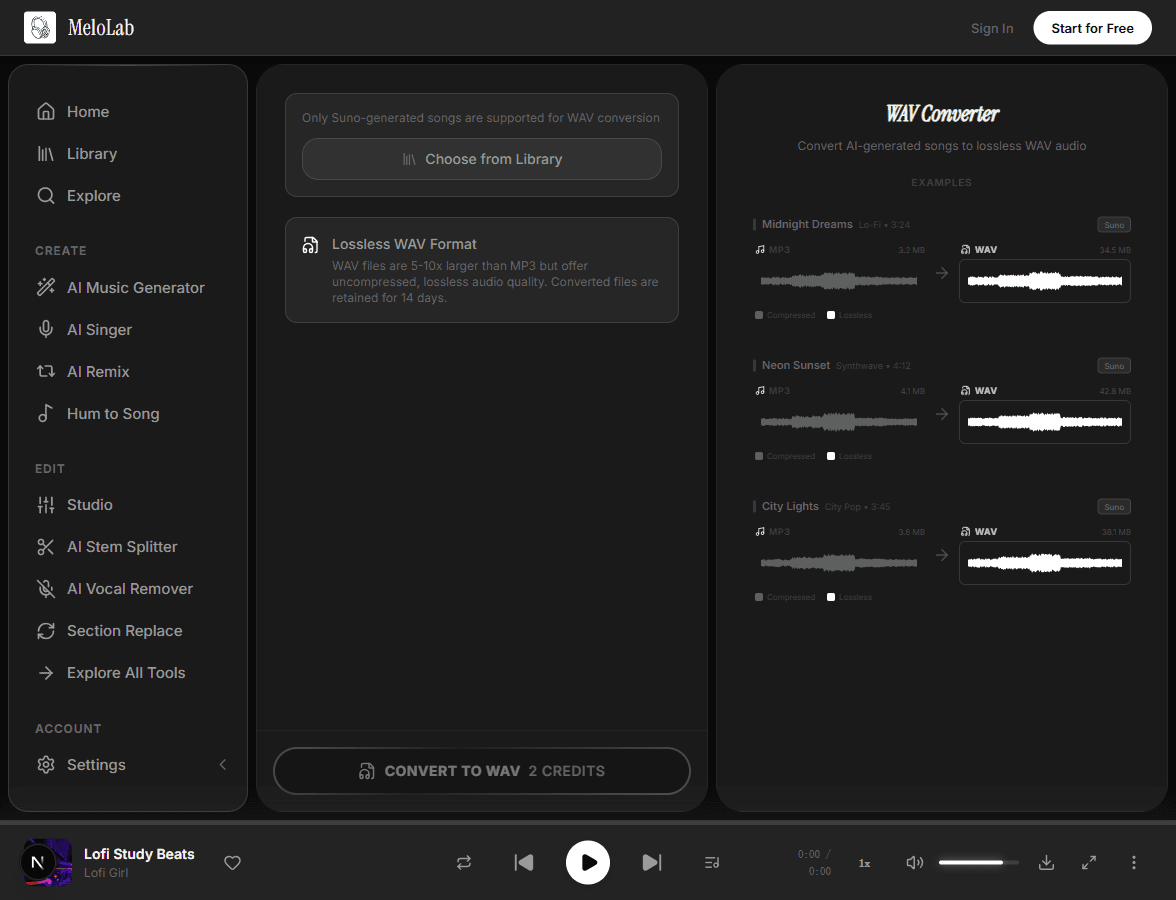
Browse your MeloLab library and pick any AI-generated song you want to convert. The WAV converter works with all songs in your collection, showing file details like duration and current format before conversion begins.

melolab.ai/app
Select a song for WAV format conversion in MeloLab WAV Converter
2

Choose Audio Quality

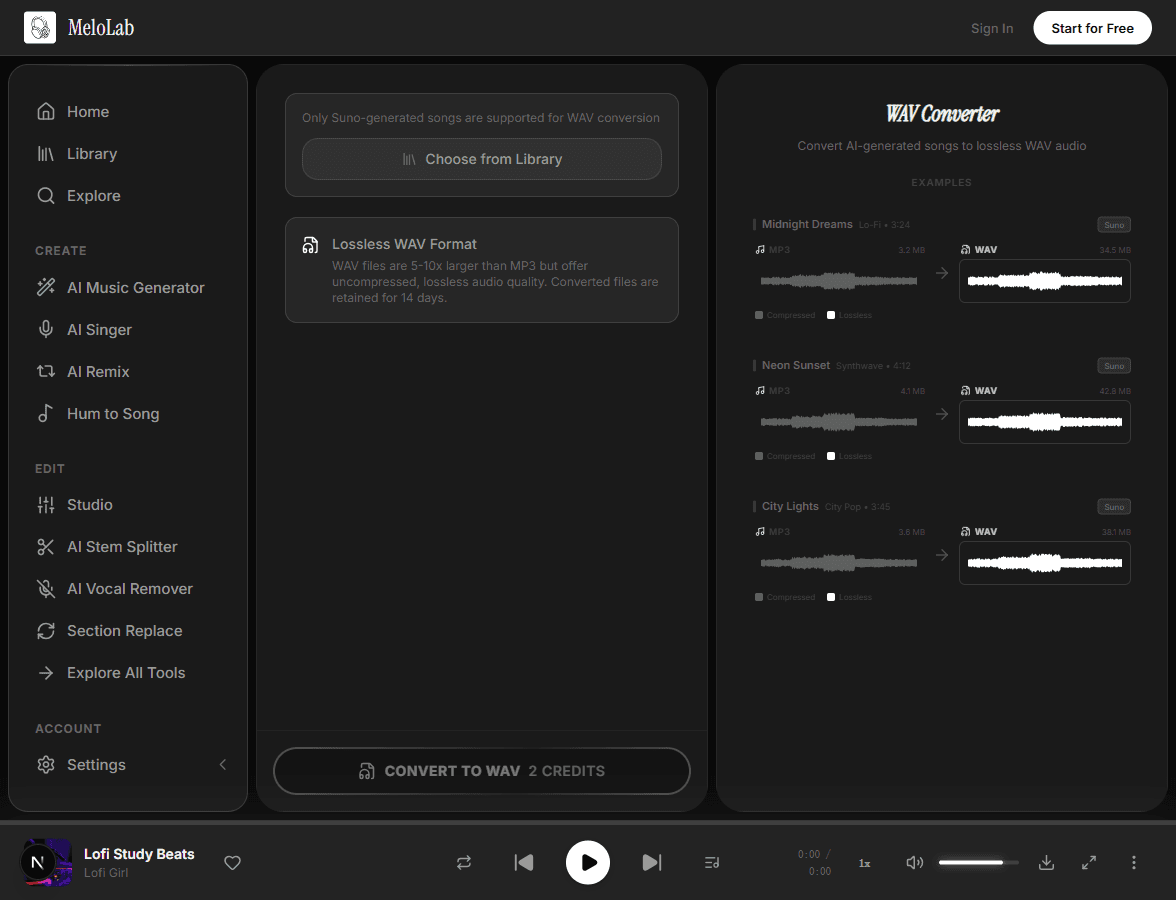
Select the output quality — 16-bit WAV for standard production work or 24-bit WAV for maximum headroom in professional mixing and mastering. The higher bit depth preserves more dynamic range for demanding audio workflows.

melolab.ai/app
Choose WAV audio quality settings in MeloLab WAV Converter
3

Download WAV File

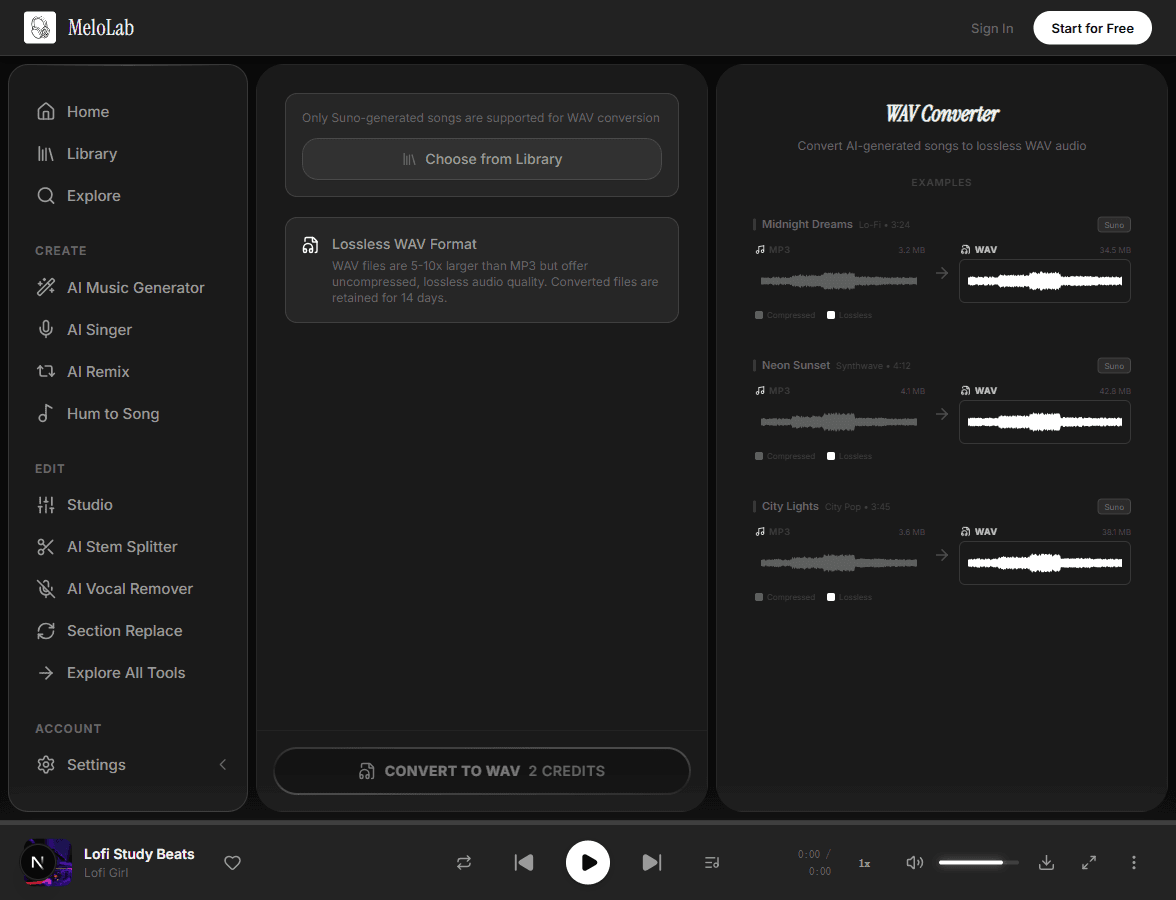
Click convert and the lossless WAV file is ready in about five seconds. Download it immediately or access it from your library for up to 14 days. The uncompressed file is perfect for DAWs, DJ software, and archival storage.

melolab.ai/app
Download converted WAV file in MeloLab WAV Converter

WAV Conversion Pipeline

Input

Any AI-generated song from your library

Suno songsMureka songsUploaded MP3

AI Processing

Audio is decoded and re-encoded as uncompressed PCM WAV with matching sample rate and bit depth

~5 seconds

Output

Lossless WAV file ready for professional use

WAV 16-bitWAV 24-bit

When to Use WAV Format

For Mixing and Mastering

Always convert to WAV before importing into your DAW. Compressed MP3 files introduce artifacts that become audible after processing with EQ, compression, or reverb.

For DJ Performance

WAV files give DJs the cleanest signal for club sound systems. The difference is noticeable on high-end PA systems where MP3 compression artifacts become audible.

For Sampling

If you plan to pitch-shift, time-stretch, or heavily process a sample, start from WAV. Each transformation compounds any compression artifacts from MP3 sources.

Why Choose Our WAV Converter

Lossless Quality

Convert to uncompressed WAV format with zero quality loss. Every detail of the original audio is preserved — dynamics, transients, stereo imaging, and frequency content.

chill beats, soft drums
chill lo-fi beats, warm Rhodes, vinyl crackle, 80 BPM

One-Click Convert

Select any Suno-generated song from your library and convert instantly. No complex settings or configuration — just click and download.

0:000:28

Suno Integration

Seamlessly integrated with your Suno-generated music library. Convert any song you have generated directly to WAV without re-uploading.

VocalAccompaniment

14-Day Access

Download your WAV files anytime within 14 days of conversion. Perfect for projects that need professional audio delivered in stages.

Built for Every Creator

Producers

Get uncompressed audio for your mixing and mastering workflow

AI-generated tracks often need further processing — EQ, compression, reverb, or layering with other elements. WAV format gives you the full-fidelity source material your DAW needs. Import directly into Ableton, Logic, FL Studio, or any professional audio software without the artifacts that compressed formats introduce.

0Quality Loss
<30sPer Conversion
Works with

Related AI Music Tools

About WAV Converter

The AI WAV Converter takes your Suno-generated songs and converts them to professional-grade, lossless WAV format. Unlike compressed MP3 files, WAV preserves every detail of the original audio — perfect for studio editing, sampling, DJing, or archival. The conversion is instant and the result is a high-fidelity audio file ready for any professional workflow. Whether you are a producer who needs uncompressed audio for mixing, a DJ who wants the best possible sound quality, or a musician archiving your AI creations at maximum fidelity, this tool delivers studio-standard output with zero quality loss.

Export proof

Convert audio when the delivery spec matters

A converter is part of the publishing path: client review, ad handoff, podcast upload, game build, and archive-ready export.

Fictional Shopify ad editor avatar for Maya R.

Maya R.

@northstudio · Shopify ads editor

Product brief to jingle

The product page became a short jingle before my ad edit was finished. That is exactly the speed a small brand needs.

Ad package

Brand hook, CTA ending, and commercial-use export path.

Fictional podcast host avatar for Riley J.

Riley J.

@rileyrecords · Podcast host

Show concept to intro music

My show needed an intro that sounded like mine, not a template. I wrote the vibe in plain English and got an opener I can reuse.

Audio identity

Intro, outro, and segment bumper directions.

Fictional indie game developer avatar for Nova P.

Nova P.

@novadev · Indie game developer

Game scene to loop

I needed a menu loop and boss cue that did not sound like free asset-pack music. The prototype finally had one audio identity.

Prototype audio

Menu loop, battle cue direction, and export checklist.

Frequently Asked Questions

Start Creating WAV Converter for Free

No credit card required. Start creating in seconds.

Your next song starts here.

No credit card required. Generate your first track in under 60 seconds.

View Pricing