
Archive a rights-cleared source
Keep a smaller lossless file than WAV while preserving the decoded signal.
Convert authorized YouTube audio into a FLAC file for storage, editing, or a production handoff without another lossy encode.
Open the private workspace, then add an authorized YouTube source and create the FLAC file there.
No file, link, prompt, or result is collected on this public page.
YouTube to FLAC
MeloLab workspace
Expected output
FLAC · Lossless encoding
A losslessly encoded copy of the decoded source signal.
A YouTube source cannot become true lossless audio. FLAC avoids another lossy encode, but it cannot restore detail already removed by YouTube.
Keep a smaller lossless file than WAV while preserving the decoded signal.

Use FLAC for production handoffs where broad app support is available.
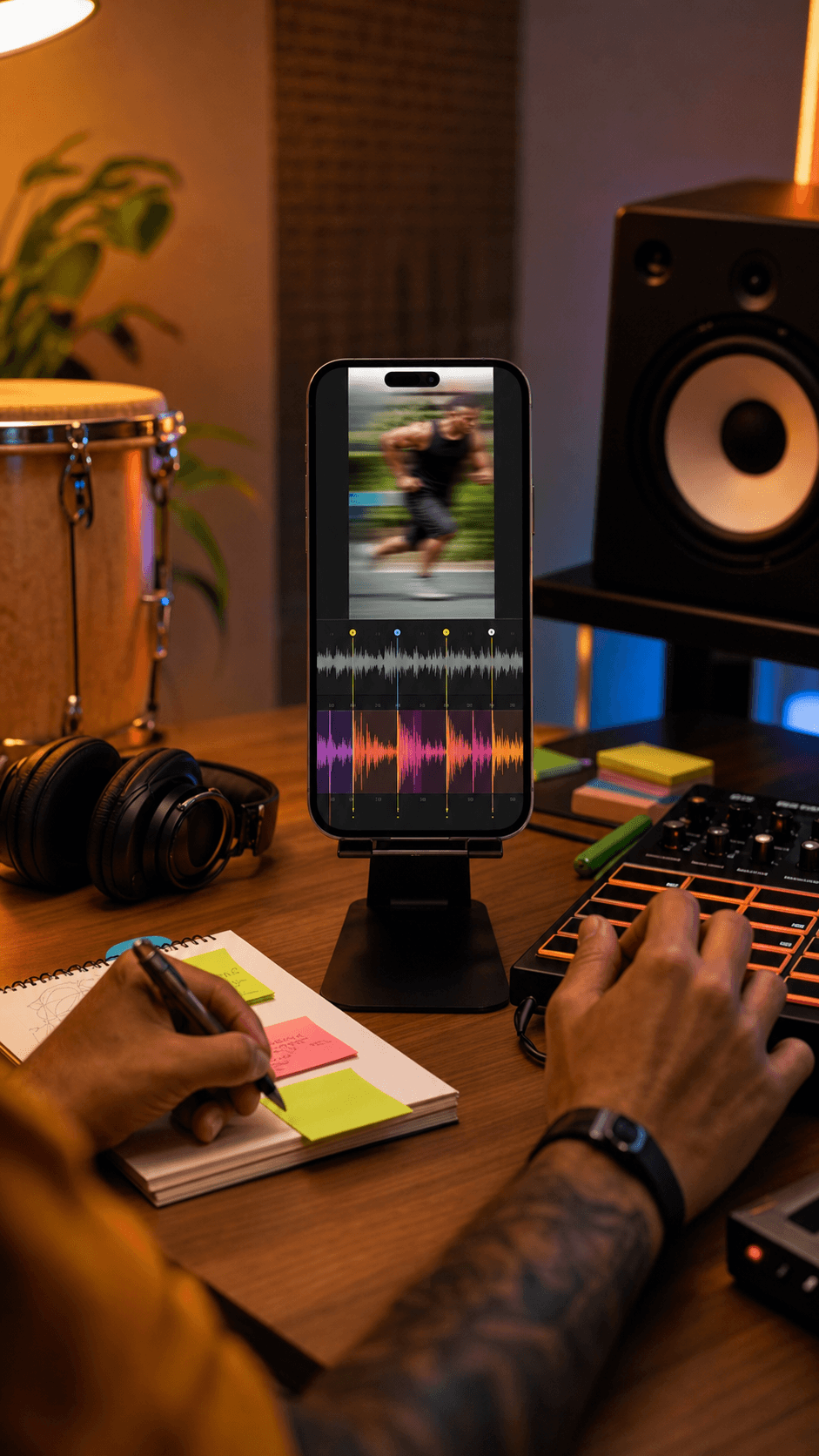
Use the same source intent for stem splitting, vocal removal, or musical analysis.
FLAC compresses audio without discarding more information. Because YouTube delivery is already compressed, a FLAC export cannot reconstruct detail that is no longer present.
The output avoids another lossy encode
Quality is limited by the imported source
Download or continue to a focused MeloLab tool
No. FLAC avoids another lossy encode, but it cannot restore information already removed from the YouTube source.
FLAC stores the decoded signal losslessly in a smaller file than uncompressed WAV, although support varies by app.
No. The export reflects the quality of the source; it does not repair or enhance it.
No. Private, restricted, region-limited, live, or unavailable sources may not be accessible.
 MeloLab
AI-powered music generation platform. Create songs with vocals, custom lyrics, and stem separation. Paid plans include commercial use rights for eligible music.
© 2026 MeloLab. All rights reserved.
