
Save a smaller listening copy
Keep a compact file for review, reference, and portable playback.
Convert an authorized YouTube video into a compact M4A file for listening, editing, or moving into another creator workflow.
Open the private workspace, then add an authorized YouTube source and create the M4A file there.
No file, link, prompt, or result is collected on this public page.
YouTube to M4A
MeloLab workspace
Expected output
M4A · AAC audio
Compact AAC audio in an M4A container.
Keep a compact file for review, reference, and portable playback.
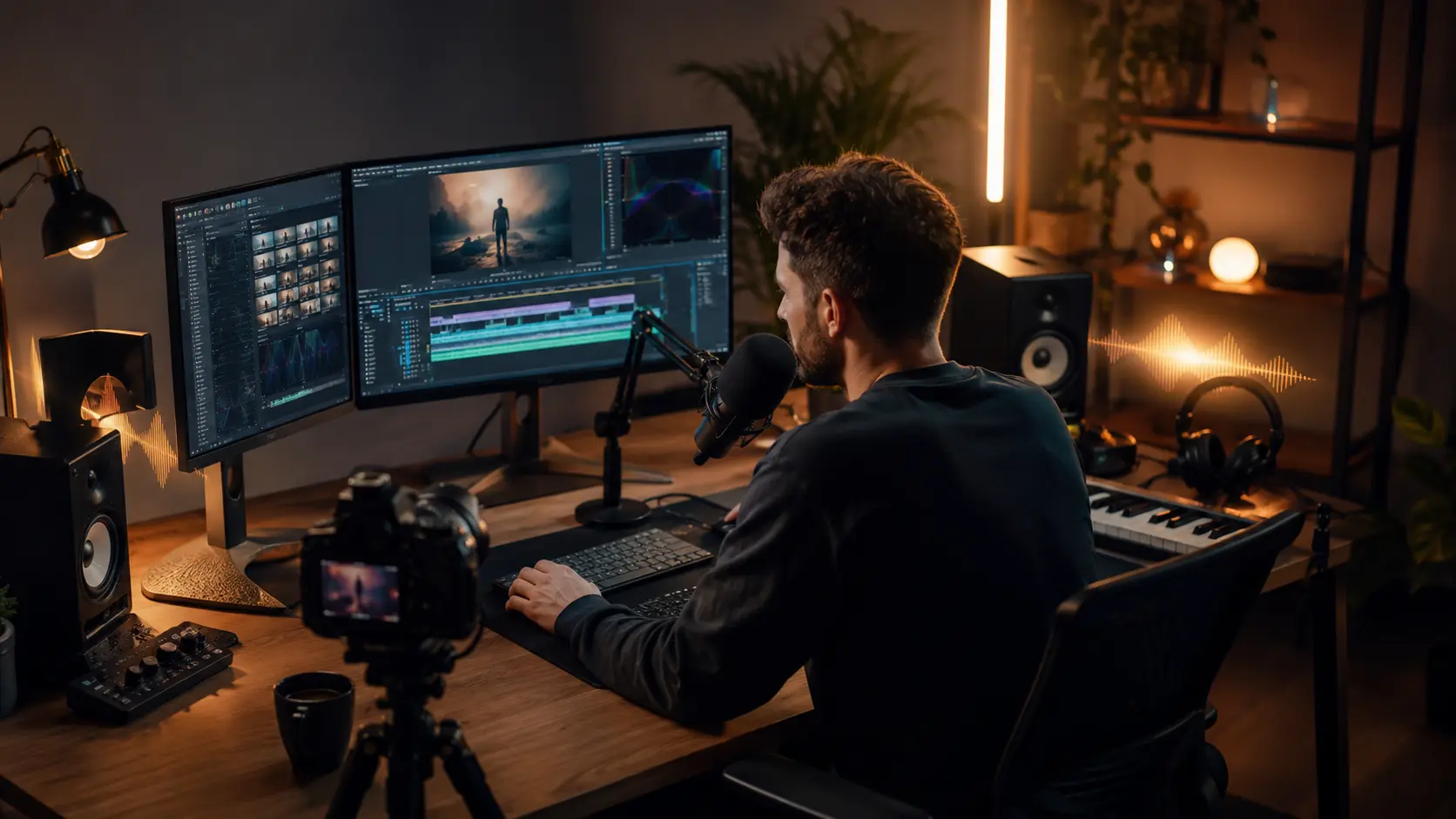
Use M4A in compatible audio and video applications for drafts and rough cuts.
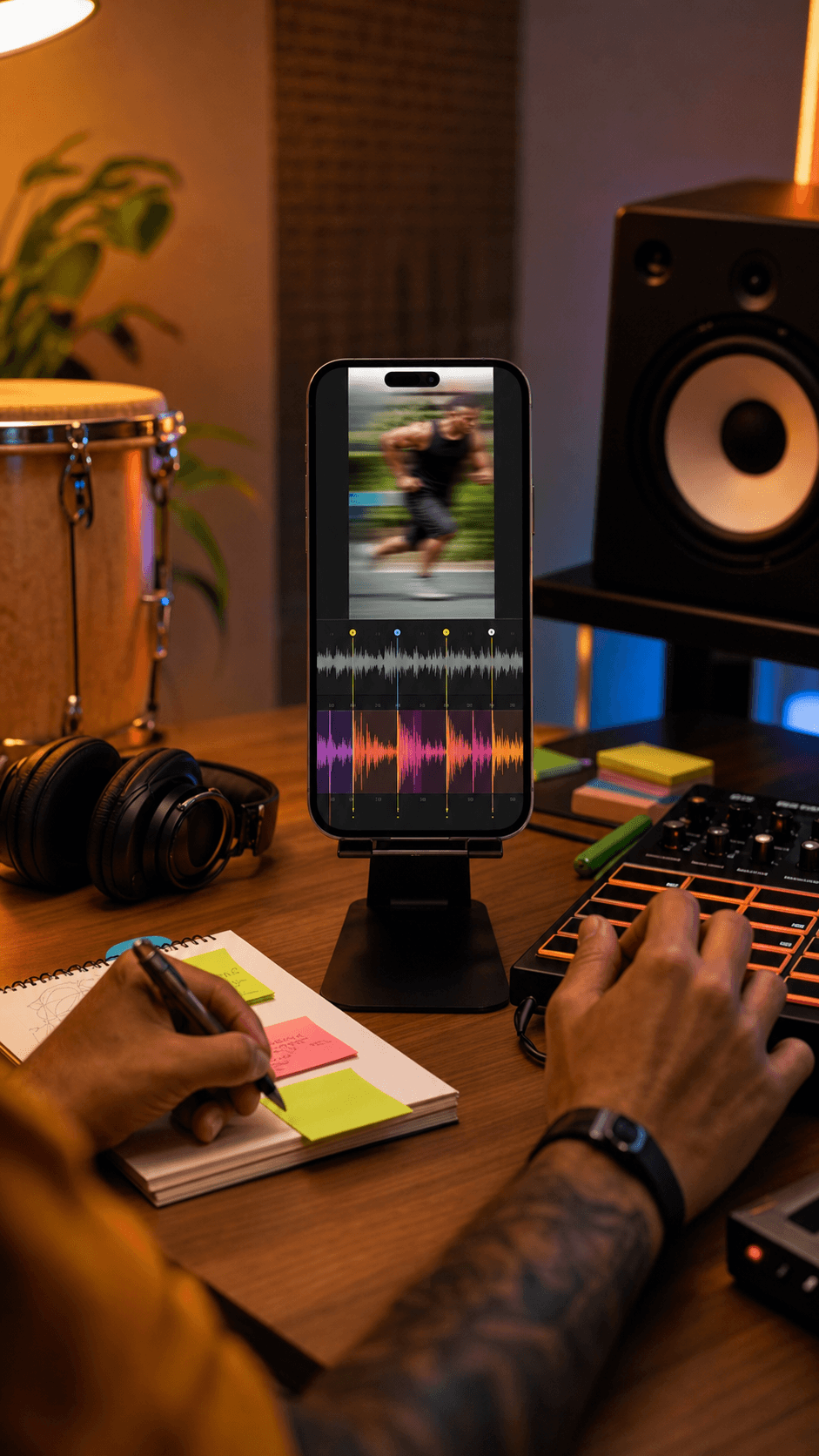
Continue to vocal removal, stem splitting, or BPM and key detection.
M4A with AAC is useful when file size and playback compatibility matter more than an uncompressed production master. Choose WAV or FLAC when avoiding another lossy encode matters more.
Smaller files for listening
Quality is limited by the imported source
Download or continue to a focused MeloLab tool
M4A is a common audio container. This converter uses AAC audio for a compact, playback-friendly result.
128 kbps makes the smallest file, 192 kbps balances size and quality, and 256 kbps uses more data for the encode.
No. M4A is a lossy output and reflects the quality available from the source.
Only process content you own or have permission to use. Private, restricted, live, or unavailable videos may not be accessible.
 MeloLab
AI-powered music generation platform. Create songs with vocals, custom lyrics, and stem separation. Paid plans include commercial use rights for eligible music.
© 2026 MeloLab. All rights reserved.
