
Learn the melody
Turn a permitted performance into a lead-line draft you can study, correct, and play on your own instrument.
Turn an authorized YouTube music source into an editable MIDI draft for learning, arranging, and production.
Open the private workspace first, add an authorized YouTube source there, and review the current 12-credit transcription before starting.
No file, link, prompt, or result is collected on this public page.
YouTube to MIDI
MeloLab workspace
Expected output
Editable MIDI draft
Detected notes, tracks, and MIDI ZIP appear only after private processing.
How it works
Preview · exact notes appear after processing
YouTube audio
 Example source
Detect pitch & timing
The private task analyzes the real source.
MIDI notes (preview)
Turn a permitted performance into a lead-line draft you can study, correct, and play on your own instrument.
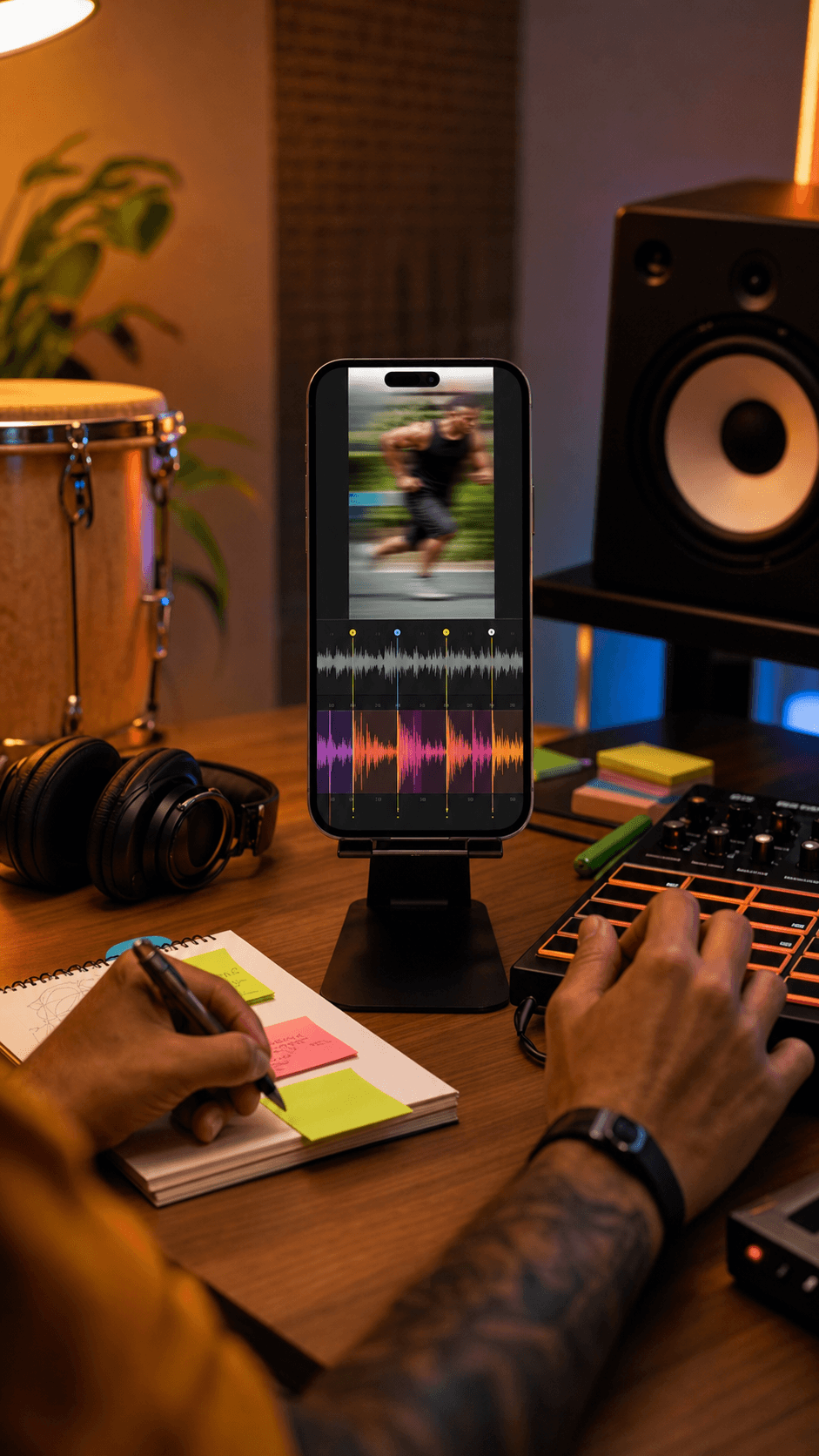
Use detected melody, chords, bass, and rhythm as editable references for a new arrangement.

After a real transcription finishes, carry its MIDI tracks into the connected editor to refine and export.
Example output structure · your notes and tracks appear only after processing.
Yes. Only process content you own or have permission to use. A public link does not grant rights to the recording or composition.
No. Private, restricted, live, region-limited, or unavailable videos may not be accessible.
No. It is an editable draft. Source clarity, overlapping instruments, distortion, and tempo changes can affect note and timing detection.
When the private task succeeds, it can return detected tempo, time signature, note tracks, a piano-roll preview, and a MIDI ZIP.
The public page does not collect or copy your link. Paste it only in the private workspace, which shows the 12-credit task before you choose to process it.
 MeloLab
AI-powered music generation platform. Create songs with vocals, custom lyrics, and stem separation. Paid plans include commercial use rights for eligible music.
© 2026 MeloLab. All rights reserved.
