

Turn Images into Music

Turn any image into a unique musical composition. Upload a photo and let AI create a soundtrack that captures its mood and atmosphere.

Image to Music

Generate music inspired by images

Commercial terms before export
Credits and storage visible
Songs, stems, mastering

How to Use Image to Music

1

Upload Your Image

Upload any photo — landscape, portrait, abstract art, cityscape

2

AI Analyzes Visuals

AI detects colors, mood, subjects and maps them to musical parameters

3

Generate Soundtrack

Get a unique musical composition that captures the image atmosphere

How to Transform Any Image Into Music — Step by Step

1

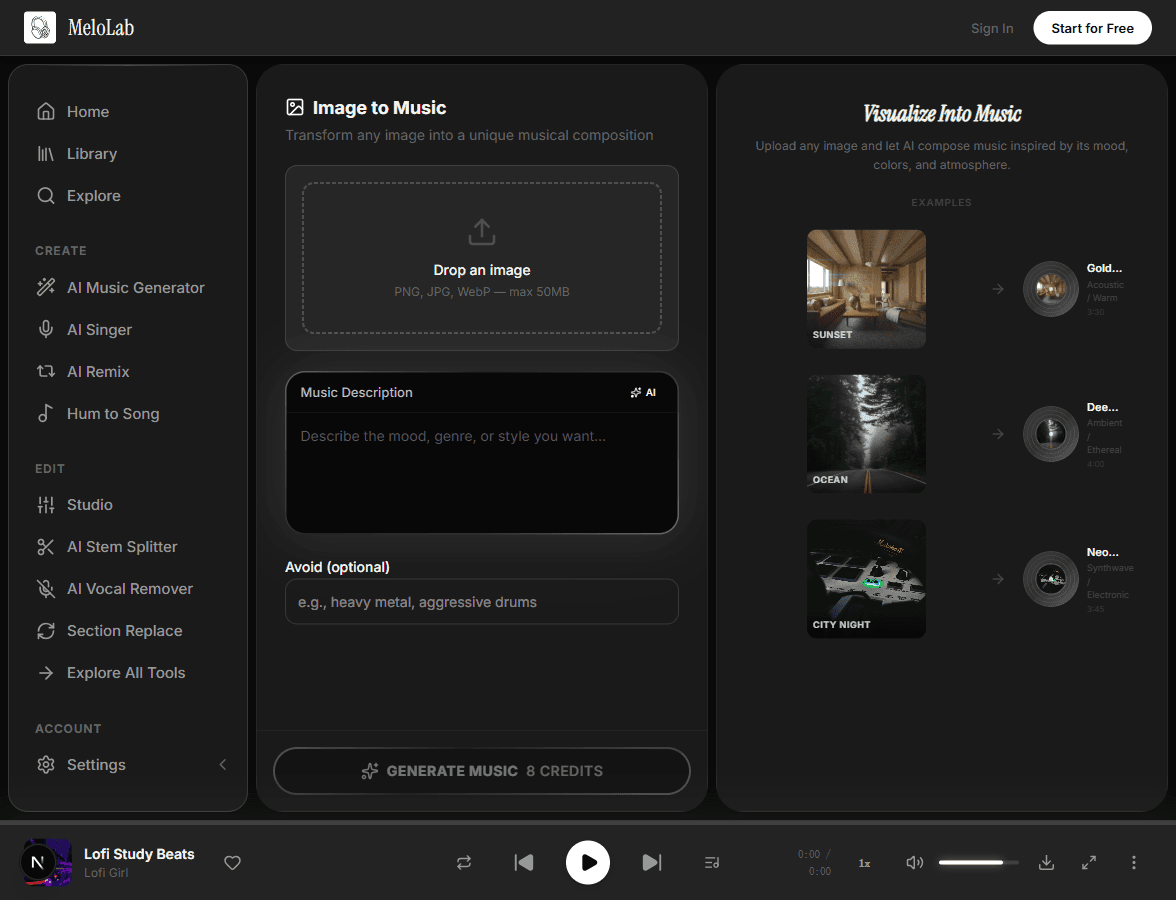
Upload Your Image

Drag and drop any image — a landscape photo, digital artwork, abstract painting, or even a screenshot. MeloLab accepts JPG, PNG, and WebP formats. The visual content of your image directly inspires the musical output.

melolab.ai/app
Upload an image to generate music from visuals in MeloLab Image to Music tool
2

AI Analyzes Visual Elements

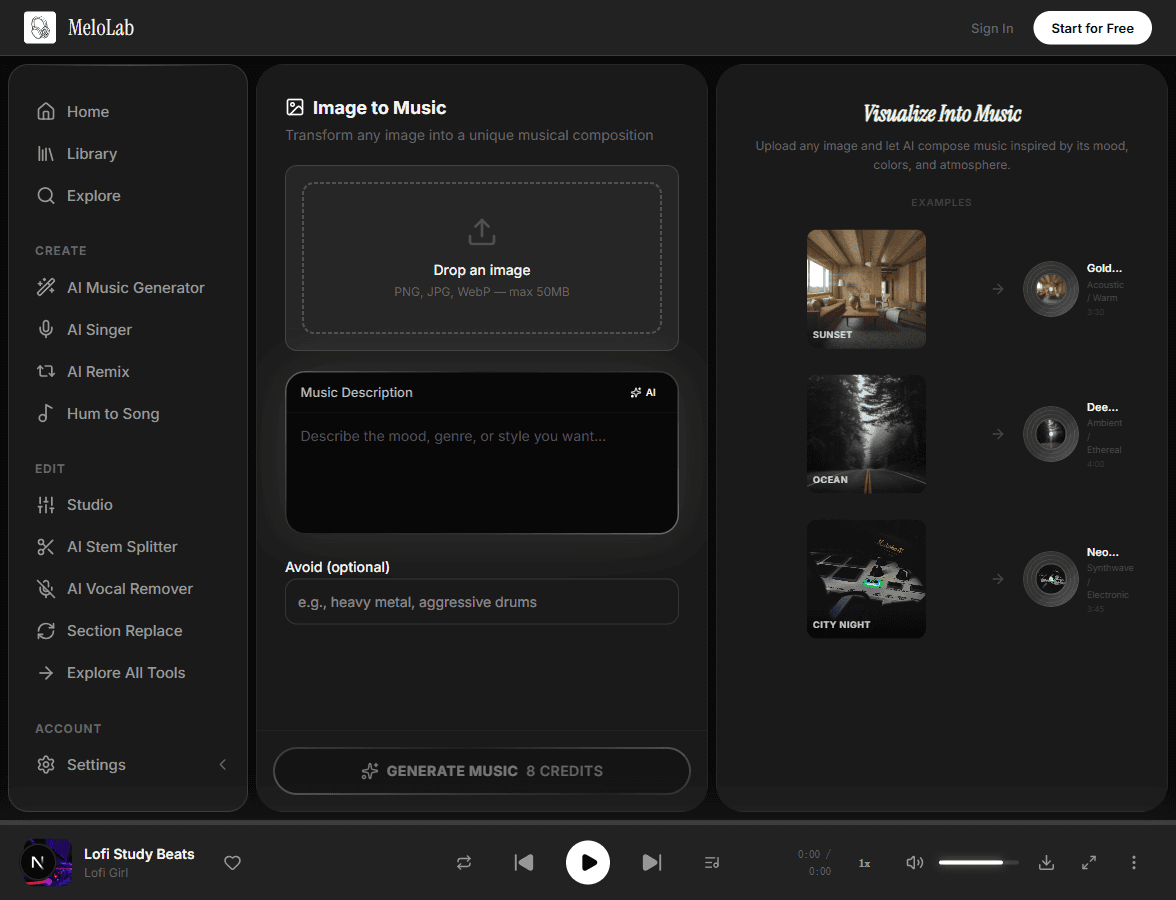
The AI scans your image for color palettes, composition, subjects, and overall mood. Warm sunset tones might suggest an uplifting melody, while dark urban scenes could inspire moody electronic textures. This visual analysis happens automatically.

melolab.ai/app
AI analyzes uploaded image visual elements in MeloLab Image to Music
3

Describe the Mood You Want

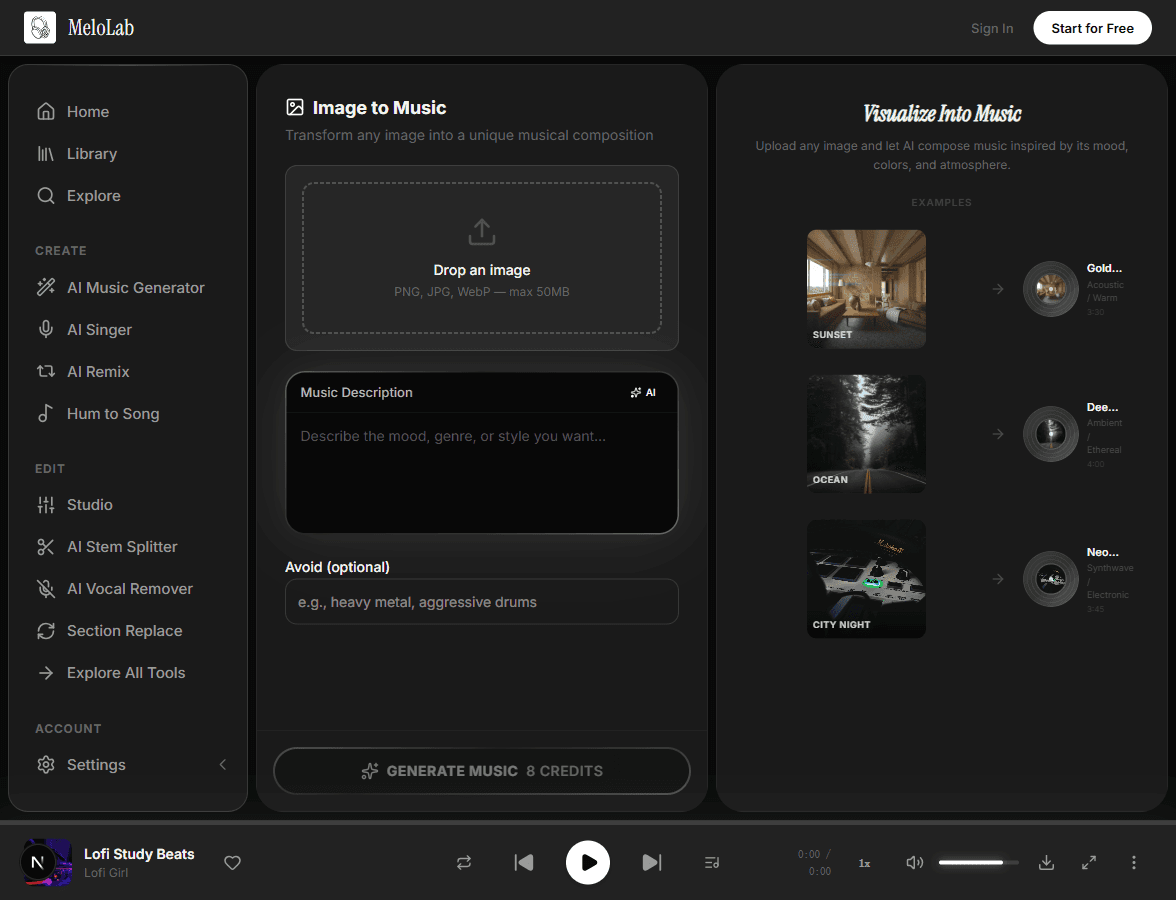
Optionally add a text prompt to guide the AI beyond the visual analysis. Specify a genre, tempo, or instrument focus to steer the composition in a particular direction, or let the image alone determine the musical character.

melolab.ai/app
Describe music mood to match the image in MeloLab Image to Music
4

Generate Your Soundtrack

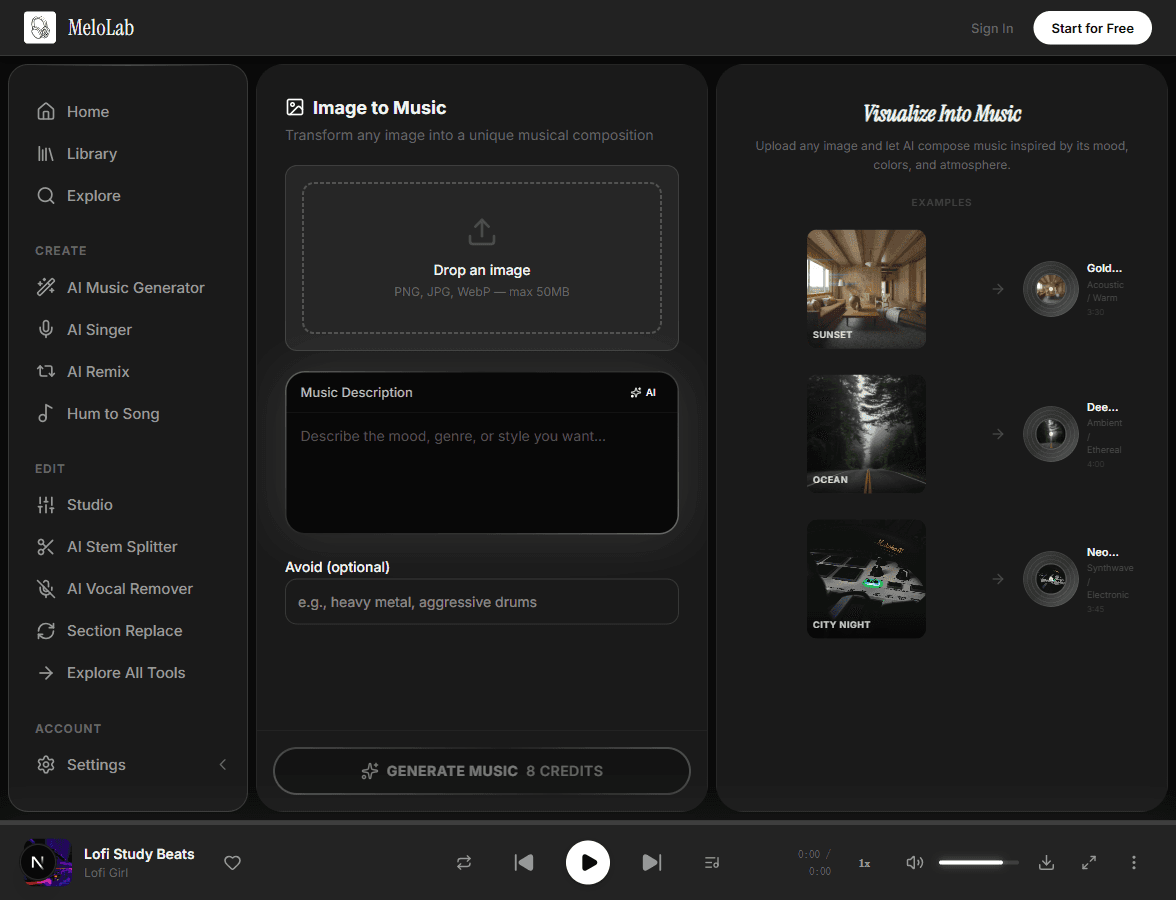
Click generate and receive a unique piece of music inspired by your image in about 30 seconds. Each generation creates an original composition — download it as a track with visible license status perfect for slideshows, videos, or creative projects.

melolab.ai/app
Generate soundtrack from image in MeloLab Image to Music

From Image to Music

Input

Any image — photos, artwork, screenshots

JPGPNGWebP
Max 10 MB

AI Processing

AI analyzes visual elements (colors, subjects, mood, composition) and translates them into musical parameters

~30-45 seconds

Output

Original music track inspired by your image

MP3WAV

Getting the Best Music from Your Images

Choose Images with Clear Mood

Images with strong emotional tone — sunsets, stormy skies, bustling cities — give the AI clearer signals for the musical mood. Abstract or ambiguous images may produce less focused results.

Upload a sunset beach photo → get a warm, dreamy ambient track

Add a Style Override

After uploading your image, add a text prompt to steer the genre or instrumentation. This overrides the AI's visual interpretation when you want a specific style.

Image: mountain landscape + Prompt: "epic orchestral with choir"

Use High-Contrast Images

Images with strong color contrast and clear subjects produce more dynamic and interesting music. Dark, moody images tend to generate atmospheric tracks while bright, colorful images produce upbeat results.

See Image to Music in Action

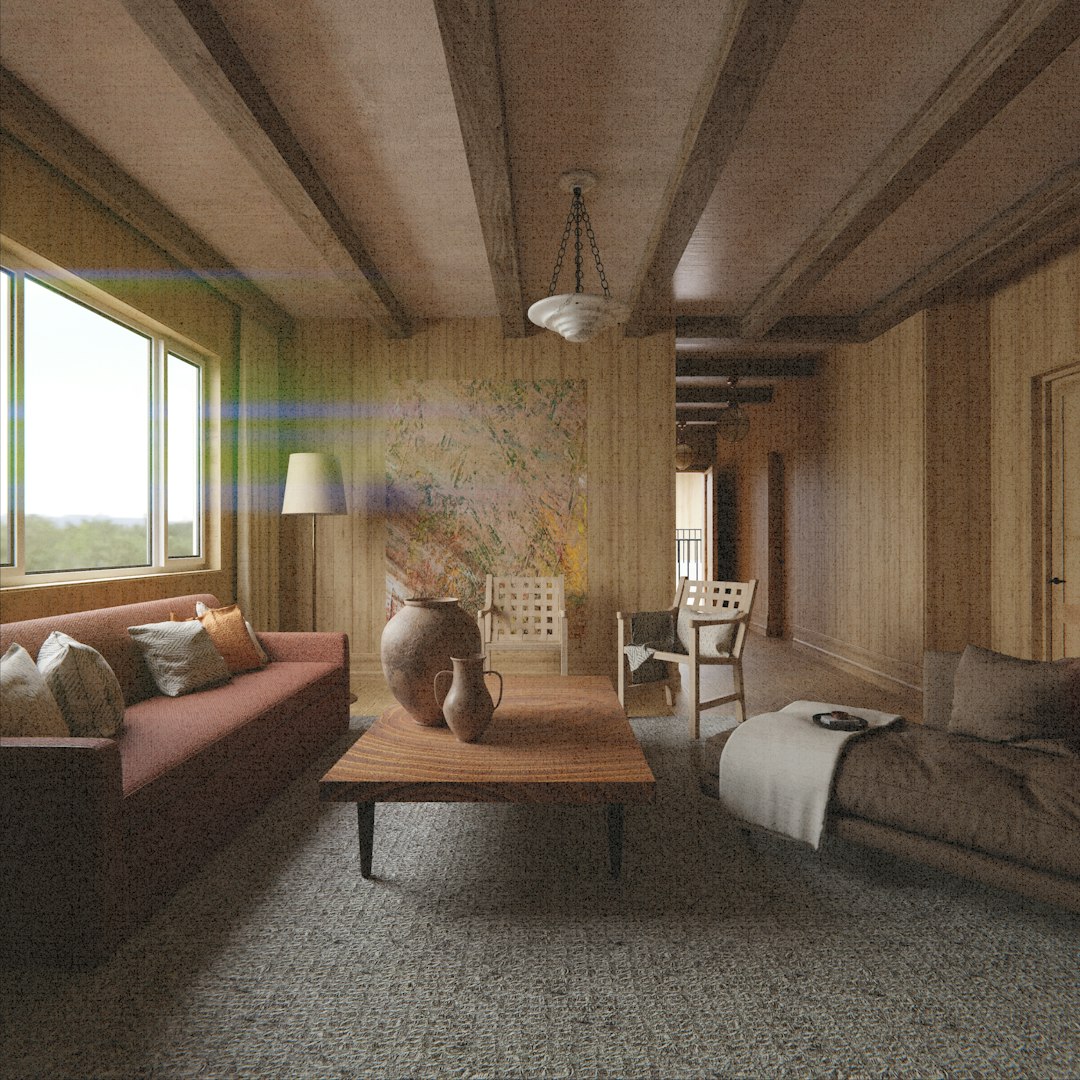
Golden Hour

Golden Hour

3:30Ambient
Warm
City Lights

City Lights

3:10Electronic
Vibrant
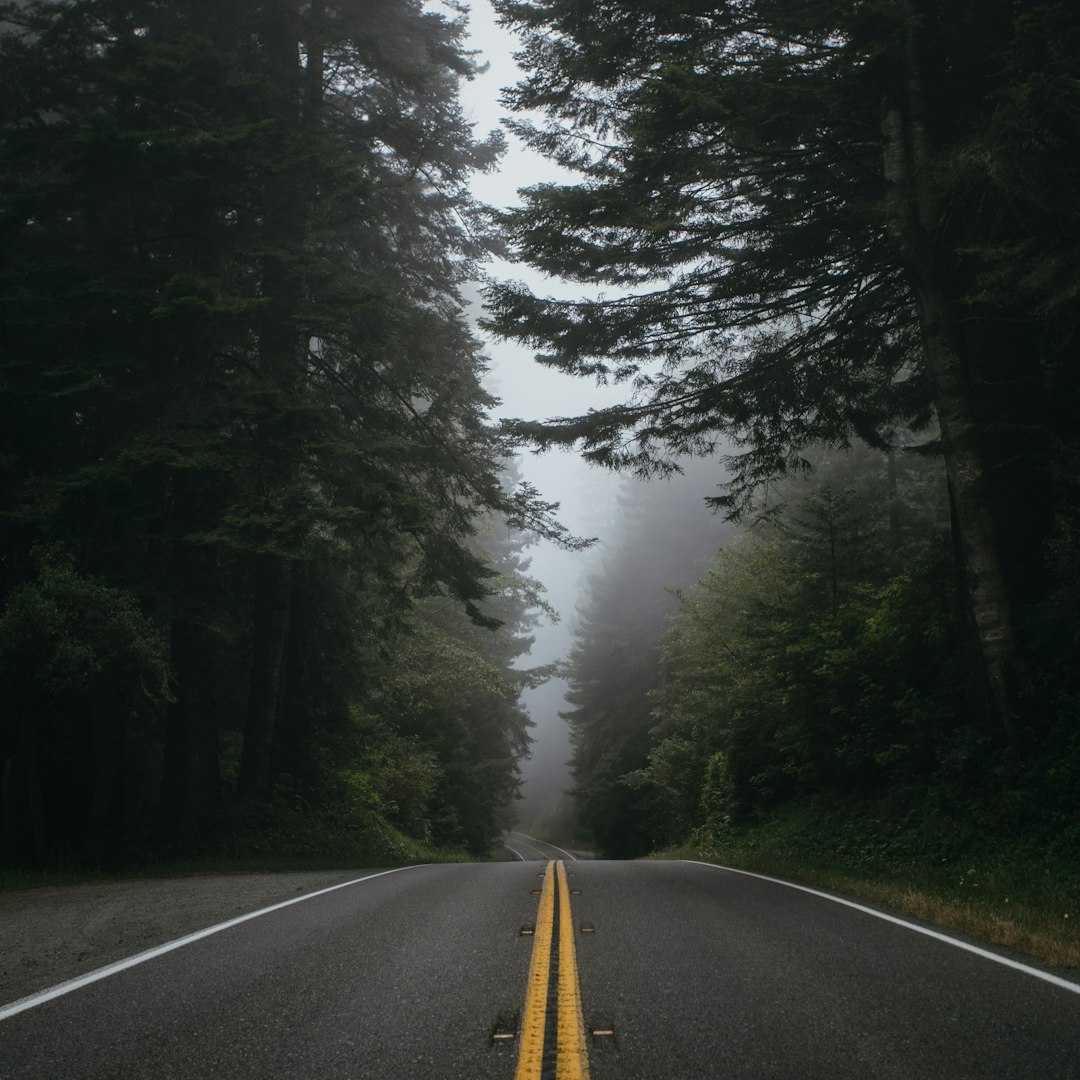
Forest Walk

Forest Walk

2:55Acoustic
Peaceful
Abstract Vision

Abstract Vision

3:45Experimental
Avant-garde

Why Choose Our Image to Music

Visual Analysis

The AI scans your image for colors, composition, subjects, and textures to understand the visual story and emotional tone.

Mood Detection

Advanced mood recognition translates the atmosphere of your photo — warm, cold, energetic, calm, mysterious — into a matching musical vibe.

chill beats, soft drums
chill lo-fi beats, warm Rhodes, vinyl crackle, 80 BPM

Style Matching

The AI selects instruments, tempo, and genre that best reflect the visual style of your image, from cinematic orchestral to minimal electronic.

Instant Preview

Hear your image as music in seconds. Preview the generated track directly in the browser, then download or refine it to your liking.

0:000:28

Built for Every Creator

Filmmakers

Generate mood-accurate soundtracks from any visual frame

Upload a still from your footage and get a matching soundtrack in seconds. Our AI analyzes the visual mood, colors, and composition to generate music that fits the scene perfectly. Ideal for temporary scores during pre-production, scene scoring, and rapid prototyping of soundtrack ideas before committing to a composer.

<30sPer Track
VisibleLicense Status
HDAudio Quality
Works with

Related AI Music Tools

Related Music Styles

AI Models

About Image to Music

The Image to Music AI Generator turns a visual reference into an original soundtrack idea. Upload a photo, artwork frame, product image, travel shot, or scene still, and the AI studies the colors, subjects, composition, contrast, and mood before generating music that fits the visual atmosphere. A golden sunset might suggest warm ambient textures, a night city skyline can point toward electronic rhythm, and a quiet portrait may become a sparse piano cue. Use it for video drafts, short-film temp scores, social posts, portfolio soundscapes, mood-board exploration, and creative briefs where the image is easier to describe than the music. Review license status before export and refine the prompt when the image needs a more specific genre or tempo.

Visual proof

Turn a mood board, cover, or scene into a sound direction

Useful when the visual language is stronger than the prompt. Creators can anchor the music to color, subject, pace, and platform use.

Fictional indie game developer avatar for Nova P.

Nova P.

@novadev · Indie game developer

Game scene to loop

I needed a menu loop and boss cue that did not sound like free asset-pack music. The prototype finally had one audio identity.

Prototype audio

Menu loop, battle cue direction, and export checklist.

Fictional YouTube Shorts creator avatar for Sarah K.

Sarah K.

@sarahcuts · YouTube Shorts creator

Script to publishable hook

The script already had the pacing. MeloLab helped me turn it into a hook track I could cut around without hunting stock music.

Shorts-ready asset

30-second BGM direction, caption angle, and export checklist.

Fictional Shopify ad editor avatar for Maya R.

Maya R.

@northstudio · Shopify ads editor

Product brief to jingle

The product page became a short jingle before my ad edit was finished. That is exactly the speed a small brand needs.

Ad package

Brand hook, CTA ending, and commercial-use export path.

Frequently Asked Questions

Start Creating Image to Music for Free

No credit card required. Start creating in seconds.

Your next song starts here.

No credit card required. Generate your first track in under 60 seconds.

View Pricing